




 50,278
 Like
Like Share
Share
 Report
On the other day, I have created a new NAV database (2009 R2) using the SQL backup and when I try to access the database using the NAV client the following error popped up
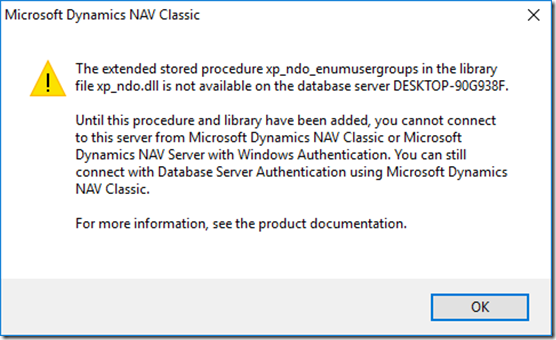
It is more common that we all come across this error some day or the other. There are several blogs demonstrating how to resolve this error. You can find one in the link below
But even after doing the setup I ran into the following

The reason behind it was that there exists two xp_ndo dll’s that are named xp_ndo and xp_ndo_x64. One should use xp_ndo_x64 for the 64 bit. So, I changed the reference in the stored procedure to xp_ndo_x64 but still encountered the same error. The solution is to always have the reference say xp_ndo. Therefore, I renamed xp_ndo to xp_ndo_x32 and xp_ndo_x64 to xp_ndo, and then I changed the reference in the stored procedure back to xp_ndo.
If you have any other tips or suggestions to resolve this error, please do share them in the comments below.
*This post is locked for comments