






How to refresh Data entity list in Dynamics 365?
Views (10668)
 Mahmoud Hakim
 17,887
 Like
Like Share
Share
 Report
after updating our environment to update 15, I face the below error when export data by using data entity
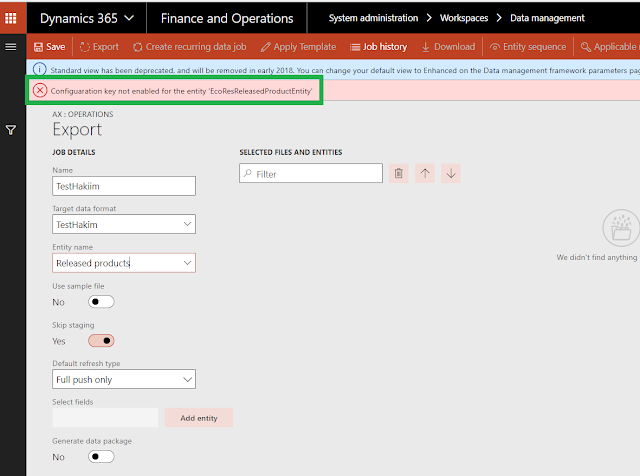

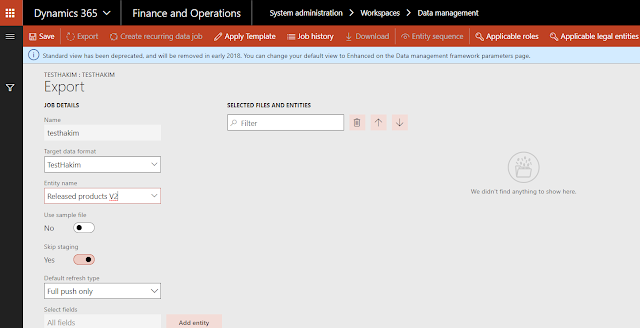
"Configuaration key not enabled for the entity '####Entity' "

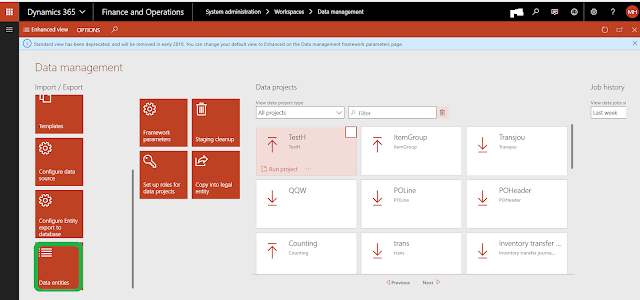
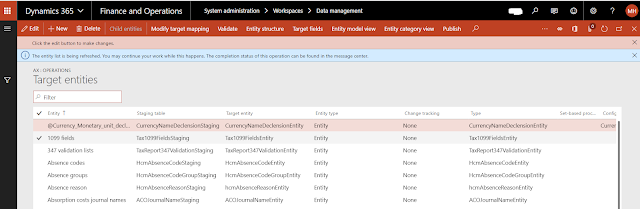
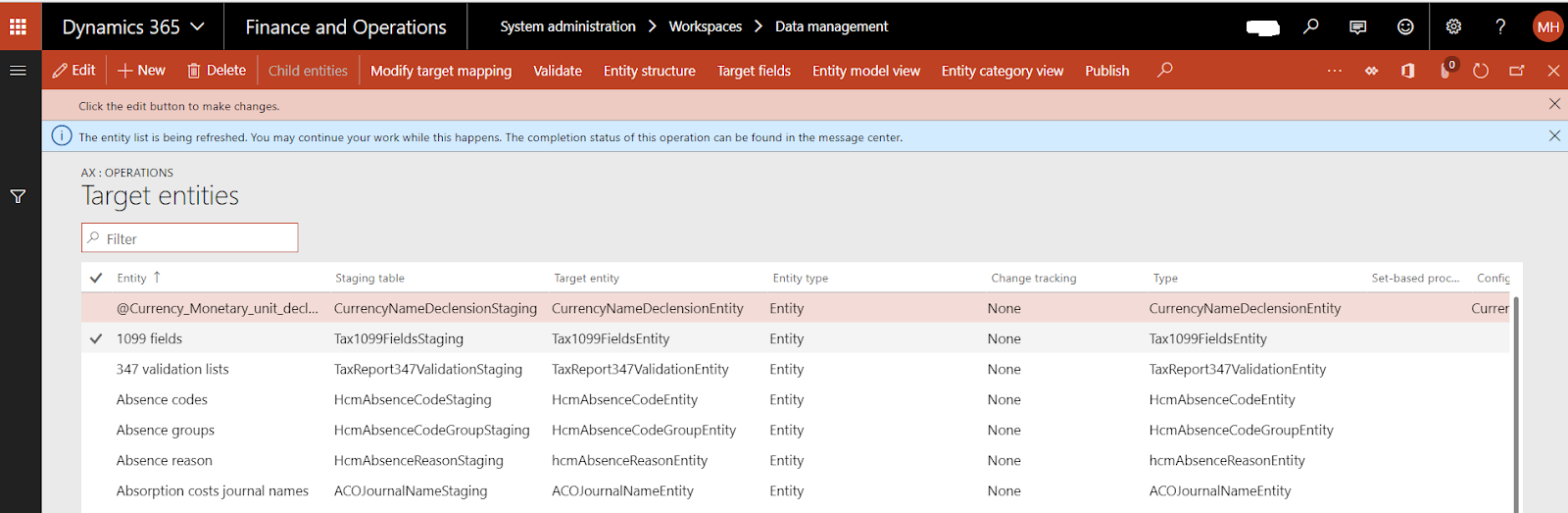
when I check the data entities

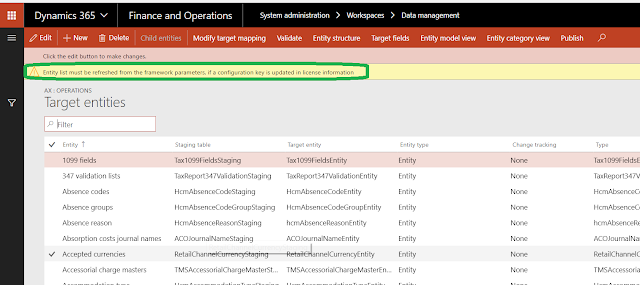
I see the below warning
"entity list must be refreshed from the framework parameters ..etc"

To solve the above error and avoid the warning
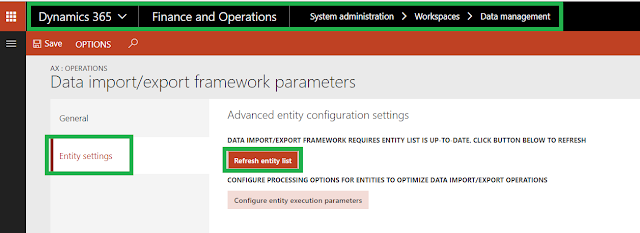
just go to framework parameters

and click the entity setting tab
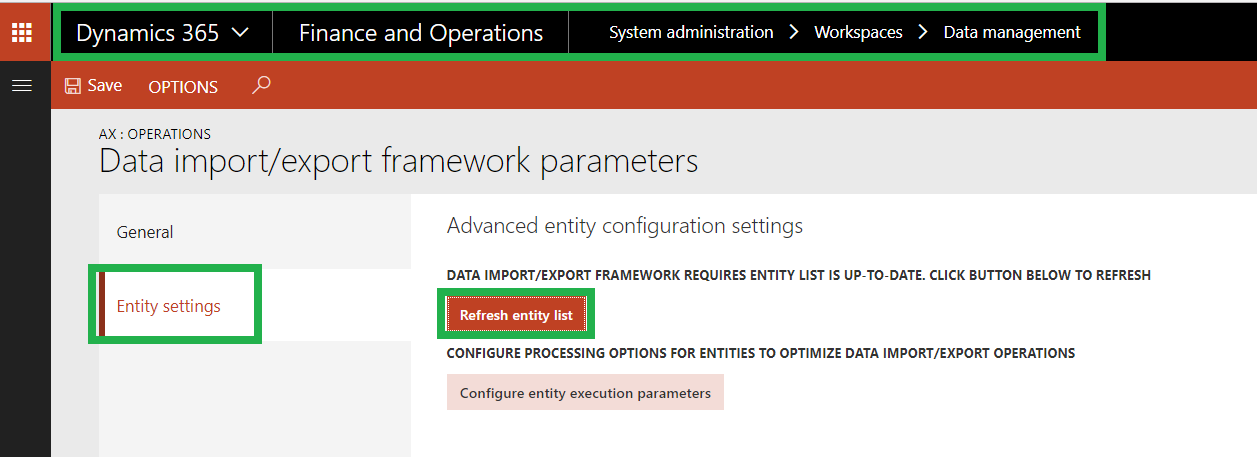
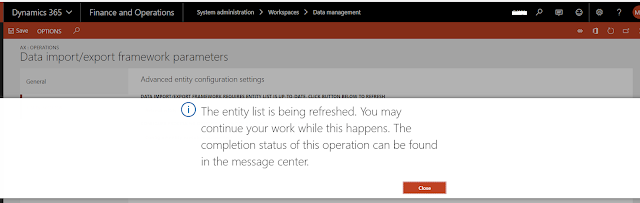
click Refresh entity list and wait until refresh complete

if you back to export again
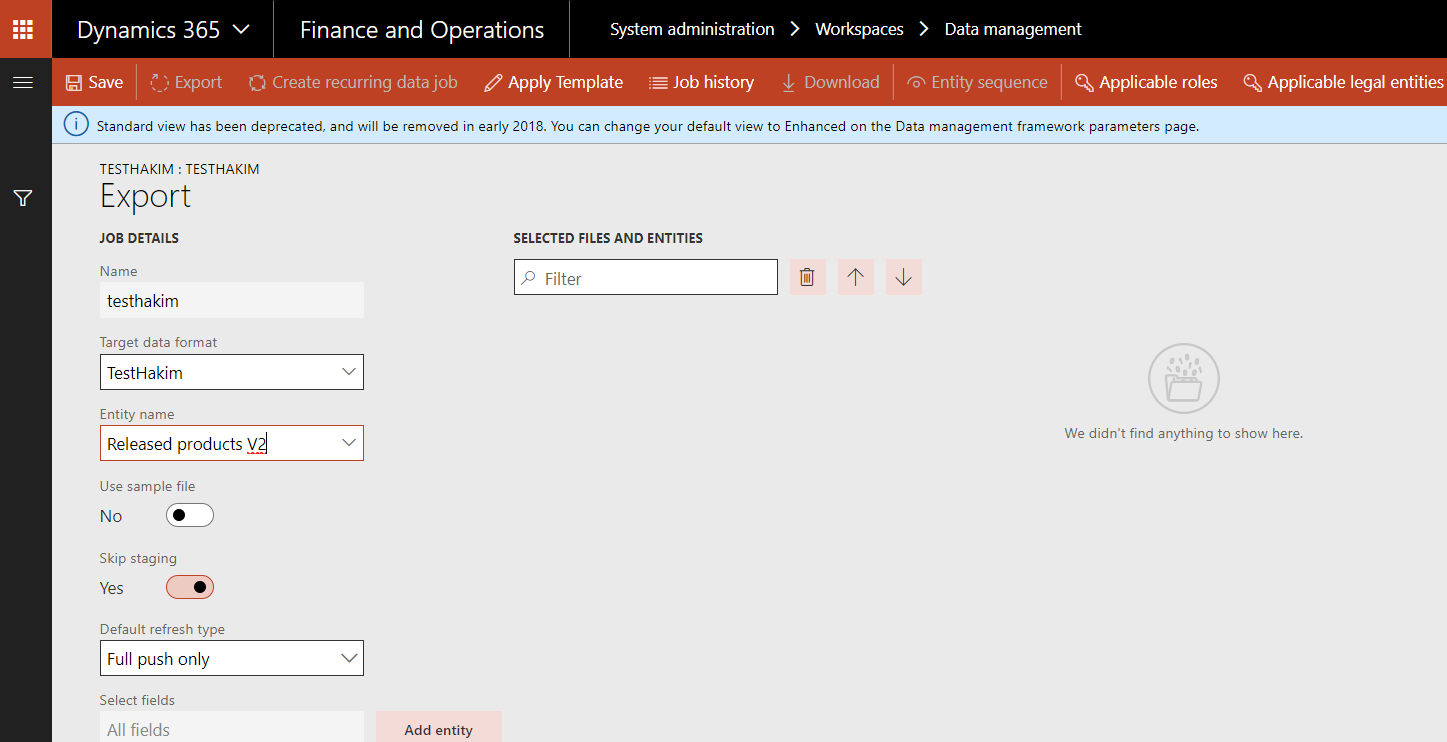
no error found and no waring in data entities list
Thanks.
This was originally posted here.
*This post is locked for comments