




 3,566
3,566 Like
Like Share
Share
 Report
In case if you do not want your sales order to be deleted for different reasons, in AX there is a nice feature of marking such sales orders are voided. It enables you to keep tracking missed deals or whatever reason was because these orders will be still in the system and they will not disappear. With this feature you will keep having historical data.
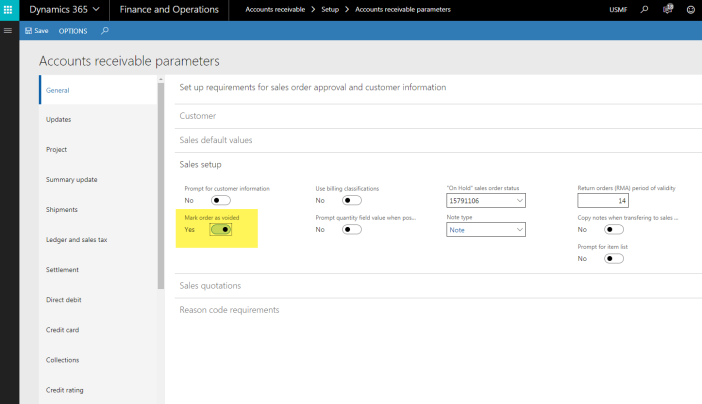
Go to Accounts receivable > Setup > Accounts receivable parameters.
On the General tab, find Mark order as voided flag.
Set Mark order as voided to yes.
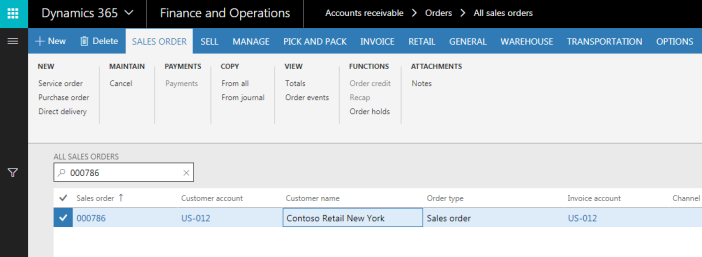
Go to Account receivable > Orders > All orders.
Find any Sales order, highlight it and click Delete button.
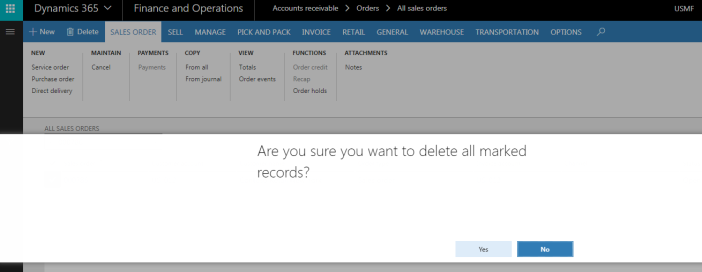
Confirmation dialog will pop up.
Click Yes.
Sales order will disappear from sales order page.
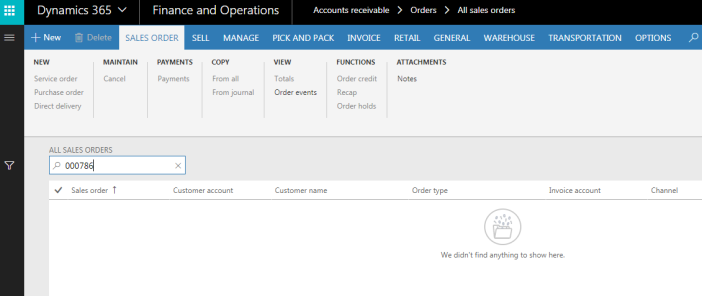
Behind the scene, deleted sales order has been transferred towards the history table. You will be able to find it in the Voided sales orders page.
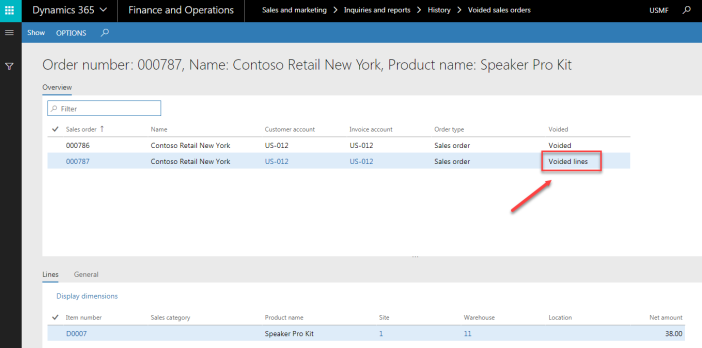
Go to Sales and marketing > Inquiry > History > Voided sales orders.
The Voided field has two options:
- Voided: this value represents the sales order that have been deleted from the header;
- Voided lines: this value represents the sales order lines that have been deleted and the sales order header is not deleted
If you click Show button on the action pane, then you will see all of the history of the sales order that you voided.
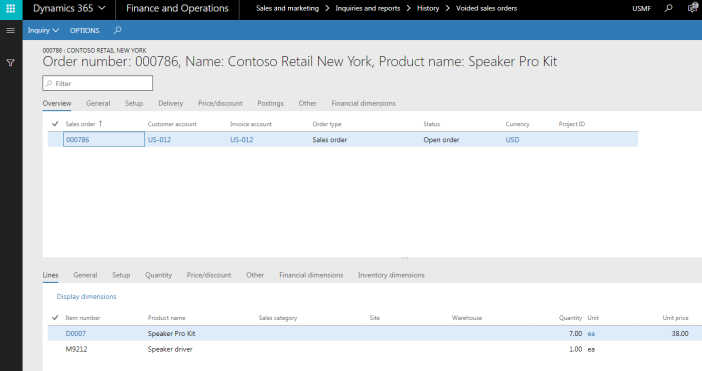
Let’s review how deletion of sales order line work.
Navigate to the sales order, and go into sales order lines section.
Click Remove button.
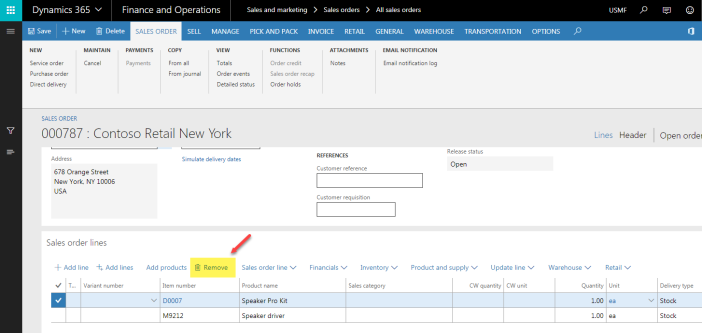
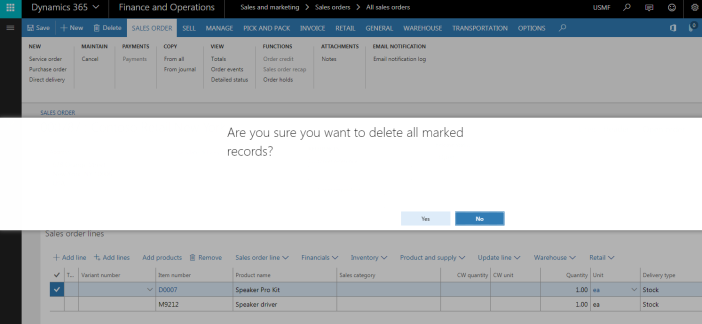
Confirmation dialog will pop up.
Click Yes.
Sales order line will disappear from sales order line page.
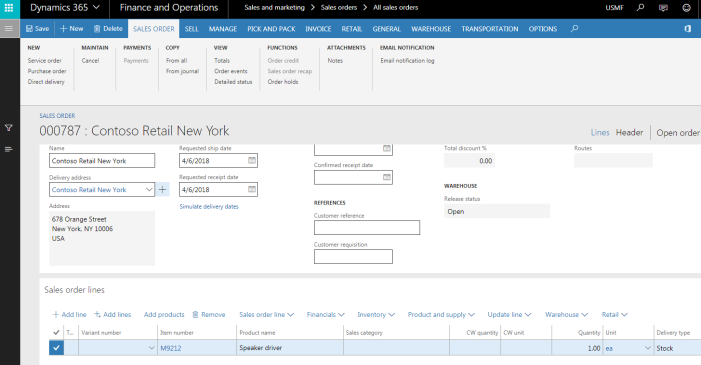
Now, if you go back into Voided sales orders page, you will notice that Voided field has Voided lines value meaning that line was removed from sales order.
As a summary, I would say that we are not getting rid of it. We are still keeping the history. As the result, you can analyze why we placed that order and then cancel it.
*This post is locked for comments