







Can you ignore Auto Declaration property in form extension classes?
Views (599)
 Evaldas
 1,800
1,800
 Like
Like Share
Share
 Report
Hello AX World,
Update February 4th, 2019: Microsoft confirmed that form controls are always auto-declared in the extension classes on a form. It's an old remaining metadata concept that is not completely removed due to possible name duplication, rare case, as far as I remember. It still works the old way on new forms.
Moreover, I have found (by accident) this information:
"You can't modify the AutoDeclaration property on controls. However, you can still access the controls by name from code."
athttps://docs.microsoft.com/en-us/dynamics365/unified-operations/dev-itpro/extensibility/modify-control-properties
---
I just found something crazy. Maybe it's just in the version I am working on, but it's something completely unexpected. Well... at least for me.
... and (spoiler alert) forgot to set Auto Declaration property.
Then, I have created a form extension class and added some logic to the button based on the active record.
Update February 4th, 2019: Microsoft confirmed that form controls are always auto-declared in the extension classes on a form. It's an old remaining metadata concept that is not completely removed due to possible name duplication, rare case, as far as I remember. It still works the old way on new forms.
Moreover, I have found (by accident) this information:
"You can't modify the AutoDeclaration property on controls. However, you can still access the controls by name from code."
athttps://docs.microsoft.com/en-us/dynamics365/unified-operations/dev-itpro/extensibility/modify-control-properties
---
I just found something crazy. Maybe it's just in the version I am working on, but it's something completely unexpected. Well... at least for me.
The version I am working on is 8.0, Platform Update 15 (7.0.4841.35234).
Disclaimer: The story is real; the pictures are made up for demonstration purpose.
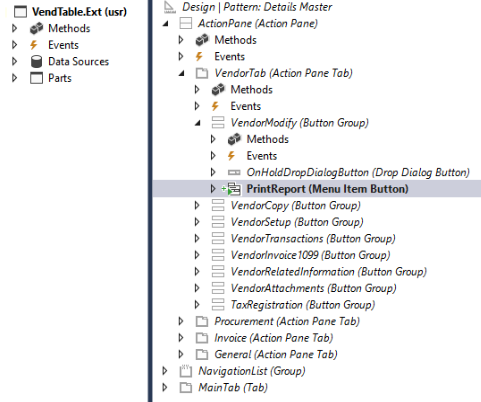
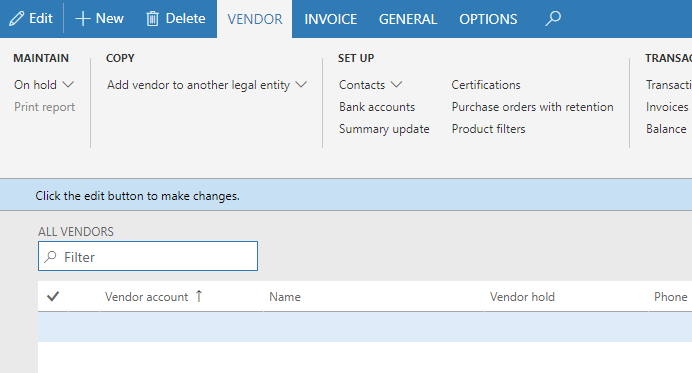
I have added a new button in the action pane of VendTable extension.
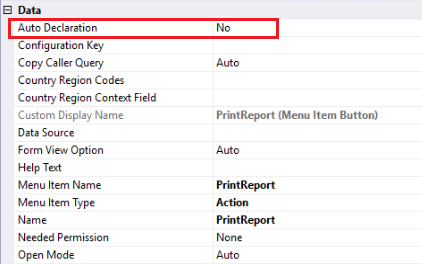
... and (spoiler alert) forgot to set Auto Declaration property.
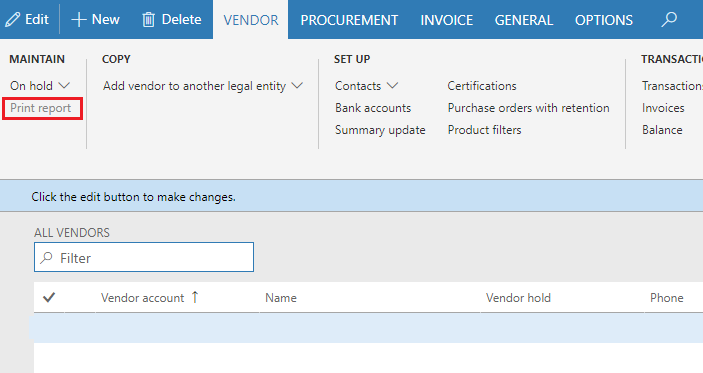
Then, I have created a form extension class and added some logic to the button based on the active record.
1 | [ExtensionOf(formStr(VendTable))] |
Without having a clue about missing the property, I finished coding and built my project. No compilation errors whatsoever.
Launching Dynamics 365 Finance & Operations and testing the button's logic. Everything works!
Soon, I realized what just I did, and that forgot Auto Declaration property on the button.
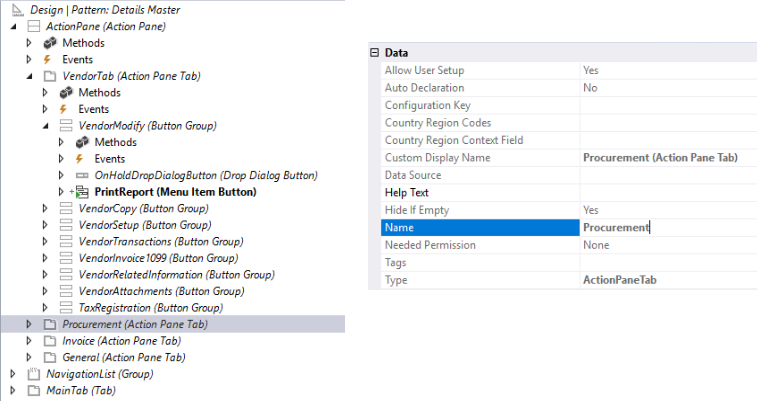
Exited and curious I head to test if it works on standard buttons and controls. Can I make the entire Procurement action pane tab disappear? Auto Declaration property on this tab is set to No, so it's a good candidate.
Let's try!
1 | [ExtensionOf(formStr(VendTable))] |
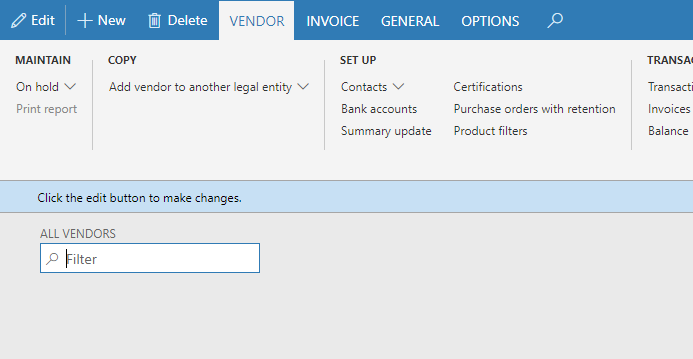
Now let's check the form again. Oh, I am feeling lucky, it's gone.
What about the grid?
No problem!
Buttons, Tabs, Groups and Fields, all is accessible without any problems.
Feels like Auto Declaration is always Yes on the backstage of form extension classes.
I tried to get Auto Declaration property value from code, but it was the same as you can see in the designer.
You can access any standard form element and do whatever you want from the form extension class. Yes, seems line you can ignore Auto Declaration property.
Is it supposed to work this way, or isn't it?.
When a new form is created, Auto Declarations works as intended but not on form extension classes.
I am still not sure if we can use this "feature", but I will.
Be aware and take care!
This was originally posted here.
*This post is locked for comments