







Dynamics 365 Marketing Portal: Understand "Allow Anonymous Registration" field in real LIVE of Event Management Portal
Views (2)
 Aileen Gusni
 44,524
 Like
Like Share
Share
 Report
Hi everyone,
Quick post here is to understand the usage of “Allow Anonymous Registration” field in the Event/Marketing Module and the impact to our Portal
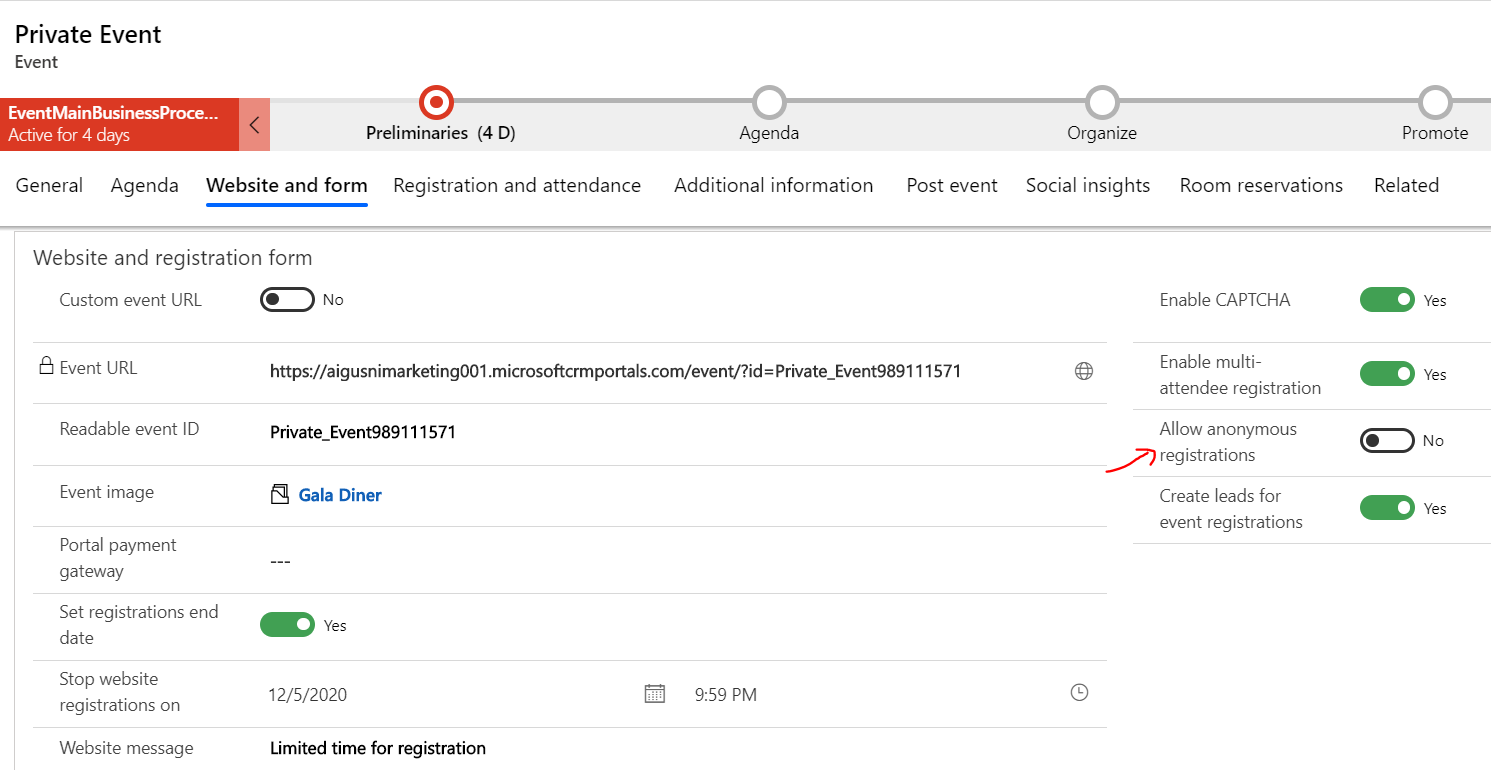
Allow Anonymous Registration == TRUE
- Means you DO NO need to Sign in to register the event
- The registration form is straightaway opened for you and everyone else (unless you have another setup like maximum capacity, expired registration window, wtc)


Allow Anonymous Registration == FALSE
- Means you NEED to Sign in to Register


Hope it helps!
Thanks
This was originally posted here.
*This post is locked for comments