




 6,648
6,648 Like
Like Share
Share
 Report
status, Microsoft Dynamics AX uses Parm tables to store what will be updated.
This allows the user to view and modify what will be updated without affecting
the original order. It also enables the update to be processed by the batch system.
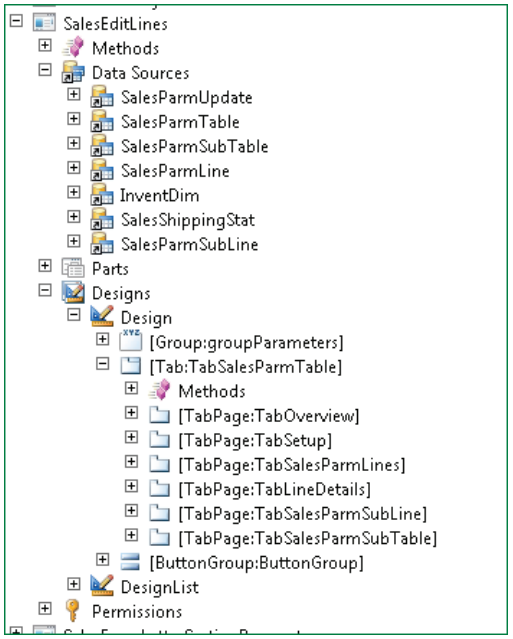
The user can view and edit the Parm tables in the SalesEditLines orPurchEditLines forms. In the previous figure, the SalesParmLine table appears
on the Lines tab, and the SalesParmTable appears on the SalesOrders tab.
To use the Parm tables, a ParmId is created. This is a sequential number taken
from the System ID number sequence set up on the Company Info table. TheParmId ensures the tables are linked correctly using a unique identifier for each
update - one order can be updated multiple times.
The table records are then created using data from the appropriate tables. For
example, PurchParmTable is initialized using data from PurchTable, andPurchParmLine is initialized using data from PurchLine.
Note the use of InitFrom methods on most of these tables.
In the SalesFormLetter.CreateParmLine() method the SalesParmLine record
is set from SalesLine table by use of the SalesParmLine.initFromSalesLine()method.
Best Regards,
Hossein Karimi
*This post is locked for comments