




 3,566
3,566 Like
Like Share
Share
 Report
Sometimes you might see the error message that “Fiscal period for <period> is not open”.

To verify the status of the Fiscal period and change it, if needed, you can go to General ledger > Setup > Ledger > Ledger calendar button.
Find appropriate period and check the Period status. From this form, you are able to change the status to any of three: On hold, Open, Closed.

Note: Do not forget to change the access level for the On hold/Closed period if needed.

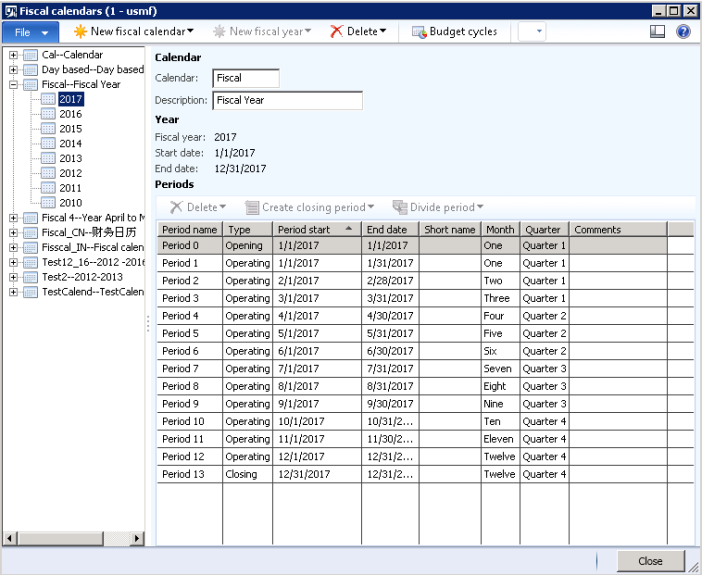
The tricky is that you cannot change the status from Fiscal calendars form itself (General ledger > Setup > Fiscal calendars), because Period status column is invisible.
*This post is locked for comments