







Queue Manager
Views (162)
 Hossein.K
 6,648
6,648
 Like
Like Share
Share
 Report
For adapter-based exchanges, you can use the Microsoft Dynamics AX batch functionality to start and stop the operation of the four services that move messages into and out of the document processing queues. After documents are exchanged, you can monitor the activity of documents in the queues, and edit and resubmit documents that have errors by using the Queue manager form. (ClickSystem administration > Periodic > Services and Application Integration Framework > Queue manager.)
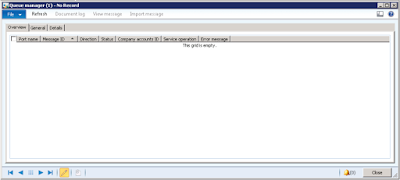
The Queue manager form displays information about messages in the AIF queues, including the following values for the status of the message:
• Ready
• In process (for inbound messages only)
• Hold
• Error
• In transport process (for outbound messages only)
• Malformed XML
If the status for a message is Ready, you can change it to Hold and vice versa.
You can delete or edit a particular message if its status is set to Error or Hold.
Regards,
Hossein Karimi
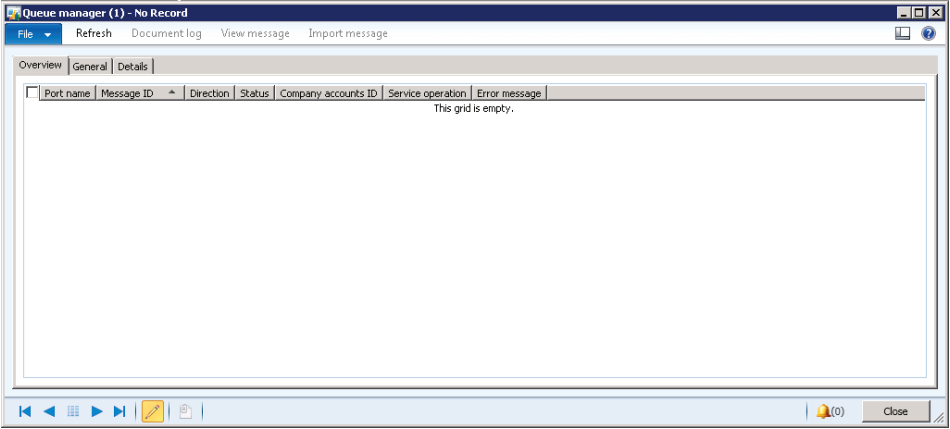
The Queue manager form displays information about messages in the AIF queues, including the following values for the status of the message:
• Ready
• In process (for inbound messages only)
• Hold
• Error
• In transport process (for outbound messages only)
• Malformed XML
If the status for a message is Ready, you can change it to Hold and vice versa.
You can delete or edit a particular message if its status is set to Error or Hold.
Regards,
Hossein Karimi
*This post is locked for comments