







CRM 2013 Form change Footer Color for all forms
Views (1084)
 Mahadeo Matre
 17,021
 Like
Like Share
Share
 Report
Footer before changing color

Footer After Changing Color
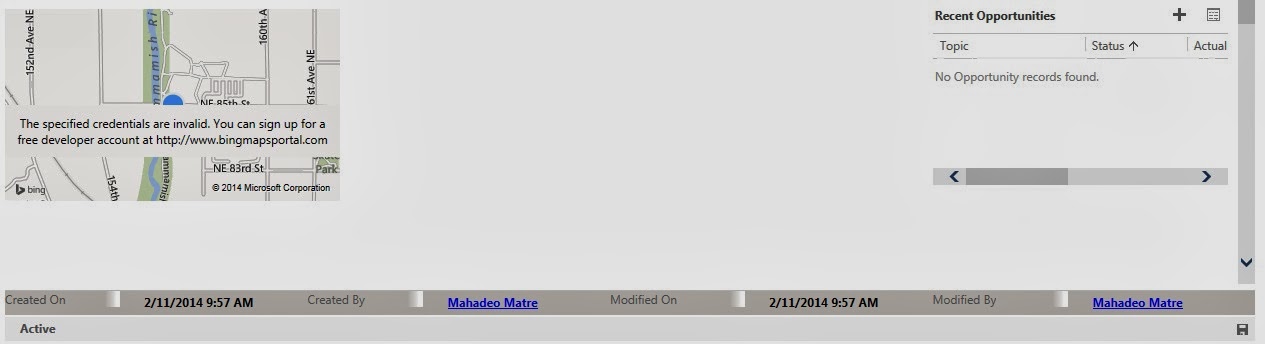
This is unsupported way of MS CRM 2013 customization.
Footer After Changing Color
This is unsupported way of MS CRM 2013 customization.
Steps:
1. Goto C:\Program Files\Microsoft Dynamics CRM\CRMWeb\_forms\styles
2. Make a copy of read.css.aspx file
3. Open read.css.aspx
4. Find TABLE.ms-crm-Form-StandaloneSection section in CSS file.
5. Add
background-color:#D1CBC5;
in TABLE.ms-crm-Form-StandaloneSection
Exiting
TABLE.ms-crm-Form-StandaloneSection
{
table-layout: fixed;
width: 100%;
line-height: 16px;
}
Replace with
TABLE.ms-crm-Form-StandaloneSection
{
table-layout: fixed;
width: 100%;
line-height: 16px;
background-color:#D1CBC5;
}
6. Save file.
7. Clear browser cache
8. Try now.
This was originally posted here.
*This post is locked for comments