Picture this: You get assigned to a BC project with a fair bit of API work. Handover project. No API docs, no Postman collections, nothing. Just the AL project files.
So, you build your own Postman collection from scratch.
Then a second dev joins. They do the same thing.
Then a third.
Everyone's maintaining their own copy. Nobody's in sync. Requests are slightly different across the team. Sound familiar?
If your team stores collections in Azure DevOps or GitHub, there's a simple way to share them through Postman and keep everyone on the same page.
I wrote a step-by-step walkthrough covering:
✔️ How to export a Postman collection properly
✔️ How to structure your repo so it's "Postman-import ready"
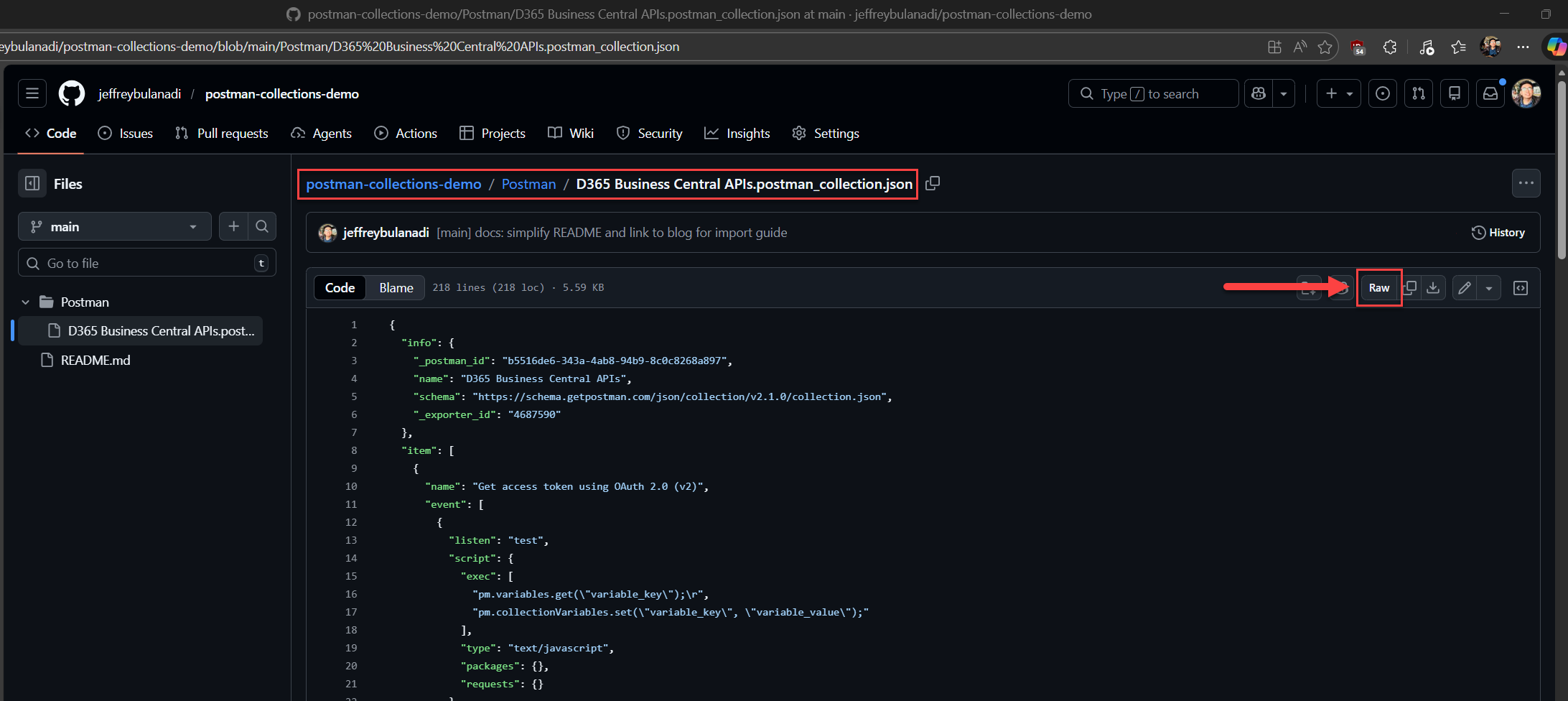
✔️ Import using Raw URLs from GitHub (fastest method)
✔️ Import by downloading the file (works offline)
This is Part 1 of a 3-part series. Part 2 covers connecting GitHub directly to Postman, and Part 3 goes into full CI/CD automation.
How does your team handle sharing API collections? Drop a comment below.
If this helped, share it and spread the word to the Dynamics 365 Business Central community.