







D365FO - Rotate SSL Certificates in Tier 1 environments
Views (1596)
 Faisal Fareed
 10,796
User Group Leader
10,796
User Group Leader
 Like
Like Share
Share
 Report
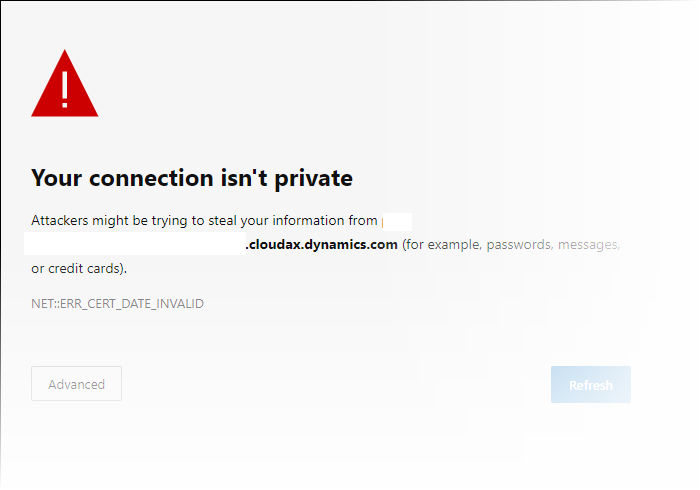
If you face following error all of a sudden when accessing tier 1 environment like I faced, follow next steps in the post to get it working.
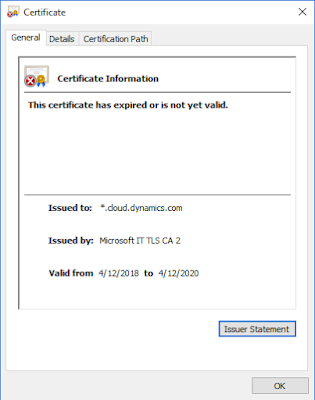
The SSL certificate has been expired and requires renewal
How to renew the certificate? The easiest way is to do through LCS
Refresh environment details page and wait for it to turn to Deployed state and access, it should be fine now.
The SSL certificate has been expired and requires renewal

How to renew the certificate? The easiest way is to do through LCS
Go to Environment details page | Maintain | Rotate secrets | Rotate SSL Certificates
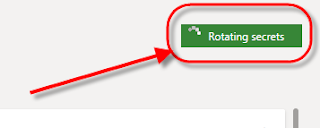
Click OK on next opened screen, environment status changes to Rotating secrets.
Important: This does little bit time so better plan it accordingly.

Refresh environment details page and wait for it to turn to Deployed state and access, it should be fine now.
This was originally posted here.
*This post is locked for comments