






10 Time saving tips for Dynamics GP
Views (39)

 Like
Like Share
Share
 Report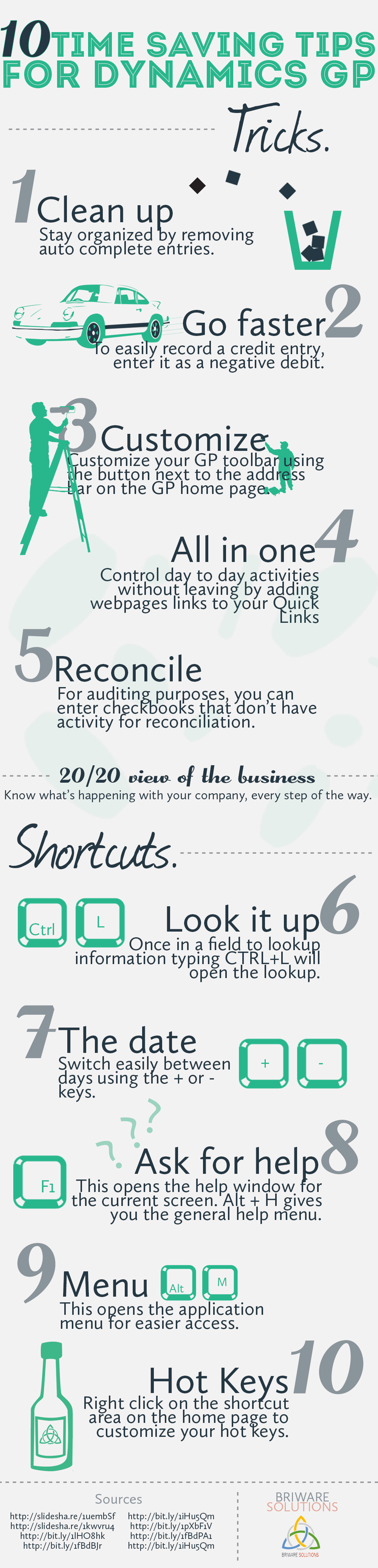
10 Time Saving Tips For Dynamics GP
- Clean Up – Stay organized by removing auto complete entries.
- Go Faster – To easily record a credit entry, enter it as a negative debit.
- Customize – Customize your GP toolbar using the button next to the address bar on the GP home Page
- All in One – Control day to day activities without leaving by adding webpages links to your QuickLInks
- Reconcile – For auditing purposes, you can enter checkbooks that don’t have activity for reconciliation.
- Look it up – Once in a field to lookup information typing CTRL+L will open the lookup.
- The Date Switch Easily Between days using the + or – keys.
- Ask for Help – This opens the help window for current screen. Alt + H gives you the general help menu.
- Menu – This opens the application menu for easier access.
- Hot Keys – Right click on the short cut area on the homepage to customize your hot keys.
About Briware Solutions
Based in the Greater Toronto Area, Briware Solutions provides enterprise level consulting services to growing companies throughout Ontario. With a focus on improving the way Dynamics GP fits into business processes, Briware Solutions services customers in multiple industries including television, utilities, manufacturing, and distribution.
The post 10 Time saving tips for Dynamics GP appeared first on goERPcloud.
*This post is locked for comments