






How to Fix Microsoft Dynamics 365 App for Outlook Add-In Error
Views (6721)
 MagnetismXRM
 6,230
6,230
 Like
Like Share
Share
 Report
Have you ever tried to install the Microsoft Dynamics 365 App for Outlook and were faced with the below error?
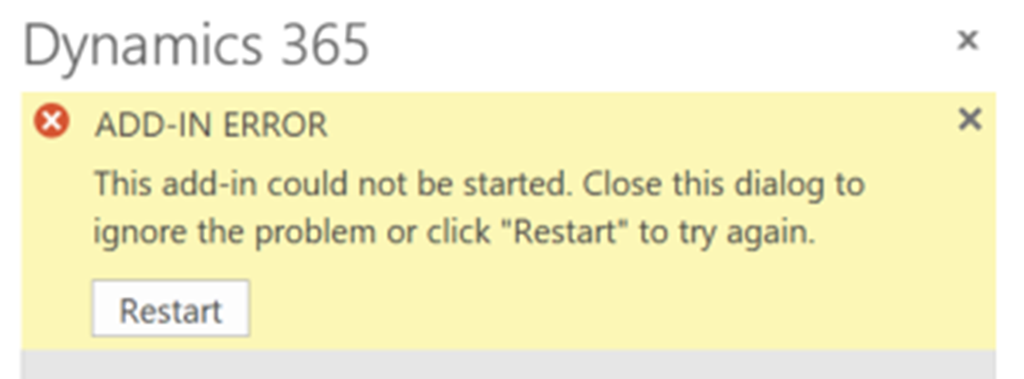
This is not only an un-useful error but does not suggest why this add-in could not start. Never fear, the fix is very simple! This error occurs because of a disabled security feature which the Outlook client requires when an add-in is installed. To enable this security feature do the following:
- Navigate to Internet Options.
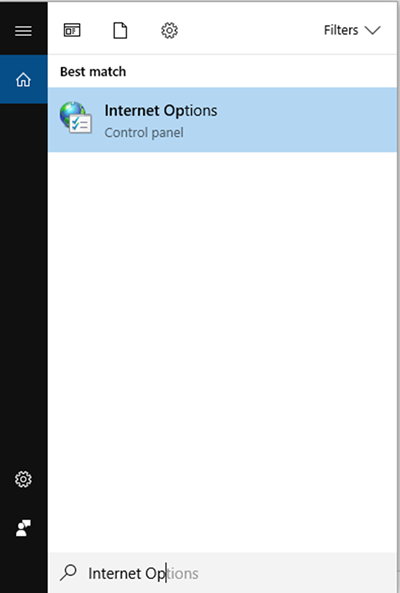
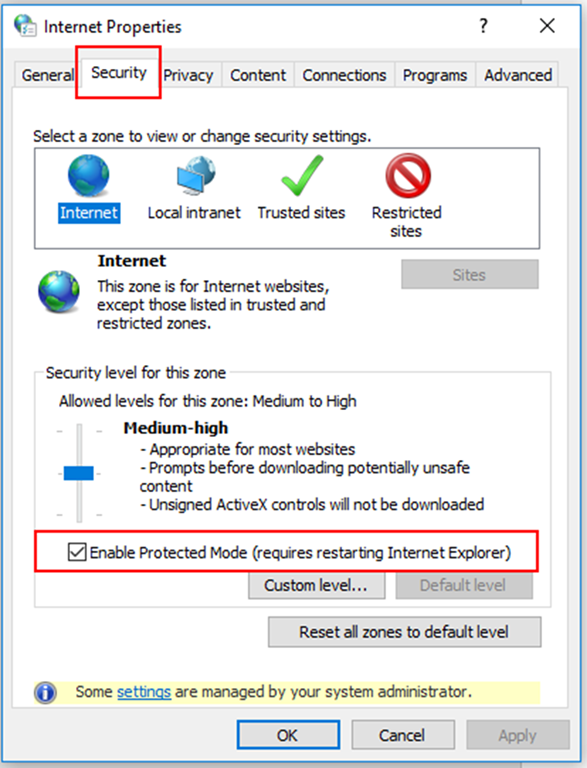
- Navigate to the Security tab and ensure that the ‘Enable Protected Mode’ box is ticked.
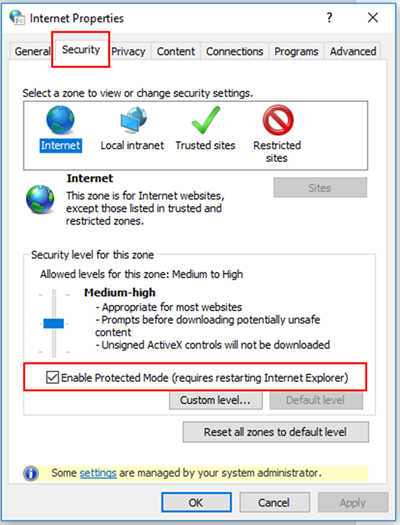
- Press ‘OK’ and close Internet Explorer and Outlook.
- Re-open Outlook and press the ‘Dynamics 365’ add-in.
- You may need to restart your PC before the changes take effect.

There you have it, an easy fix to allow the Dynamics 365 add-in to work on your PC.
*This post is locked for comments