web
You’re offline. This is a read only version of the page.
close
Skip to main content

Announcements

No record found.

News and Announcements icon
Community site session details

Community site session details

Session Id :
Service | Customer Service, Contact Center, Fie...
Suggested Answer

Viewing Multiple Booking calendars on the Field Service mobile app

(1) ShareShare
ReportReport
Posted on by 2
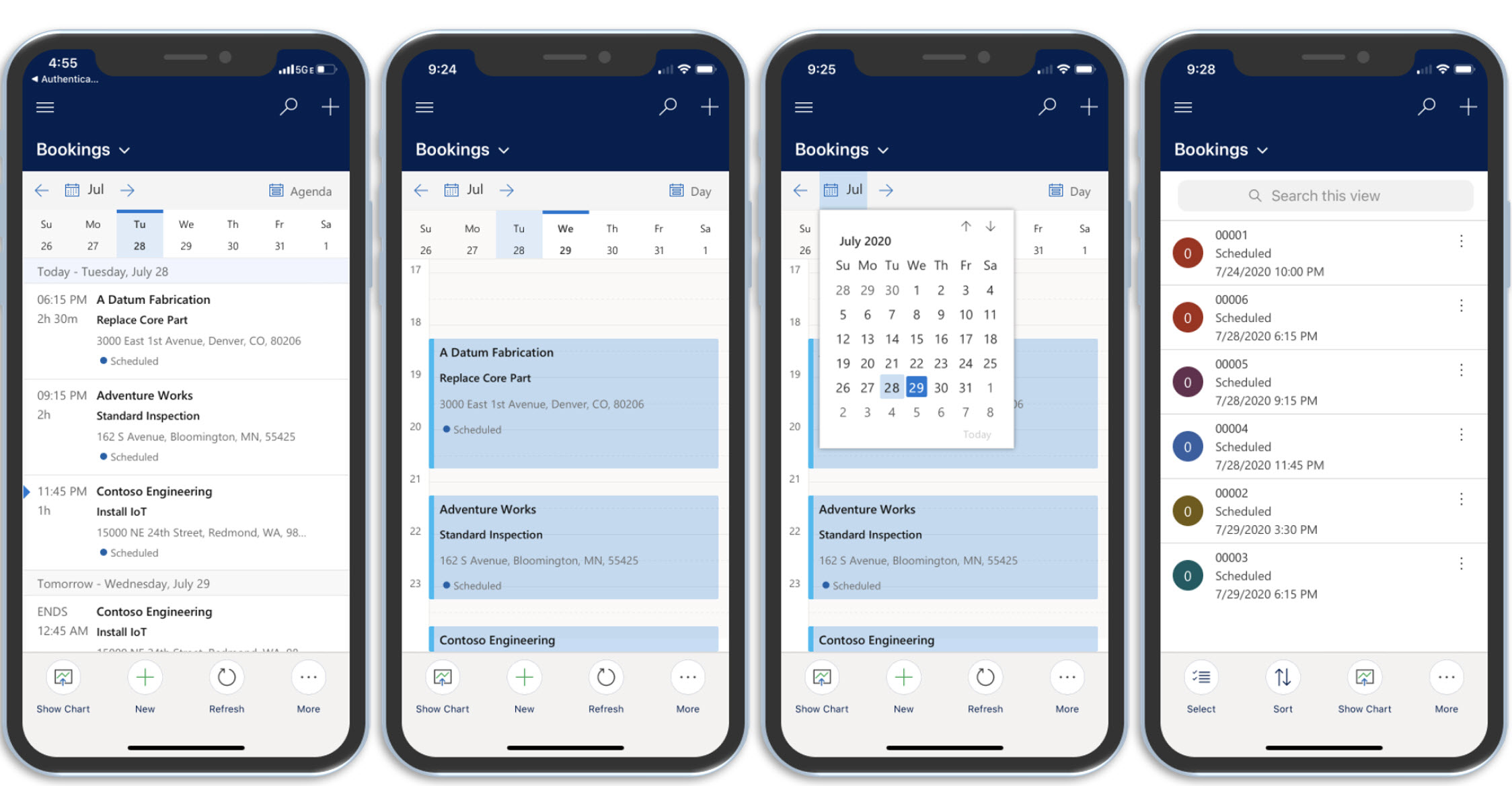
Work with the mobile app (Unified Interface) | Microsoft Learn
 
Is there a way to show multiple bookings from a group of bookable resources on the mobile app Bookings calendar? For example if I had a group of (5) bookable resources/frontline workers, can we show a shared calendar through a filter vs. the personal calendar. Right now it looks like you can only see a personal calendar, not a groups calendar. 
I have the same question (0)
  • Suggested answer
    Tom_Gioielli Profile Picture
    3,084 Super User 2026 Season 1 on at
    The mobile app view is predicated on a couple things:
     
    • A typical Bookable resource is only given permission to see their own bookings through the OOB security role
    • The underlying View being used on the booking called "Bookings" on the Bookable Resource Bookings table
      • This view includes filters on the shown records to only show:
        • Active Bookings
        • Bookings where the Resource is linked to the current user and is Active
        • The Booking's Field Service Status is Completed, In Progress, On Break, or Scheduled
    Screenshot of the "Bookings" system view default filter
     

    With the above being said, you would want to do the following:
    • Make sure your user has permissions to see bookings other than those that they own or that have been shared with them through the default resource assignment process
    • Update the "Bookings" view with new criteria OR add a new view to the Mobile App that includes filter criteria for the underlying bookings that match what you want the user to see
     

Under review

Thank you for your reply! To ensure a great experience for everyone, your content is awaiting approval by our Community Managers. Please check back later.

Helpful resources

Quick Links

Introducing the 2026 Season 1 community Super Users

Congratulations to our 2026 Super Stars!

Congratulations to our 2025 Community Spotlights

Thanks to all of our 2025 Community Spotlight stars!

Leaderboard > Service | Customer Service, Contact Center, Field Service, Guides

#1
11manish Profile Picture

11manish 36

#2
Mallesh Deshapaga Profile Picture

Mallesh Deshapaga 32

#3
ManoVerse Profile Picture

ManoVerse 30 Super User 2026 Season 1

Last 30 days Overall leaderboard

Featured topics

Product updates

Dynamics 365 release plans