web
You’re offline. This is a read only version of the page.
close
Skip to main content

Announcements

News and Announcements icon
Community site session details

Community site session details

Session Id :
Finance | Project Operations, Human Resources, ...
Unanswered

Sales Invoice with custom design in Electronic Reporting

(0) ShareShare
ReportReport
Posted on by 2

Hello, I'm working on Electronic Reporting formats, specifically Sales Invoice. I'm using the standard model, model mapping and format offered by Microsoft's Dataverse. But when I try to print an invoice, it always gives me the first one created in the Table (CustInvoiceJour). Has anyone encountered this problem before? Is there any setup missing, for taking a selected record or any other idea to solve this?

I select the invoice, but I always get the first one, regardless of whether it's an original or using print management.
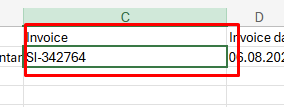
This is my Excel made in electronic reporting, which takes the first record.
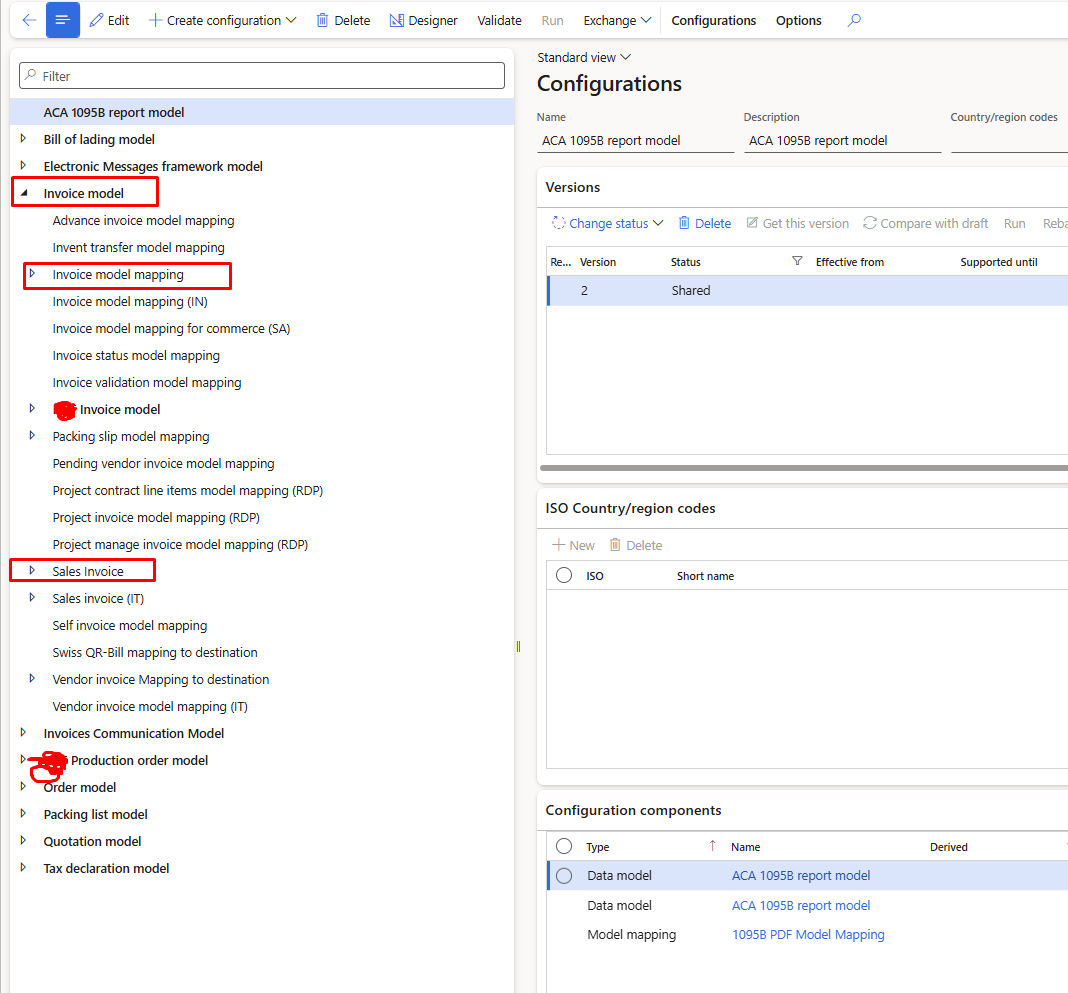
I'm using standard Dataverse, but I don't think it's reading my selected record.

Has anyone encountered this problem and has a solution? Open to any suggestion.

Categories:
I have the same question (0)
  • Deepak Agarwal Profile Picture
    9,261 Super User 2026 Season 2 on at

    Not very sure, but there must be an option to select report design to use as default print. Havent seen that screen recently but was there while working on SSRS. 

  • Adis Profile Picture
    6,868 Super User 2026 Season 2 on at

    Hi,

    This happened to me, because I did a rebase of the format configuration. You can see in the Base column if there are different versions. If so, then you rebased it. I didnt manage to fix it, so I created it again.


    You said you are using the standard configuration, but for all 3 objects, ie model, model mapping and format?

    If you are using the standard configuration, could you please double check if the standard configuration is set up in the print management setup?


    If this helped, please mark it as "Verified" for others facing the same issue

    Keep in mind that it is possible to mark more than one answer as verified


Under review

Thank you for your reply! To ensure a great experience for everyone, your content is awaiting approval by our Community Managers. Please check back later.

Helpful resources

Quick Links

Season of Sharing Community Challenge Winners!

Congratulations to our community stars!

Women in Power Builds Momentum

Expanding mentorship, skilling, and AI innovation

Congratulations to the July Top 10 Community Leaders

These are the community rock stars!

Leaderboard > Finance | Project Operations, Human Resources, AX, GP, SL

#1
SajeedMullaji Profile Picture

SajeedMullaji 419

#2
André Arnaud de Calavon Profile Picture

André Arnaud de Cal... 271 Super User 2026 Season 2

#2
Martin Dráb Profile Picture

Martin Dráb 271 Most Valuable Professional

Last 30 days Overall leaderboard

Product updates

Dynamics 365 release plans
