web
You’re offline. This is a read only version of the page.
close
Skip to main content

Notifications

Announcements

No record found.

Community site session details

Community site session details

Session Id :
Customer experience | Sales, Customer Insights,...
Answered

Show/Hide Tab - Lookup Value - Always hidden

(0) ShareShare
ReportReport
Posted on by

Hi,

I've tried many things but i can't seem to work it out. Searched far and wide on this forum and found many posts but none of them anwser my question:

I want to Hide a tab based on a lookup value. This code below does work, as in, it hides the tab. However: it ALWAYS hide the tab. I've tried matching on the name field, ID field. I've tried single quotations, double .... 

Yes: i know this code if faulty since it will break if the lookup is empty, hence it needs second If statement validating the lookup actually has a value. Please disregard that error and hopefully someone can point out the error:

function HideContractenTabOnLoad(executionContext)

{
var formContext = executionContext.getFormContext();
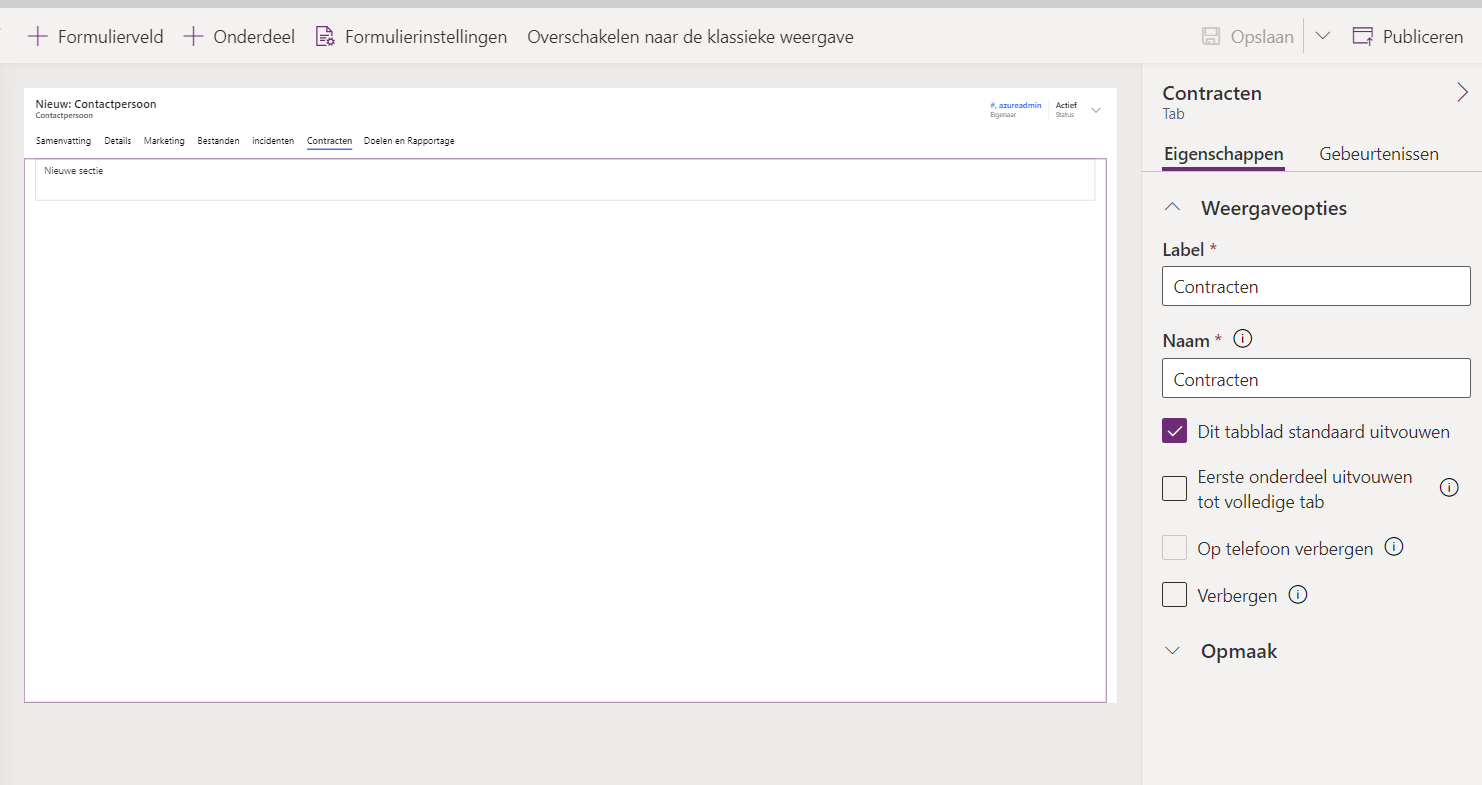
var tabObj = formContext.ui.tabs.get("Contracten");

if (formContext.getAttribute("icarus_typecontact").getValue()[0].icarus_contacttype == "Deelnemer")
{
tabObj.setVisible(false)
}
}
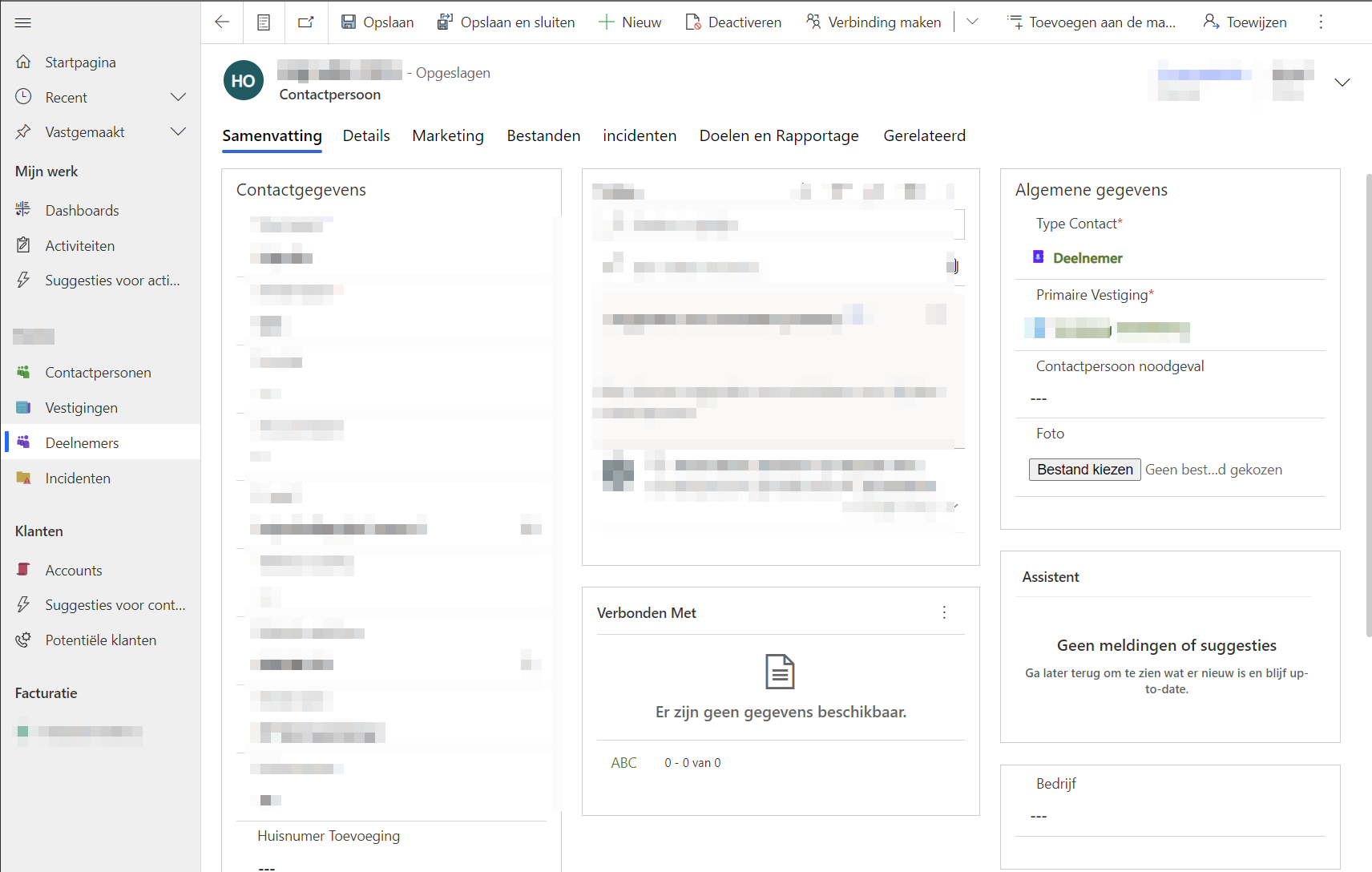
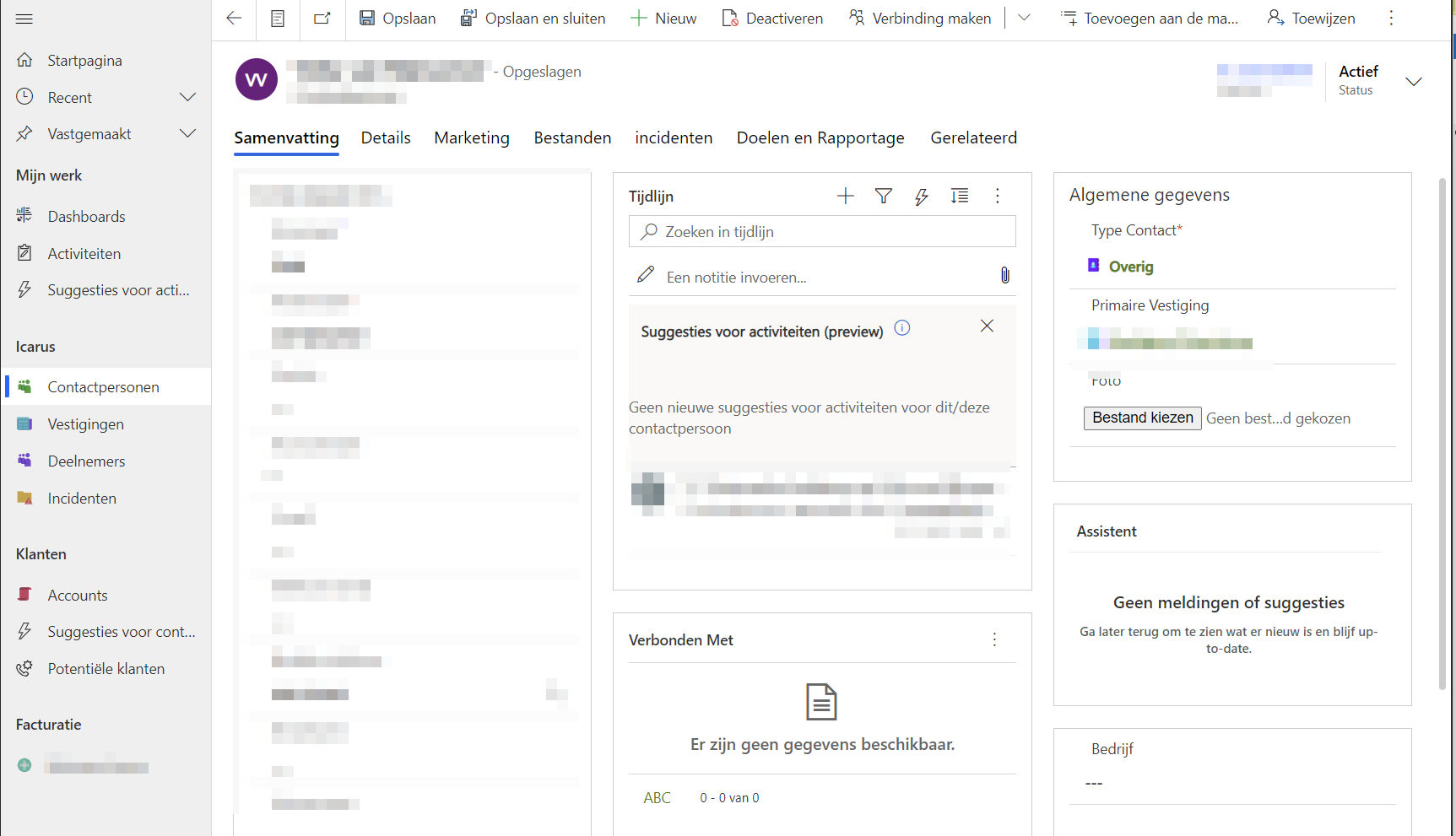
issue-screen-1.png

issue-screen-3.png

issue-screen-2.png

I have the same question (0)
  • Verified answer
    Hicham GRC Profile Picture
    200 on at

    Hi Michel,

    If you're trying to compare the value Deelnemer with the value of the lookup, you can do it this way.

    var lookupObject = Xrm.Page.getAttribute("fieldname"); //get the Lookup Object 
    if (lookupObject != null) { 
    var lookupObjectValues = lookupObject.getValue();//get the Lookup Value 
    if (lookupObjectValues != null) 
    { 
    var Recordid = lookupObjectValues[0].id; //get the Lookup id 
    var RecordName = lookupObjectValues[0].name; //get the Lookup Name 
    var EntitySchemaName = lookupObjectValues[0].entityType; //get the Lookup EntityName 
    } 

    In this example, you will compare "Deelnemer" with the value of RecordName. If this doesn't help, I recommand to debug your javascript code using developers tools (press F12).


    You can refer to this page https://mscrmwithramandeep.home.blog/how-to-debug-javascript-in-dynamics-365-ce/  

    KR, 

    Hicham

  • Verified answer
    Community Member Profile Picture
    on at

    Hi MichelSteen,

    I tested the code you provide and it works fine for me. The following is my test code:

    function HideContractenTabOnLoad(executionContext)
    {
    var formContext = executionContext.getFormContext();
    var tabObj = formContext.ui.tabs.get("Contracten");
    if (formContext.getAttribute("parentaccountid").getValue()[0].name == "Steve")
    {
        tabObj.setVisible(false)
    }
    }

    Result:

    pastedimage1640136388882v1.gif

    Please check the following point:

    1. Please console.log(formContext.getAttribute("icarus_typecontact").getValue()[0.icarus_contacttype) to check whether it equals "Deelnemer".

    2. Please make sure the form is correct.

    3. When you change the lookup value, please refresh the form. If you want to hide the tab when change the lookup value, please add an onchange event.

  • MichelSteen Profile Picture
    on at

    Hi. Thanks for this anwser. I see where my error is now: i've been comparing to the value on the lookup record (icarus_contacttype ), instead of the "name" value on the contact record (which, i should have knows, is that value)

    (nice touch with the image you did there ;)

  • MichelSteen Profile Picture
    on at

    Hi. Thanks for this anwser. I see where my error is now: i've been comparing to the value on the lookup record (icarus_contacttype ), instead of the "name" value on the contact record (which, i should have knows, is that value)

Under review

Thank you for your reply! To ensure a great experience for everyone, your content is awaiting approval by our Community Managers. Please check back later.

Helpful resources

Quick Links

Responsible AI policies

As AI tools become more common, we’re introducing a Responsible AI Use…

Neeraj Kumar – Community Spotlight

We are honored to recognize Neeraj Kumar as our Community Spotlight honoree for…

Leaderboard > Customer experience | Sales, Customer Insights, CRM

#1
Tom_Gioielli Profile Picture

Tom_Gioielli 170 Super User 2025 Season 2

#2
#ManoVerse Profile Picture

#ManoVerse 61

#3
Gerardo Rentería García Profile Picture

Gerardo Rentería Ga... 52 Most Valuable Professional

Last 30 days Overall leaderboard

Product updates

Dynamics 365 release plans