Hi Ami,
1. As per my understanding, does your custom domain means below?(actually subdomain)
xxx.microsoftcrmportals.com,
dinnerby is the custom domain in your situation.
2. Could you share how your error message looks like?

Is it a blank page with error message?
3. What does the automatically created event URL look like? Would it be similar to the link you posted?
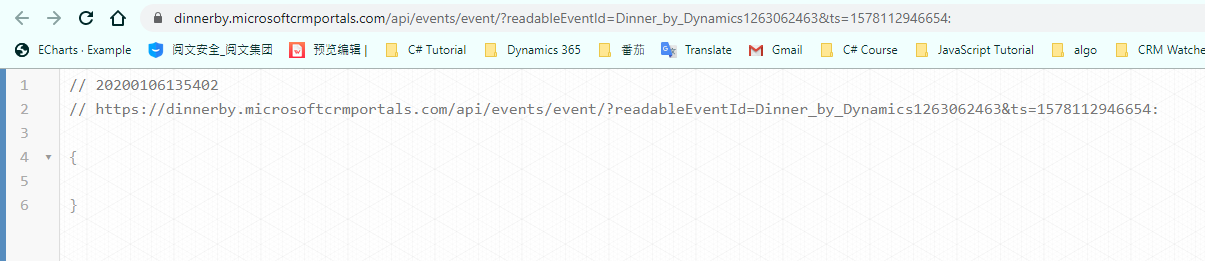
4. I clicked the link you posted, and it shows below:
https://dinnerby.microsoftcrmportals.com/api/events/event/?readableEventId=Dinner_by_Dynamics1263062463&ts=1578112946654:
Is dinner_by_dynamics_sf the event ID?
5. I can open your event portal home page by enter your portal root domain:
https://dinnerby.microsoftcrmportals.com/
and also for a specific event by URL below:
https://dinnerby.microsoftcrmportals.com/event/sessions?id=dinner_by_dynamics_sf
In conclusion,
1. It seems that URL pattern for an event had been changed, please try URL pattern above with other event ID for test.
2. If you could get success from 1, then open your marketing application in admin center and check whether there is update for your current application.
3. Also if you could get success from 1, please change your portal URL to prevent information leak.
Regards,
Clofly







