Hi All,
Thanks in advance for taking out time to go through the below.
We have a use case, where we need to book 3 resources together on a Client session. Resource 1 is to be booked for 90 mins where as both the other resources are to be booked for the first 60 mins of the session.
Client Booking Time - 10 AM - 11:30AM
Resource 1 - 10AM - 11:30 AM
Resource 2 & 3 - 10 AM - 11 AM
We initially thought to use the requirement Group template as it is but it was updating the time on the other reources as well. So basically only one time period can be booked by that.
We added the incident type & Requirement Group template to the Agreement booking Setup. On create of the WO, it generated three requirements for us. Which can be listed as below:
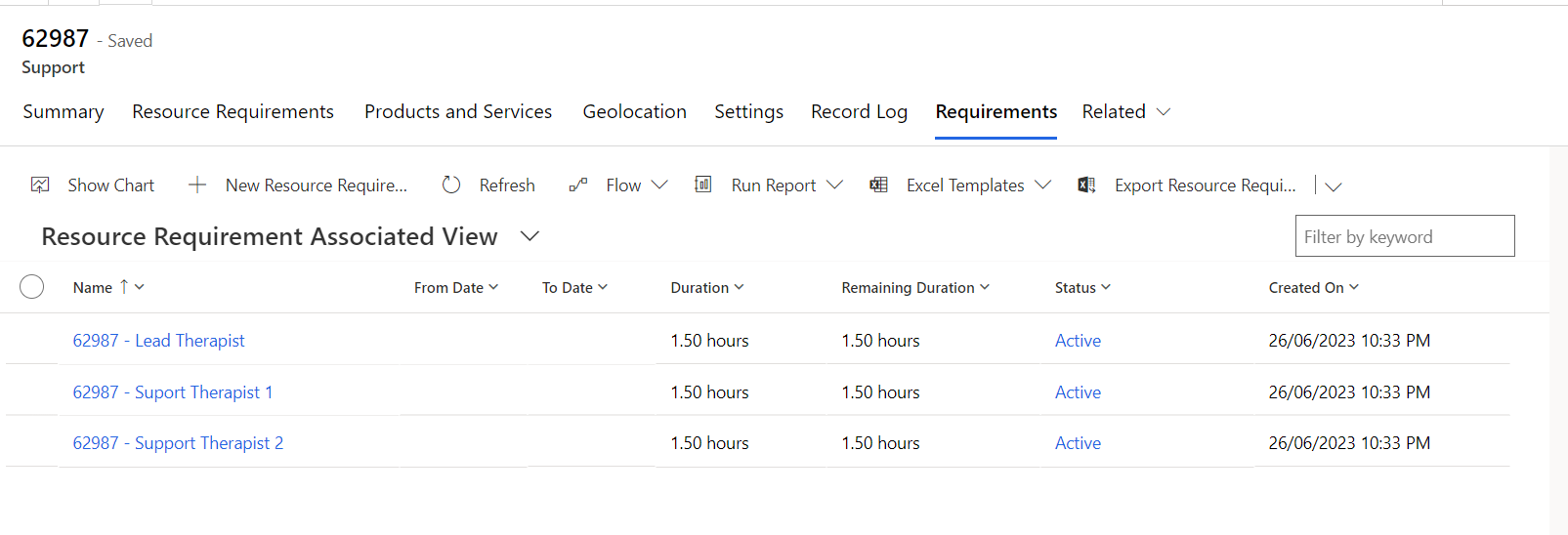
We are able to see these requirements on the Requirement panel of the Schedule Board as well. But the Issue is that, as soon as we drag any one of the requirements on the Board and it get's converted into a booking. The other two requirements disappears by itself.
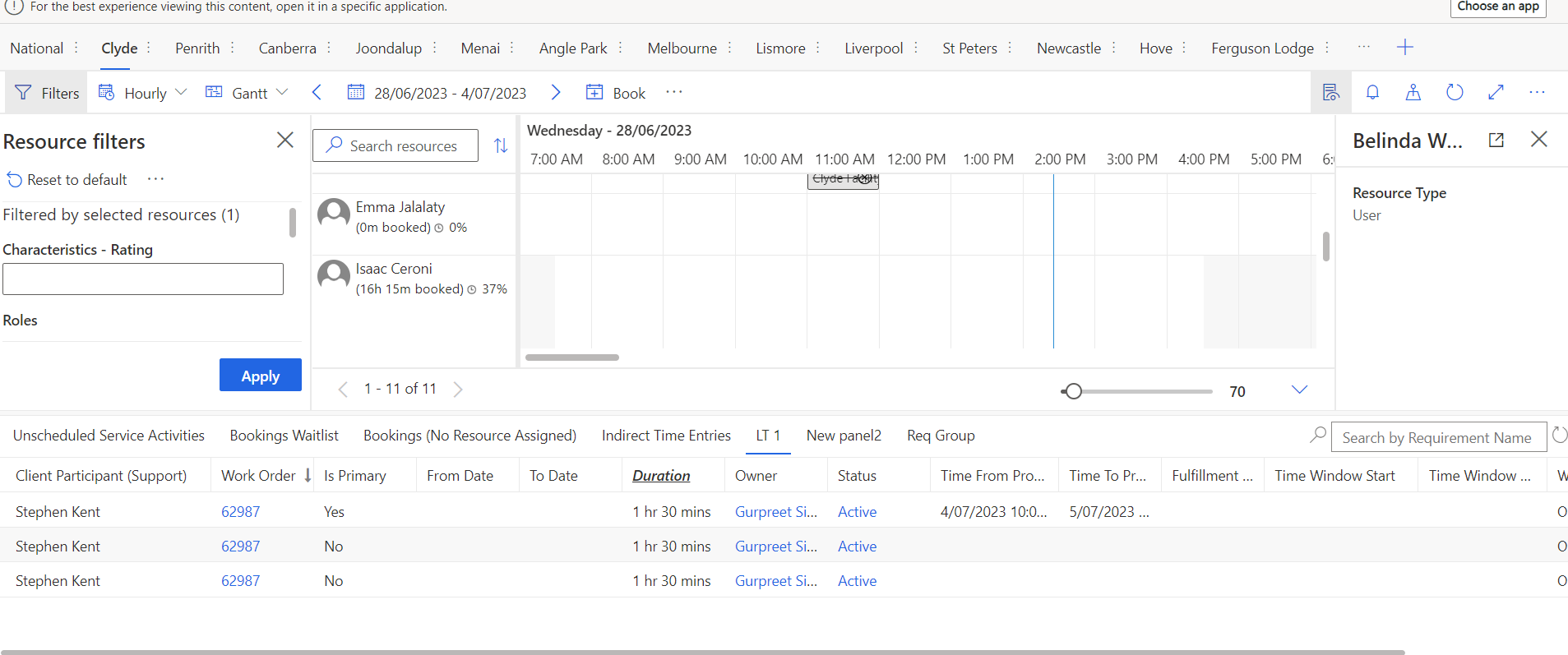
Plotting one of the requirement on the board
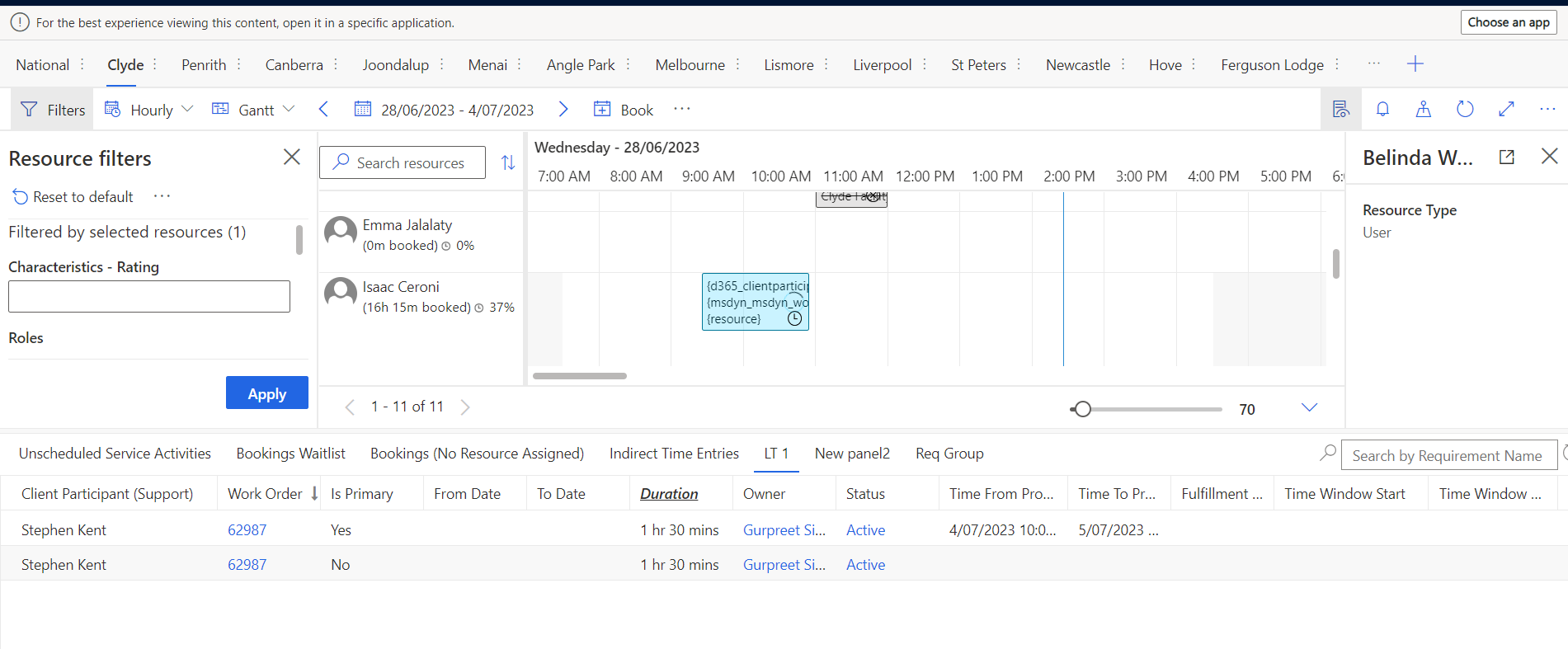
Booking created for one requirement & others got disappeared
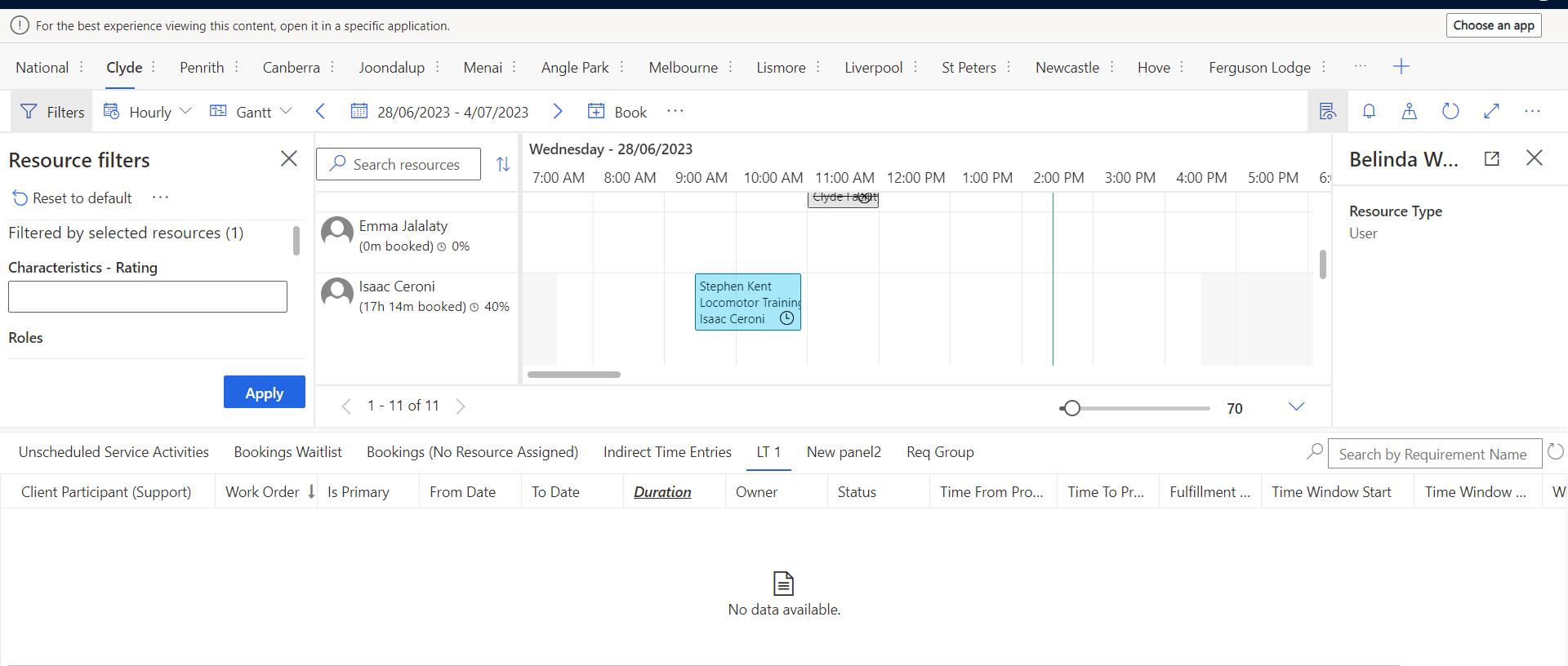
Requirements on WO after creating the Booking - The remaining duration gets updated to 0 for the requirement which gets booked. The rest of the requirements remain the same.
Can any one please help us to understand how this work? Are we doing wrong? Is it the expected behavior? How to book this scenario?
Thanks










 Share
Share Report
 All responses (
 Answers (


 51
51

