Hi bsdaksh/all ,
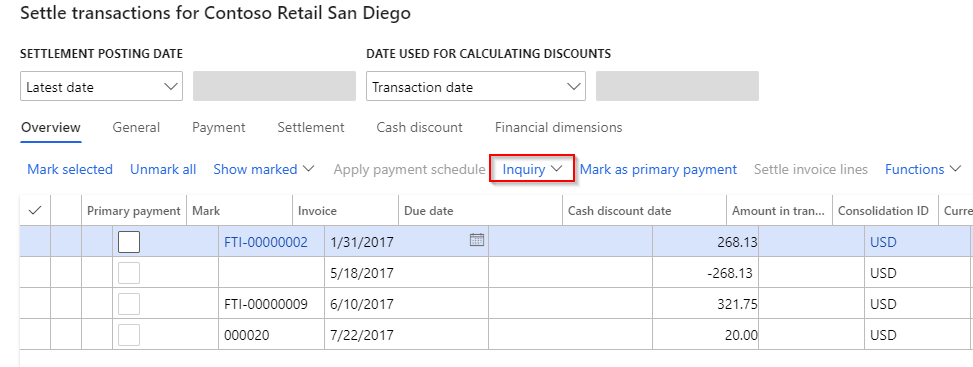
If you've activated the feature and you go to the following forms, you will see the new Inquiry option.
Accounts receivables
Accounts receivable\ all Customers, Select a customer and select the Collect tab at the top.
Select Settle transactions under the settle group and you should be able to see the inquiry button
Accounts payable
All vendors, select a vendor and proceed to the Invoice tab at the top
click on the Settle transaction option and you'll see the Inquiry option
General ledger
In a general ledger with a customer or vendor selected as an account, click on the Function option and choose the select transaction. The inquiry is also visible from here.
There are some more minor changes in labels, but this is the most important.
Brgds,
Eddie.
Kindly mark this thread with 'Yes' if it answered your question and lets spread the knowledge.







