web
You’re offline. This is a read only version of the page.
close
Skip to main content

Announcements

News and Announcements icon
Community site session details

Community site session details

Session Id :
Microsoft Dynamics CRM (Archived)

how to make and modify existing welcome screen and customize in crm 2013 onm-premise?

(0) ShareShare
ReportReport
Posted on by 670

how to make new welcome screen and modify existing welcome screen in crm 2013 on-premise? because i want to change and upload company logo from existing welcome screen .if any one know please help me
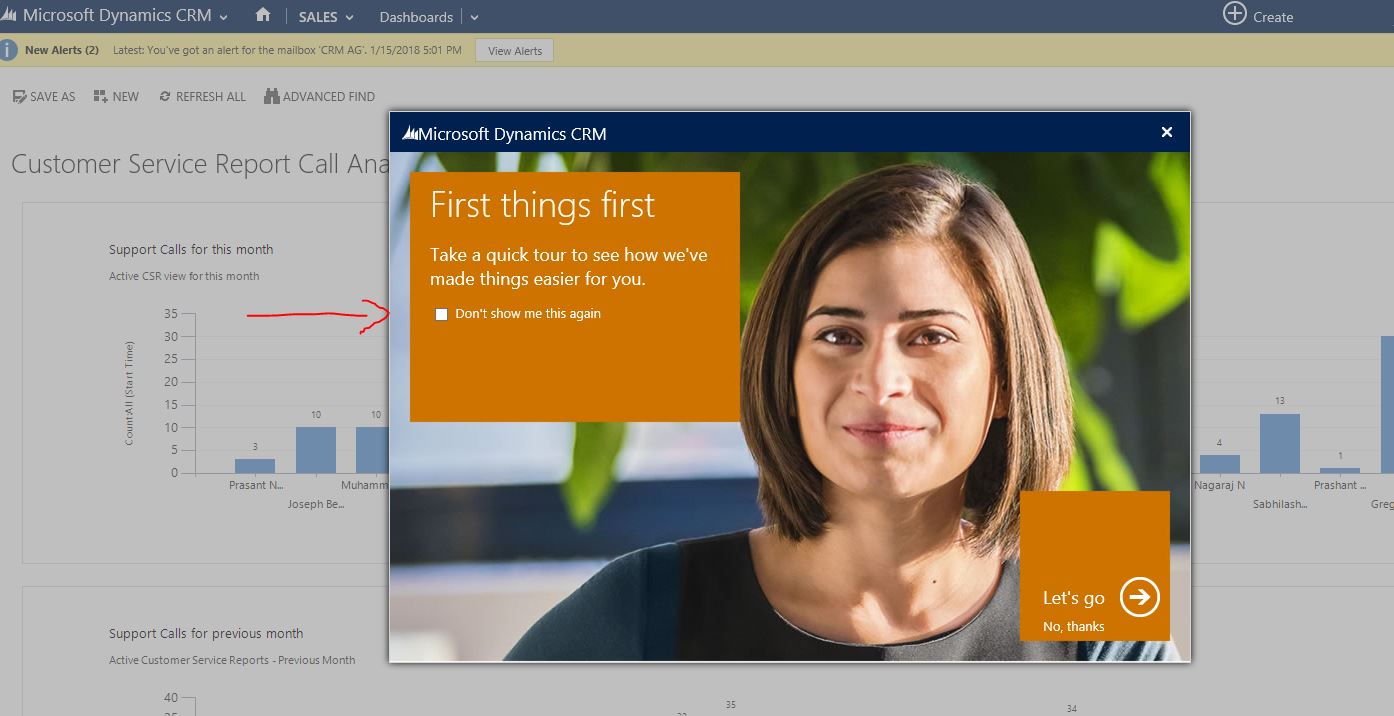
WELCOME-SCREEN-CRM.JPG

*This post is locked for comments

I have the same question (0)
  • Suggested answer
    Karsten Wirl Profile Picture
    4,477 on at

    Hello Sabih.

    As far as I remember, you cannot change the Welcome tour... just diable it.

    Some ideas to customize a welcome screen for your users:

    stackoverflow.com/.../41284265

    Kind regards,

    Karsten

  • ashlega Profile Picture
    34,477 on at

    Since you are on-prem, maybe create a proxy redirect rule for

    dlg_navtour.aspx

    The page is stored on the CRM server in

    \CRMWeb\forms\navtour\dlg_navtour.aspx

    Updating it directly is not recommended though.

    Might also try creating a rewrite rule on the IIS for that page:

    docs.microsoft.com/.../creating-rewrite-rules-for-the-url-rewrite-module

Under review

Thank you for your reply! To ensure a great experience for everyone, your content is awaiting approval by our Community Managers. Please check back later.

Helpful resources

Quick Links

Season of Sharing Community Challenge Launch!

Jump in, show your community spirit, and win prizes!

Women in Power Builds Momentum

Expanding mentorship, skilling, and AI innovation

Congratulations to the May Top 10 Community Leaders

These are the community rock stars!

Leaderboard > 🔒一 Microsoft Dynamics CRM (Archived)

Last 30 days Overall leaderboard

Featured topics

Product updates

Dynamics 365 release plans



