web
You’re offline. This is a read only version of the page.
close
Skip to main content

Announcements

Community site session details

Community site session details

Session Id :
Customer experience | Sales, Customer Insights,...
Suggested Answer

Custom event website on Azure

(0) ShareShare
ReportReport
Posted on by 20

Hello,

I am trying to make a custom event website, but I am having many difficulties. In this case, I am trying to host it on Azure.

I followed the steps in the MS documentation for 'event management web application' and then I followed exactly all the steps in the 'Host your custom event website on Azure' documentation.

When registering the web application, I created a new one in D365 Marketing and put as "Origin" the URL "Primary endpoint" given in the static page creation.

In the environment configuration of the Angular code, I put the Endpoint of the web application in the "apiEndpoint" field (in the place of /HOST/) and the token generated in the field "emApplicationtoken".

After that, I did the build, generated the "self-hosted" folder, and uploaded all the generated files to the $web blob container.

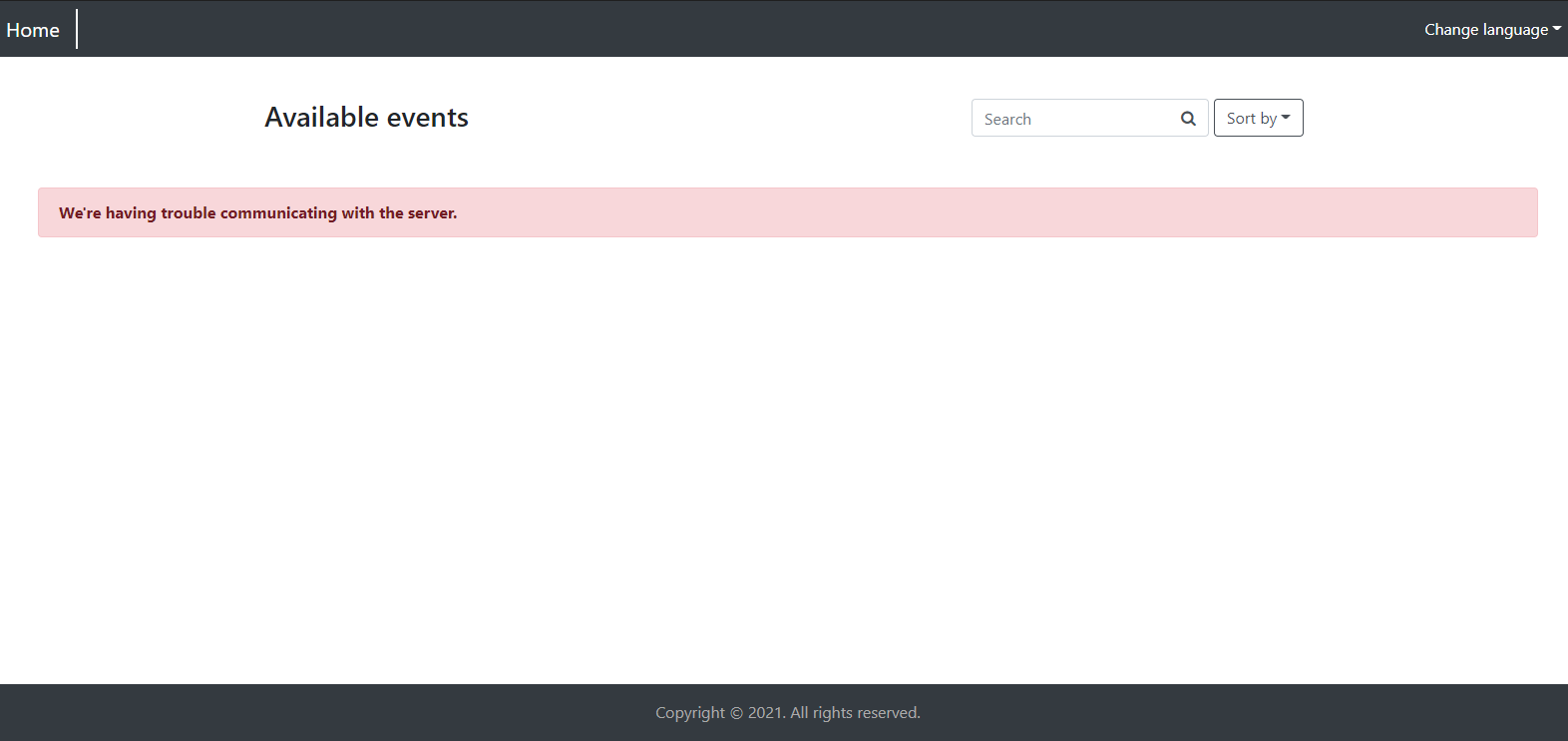
When I logged into the site (Primary endpoint) I got the error "We're having trouble communicating with the server".

Can someone help me?
pastedimage1622754605478v1.png

I have the same question (0)
  • Suggested answer
    Nya Profile Picture
    29,060 on at

    Hi,

    Please refer to the following link to test whether it could solve your problem.

    Power Apps portal hosted custom event website (Dynamics 365 Marketing Developer Guide) | Microsoft Docs


    If this helped you, I'd appreciate it if you'd mark this as a Verified Answer, which may in turn help others as well.

    Best Regards,

    Nya

  • Henrique15 Profile Picture
    20 on at

    Thanks for the answer Nya.

    I tried setting up CORS on the portal, but it didn't work. Actually, I cannot host the site in the Portal because I use a Trial version of D365 Marketing (and in the setup wizard the Web hosting option does not appear).

    As a workaround, I am trying to host the site at an external location and since I have access to Azure, I decided to create this "Storage account -> Static website" to see if I could host the site and make the event site work. But I still have no success and the message "We're having trouble communicating with the server." keeps popping up.

    Do you have any idea to help me, please?

  • Henrique15 Profile Picture
    20 on at

    Hello,

    Keeping trying to do that. I have yet the same error and even with the CORS configured, I'm not be able to see the events on the website.

    Could anyone help me, please?

Under review

Thank you for your reply! To ensure a great experience for everyone, your content is awaiting approval by our Community Managers. Please check back later.

Helpful resources

Quick Links

Introducing the 2026 Season 1 community Super Users

Congratulations to our 2026 Super Stars!

Congratulations to our 2025 Community Spotlights

Thanks to all of our 2025 Community Spotlight stars!

Leaderboard > Customer experience | Sales, Customer Insights, CRM

#1
Tom_Gioielli Profile Picture

Tom_Gioielli 55 Super User 2026 Season 1

#2
Eugen Podkorytov Profile Picture

Eugen Podkorytov 49

#3
Jimmy Passeti Profile Picture

Jimmy Passeti 26 Most Valuable Professional

Last 30 days Overall leaderboard

Product updates

Dynamics 365 release plans
