If its going to be cases then follow the below steps :

Click on New Survey if you dont have one added :

Click on New Project :

Select the Template you want to :
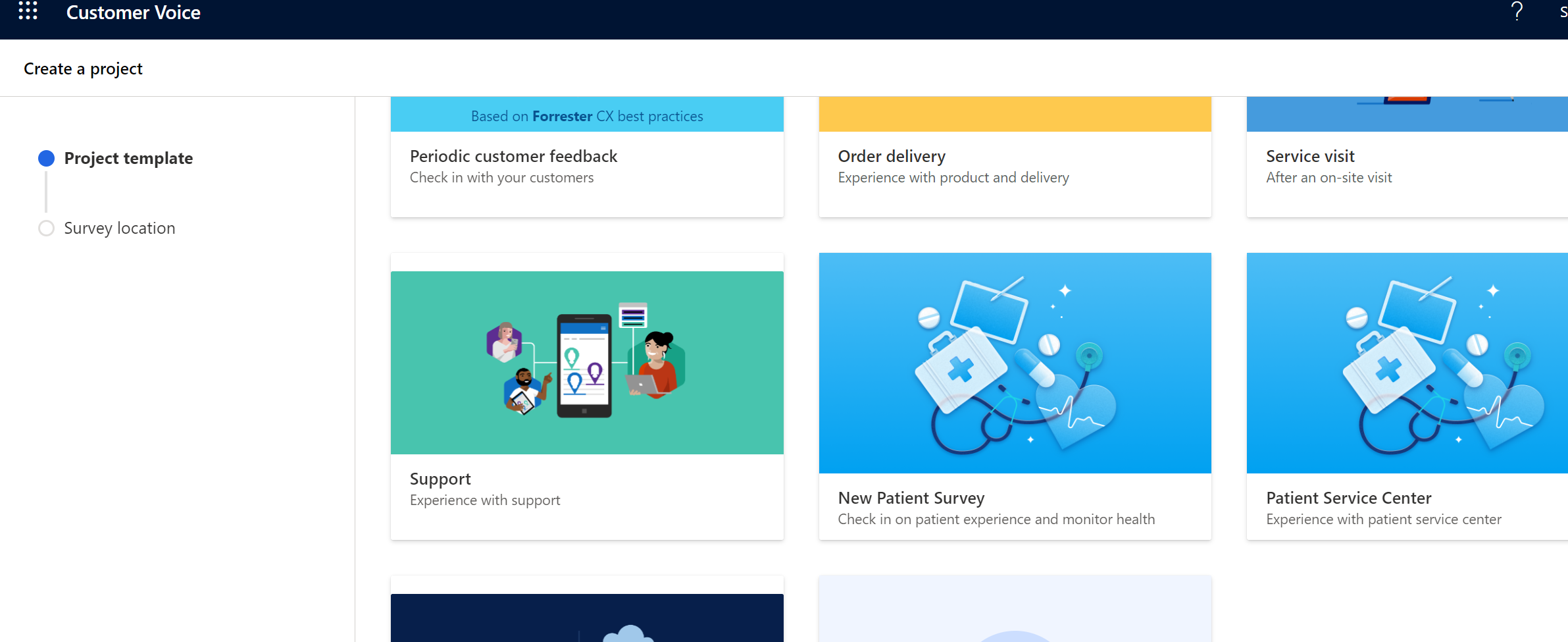
In this case I will select Support :
Select the Environment and click on Create ,
Post that you land on this page :

Click on Send :
and select Automation :

And Select the suitable automation :

In this case I will be selecting send the survey once the case is resolved in CRM

from the above image click on the Dataverse connection and Dynamics 365 Customer Voice connection and login via your admin creds.
Well,
Now its done

You can find your responses and details in the action menu left side :

Thanks!
Please mark verified if this helps.







