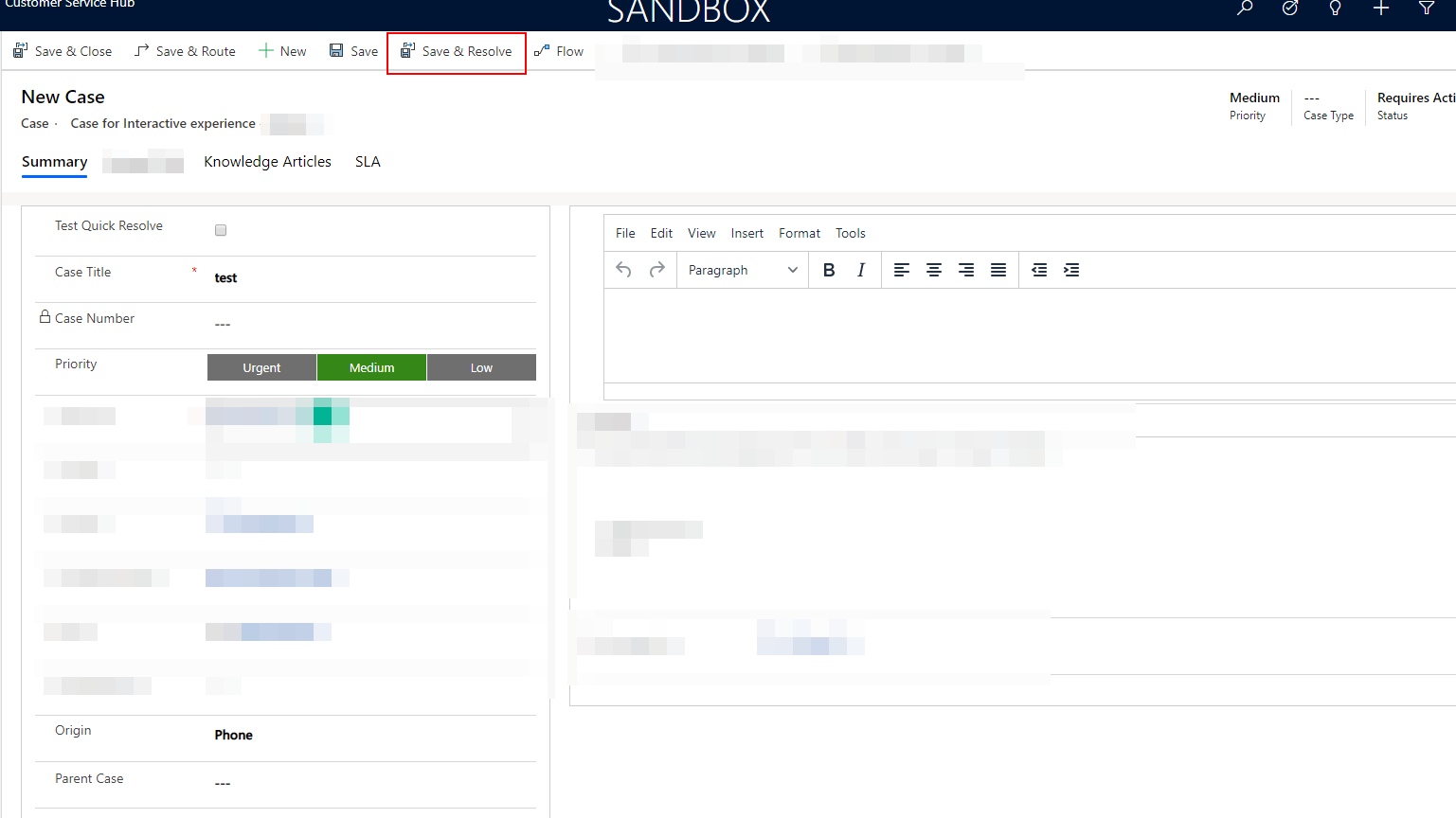
Hi all,
I've been this week trying to put a few easier to use ribbon buttons in cases so that resolving a case can be a quick one click thing. One thing that I'm having trouble figuring out is how would I go about creating a ribbon button that on create of the case allows it to save the case and then immediately grab the saved case's GUID and use it in a CloseIncident function.
This is what I got to so far. Just trying to console.log the case ID to see if I can actually get it as soon as I save the record.
// SAVE AND RESOLVE FUNCTION


   function ribbonSaveAndResolveTrigger (PrimaryItemIds,PrimaryControl,CommandProperties) {
    // Determine the button context. Whether it's in the Form, Home or Subgrid
    var buttonContextArray = CommandProperties.SourceControlId.split("|");
    var buttonContext = buttonContextArray[2];
 //Create the formContext variable based on the button context.
    var formContext;
    if (buttonContext == 'Form') {
        formContext = PrimaryControl;
    } else {
        formContext = PrimaryControl.getFormContext();
    }
    // Trying to save the Case record first so that it will generate a GUID
    formContext.data.entity.save();
    // Then trying to refresh the record
    formContext.data.refresh();
    // Trying to get the GUID and then console.log it.
    var caseId = formContext.data.entity.getId();
    console.log(caseId);
   }
At the moment it won't get the ID at all. Is there a way to do this using javascript or will this have to be a plugin?