web
You’re offline. This is a read only version of the page.
close
Skip to main content

Notifications

Announcements

No record found.

Community site session details

Community site session details

Session Id :
Microsoft Dynamics NAV (Archived)

how to show image in RTC in Nav 2015?

(0) ShareShare
ReportReport
Posted on by

Hi all,

here is Project Management issue to show employee picture when they access through web client.

for this we design my rtc is like this
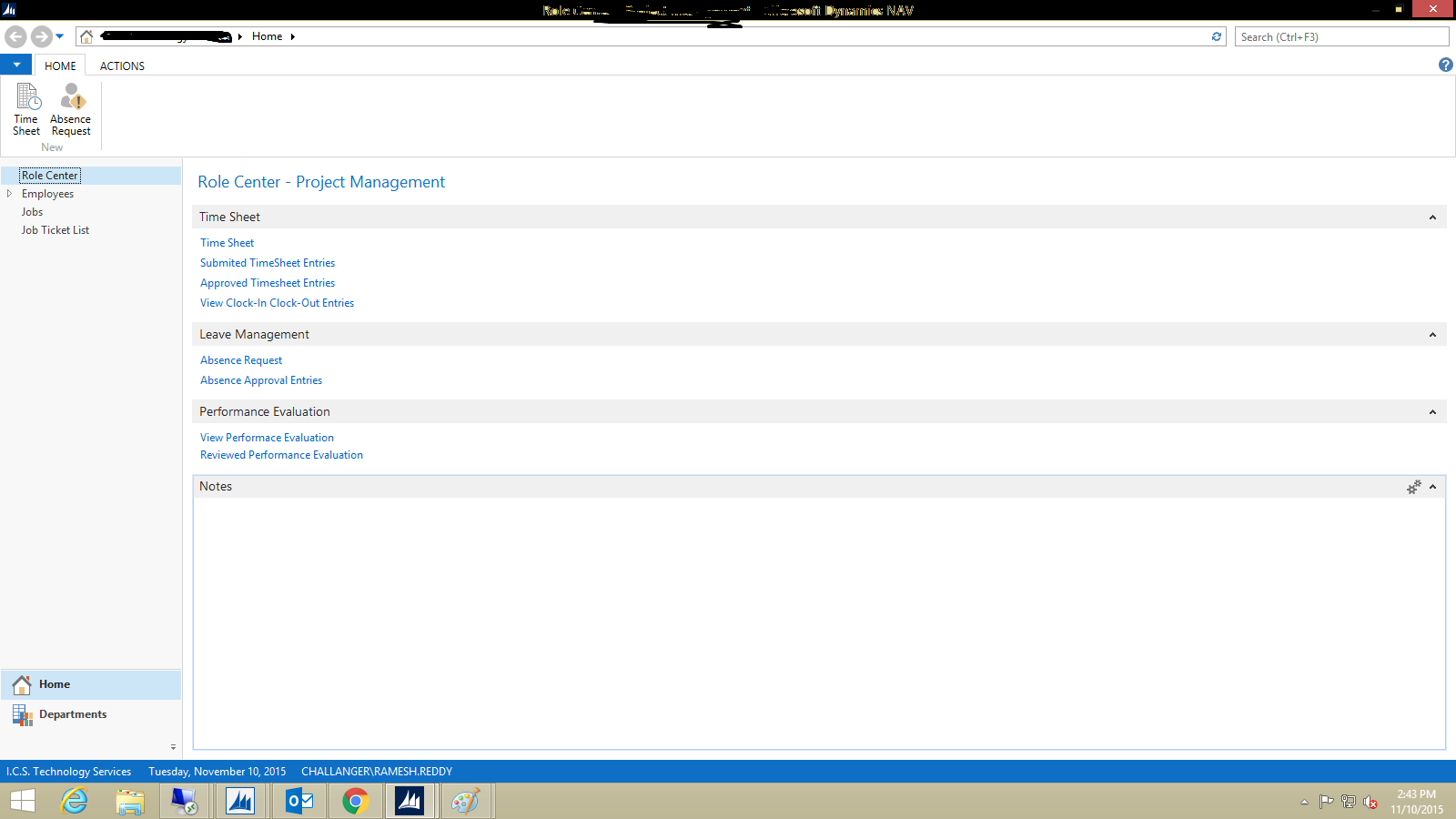
Main.png

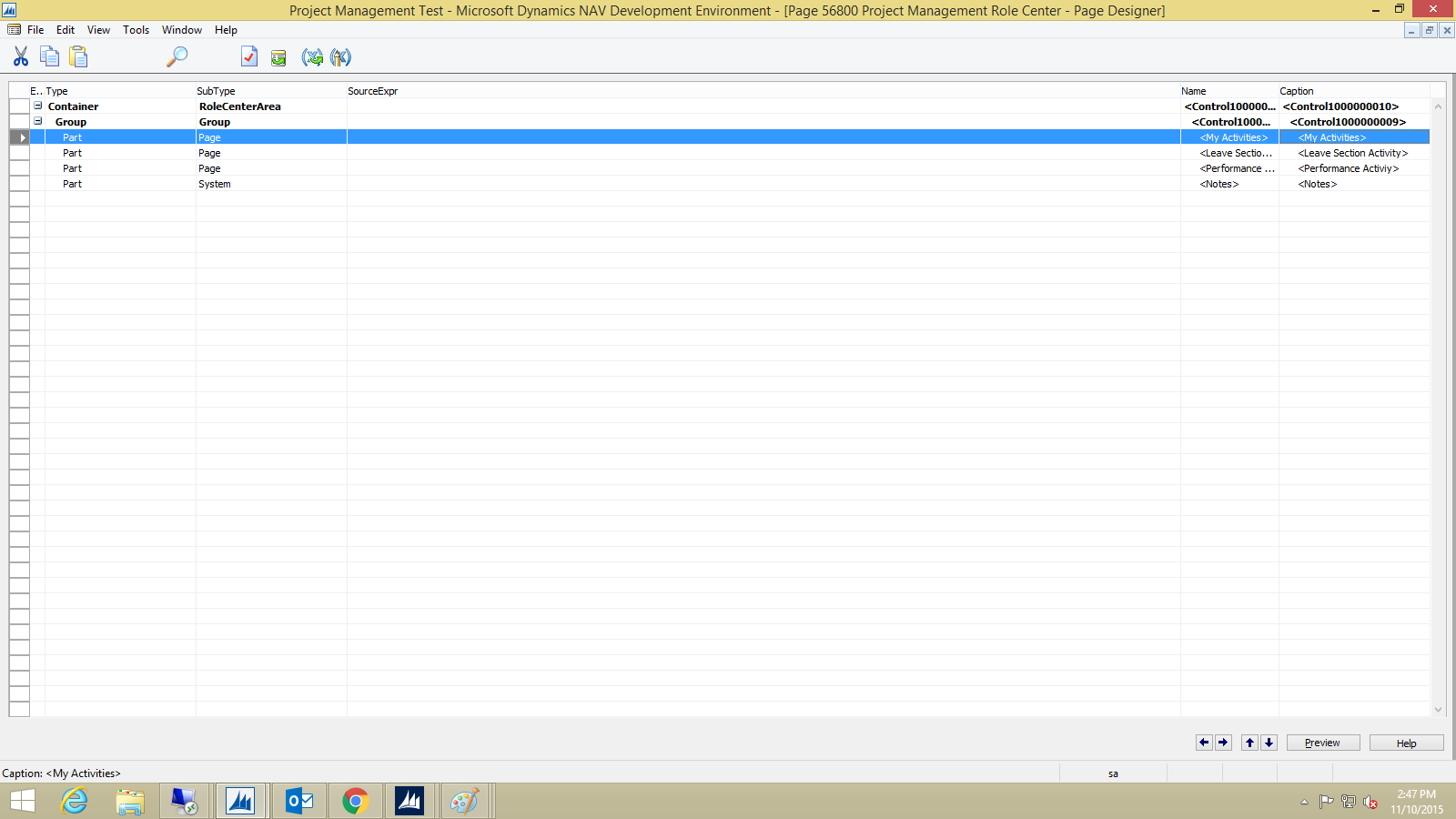
in above RTC image In TimeSheet Tab i want to display employee image see below Rolecenter Page design
RoleCenter-Page.png

here in Design i added a Page Part My Activites and you can also This MyActitvites Page Design
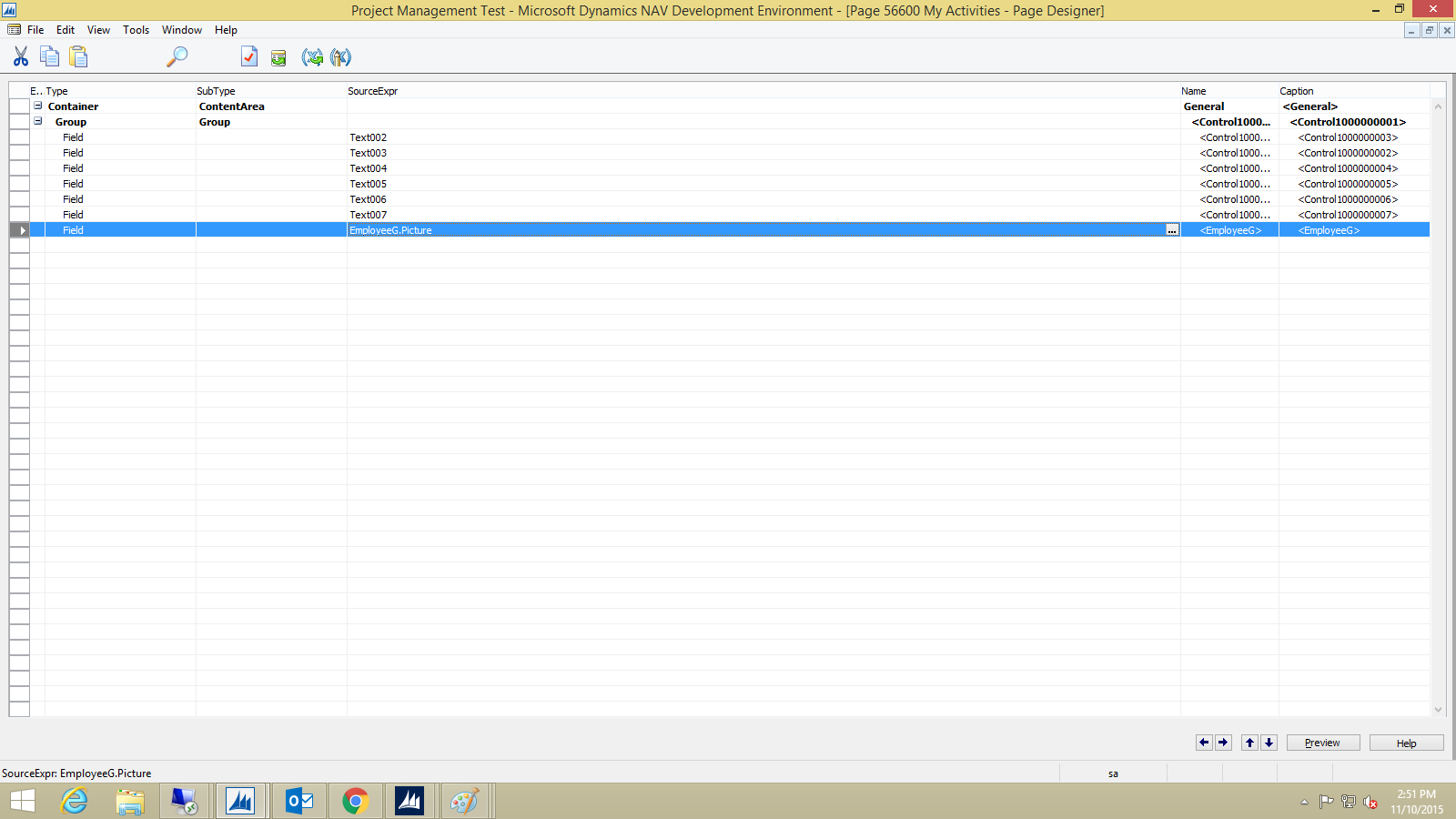
My-ac.png

this TimeSheet Tab accessed from this page And you can see above image there is blue marked line i written EmployeeG.Picture but here it is shown empty space and my image type is .BMP 
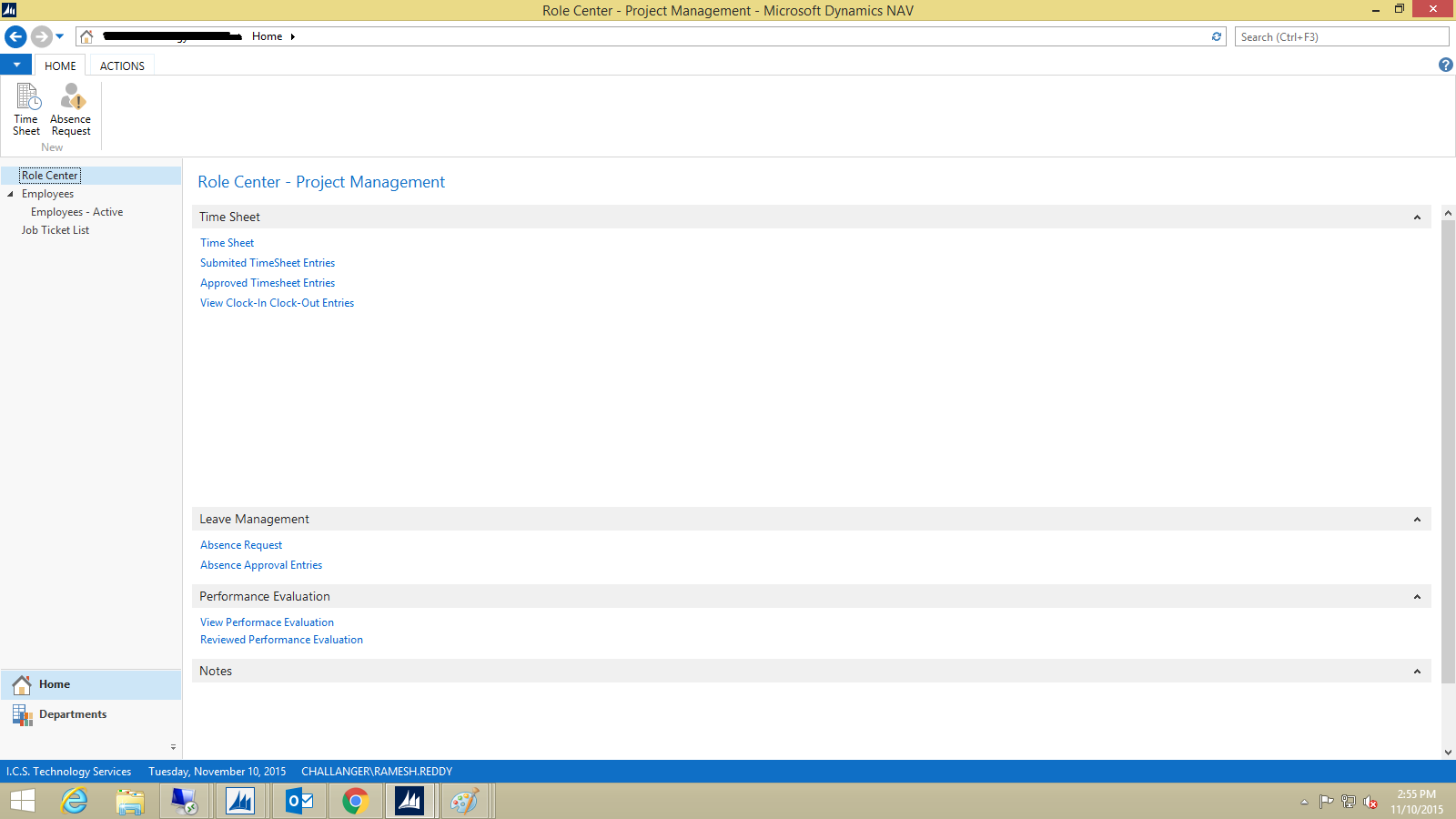
Empty.png

here in above image in Timesheet Tab you can abserve Empty Space.

How can i Achieve this one. 

*This post is locked for comments

I have the same question (0)
  • Verified answer
    Suresh Kulla Profile Picture
    50,247 Super User 2025 Season 2 on at

    On the Activities page make sure you get the Employee Record and use the CALCFIELDS of the picture on the OnOpenPage trigger.

  • Community Member Profile Picture
    on at

    yes i missed it sorry:)

Under review

Thank you for your reply! To ensure a great experience for everyone, your content is awaiting approval by our Community Managers. Please check back later.

Helpful resources

Quick Links

Responsible AI policies

As AI tools become more common, we’re introducing a Responsible AI Use…

Neeraj Kumar – Community Spotlight

We are honored to recognize Neeraj Kumar as our Community Spotlight honoree for…

Leaderboard > 🔒一 Microsoft Dynamics NAV (Archived)

#1
HoangNam Profile Picture

HoangNam 7

Last 30 days Overall leaderboard

Featured topics

Product updates

Dynamics 365 release plans



