web
You’re offline. This is a read only version of the page.
close
Skip to main content

Notifications

Announcements

No record found.

Community site session details

Community site session details

Session Id :
Small and medium business | Business Central, N...
Suggested Answer

Default Email Body is blank

(1) ShareShare
ReportReport
Posted on by 401 User Group Leader

Hi everyone,

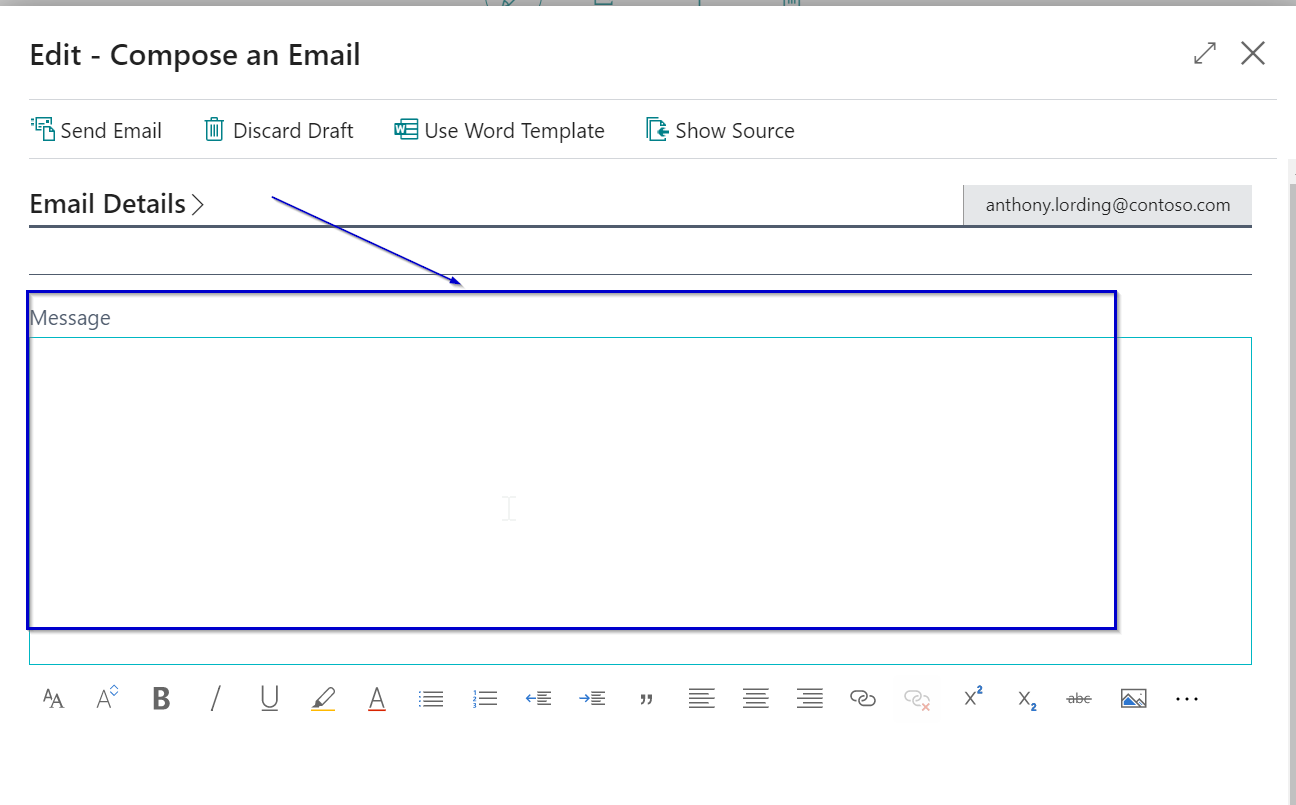
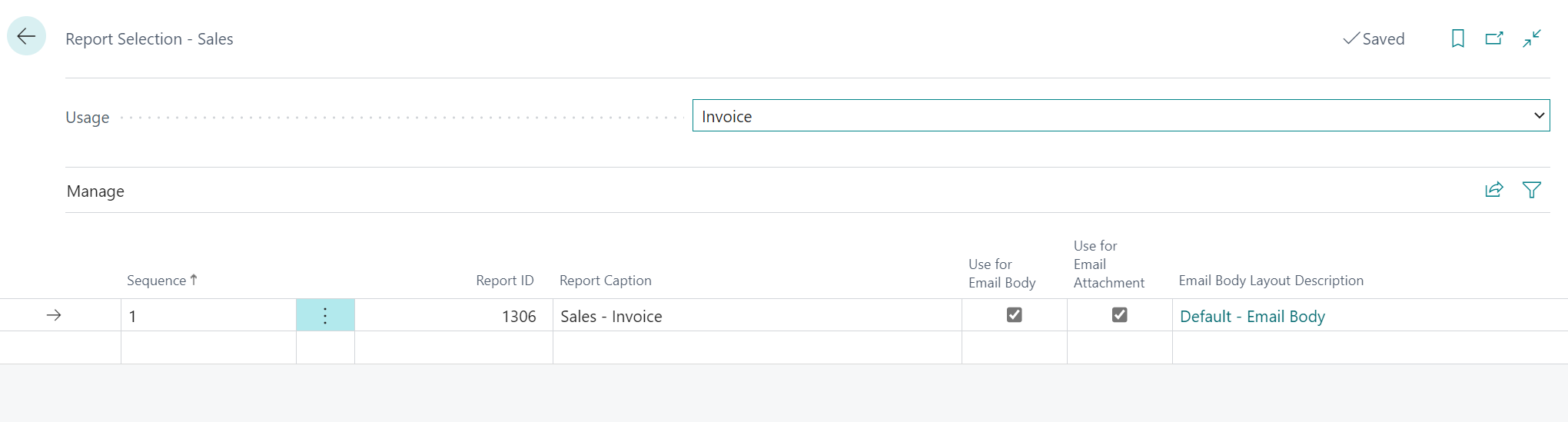
I selected Default Email Body on Report Selection - Sales and on Document Layouts but the Email Body is still blank. Can someone advise what is missing, please?

Please see the screenshots below for more information.
pastedimage1661824812195v1.png

pastedimage1661824843334v2.png

pastedimage1661824893421v3.png

pastedimage1661824918128v4.png

Thank you for any insights,

Alex

I have the same question (0)
  • Suggested answer
    Nitin Verma Profile Picture
    21,698 Moderator on at

    Hi,

    Please check the email layout you selected has something to print, check it manually.

    Thanks.

  • Suggested answer
    Nitin Verma Profile Picture
    21,698 Moderator on at

    Also please check Document Sending profile card should be like this.

    pastedimage1661829994828v1.png

  • Alexandra Horbatenko Profile Picture
    401 User Group Leader on at

    Nitin, By Email Layout, do you mean the selection list under Custom Report Layouts - 1306 Sales - Invoice? Which one is the correct one for default email body, please? I tried different ones but no changes to the email message.

  • Alexandra Horbatenko Profile Picture
    401 User Group Leader on at

    Yes, the Document Sending Profile looks correct.

  • Suggested answer
    Nitin Verma Profile Picture
    21,698 Moderator on at

    I am using the same steps as you, but I am getting the expected result.

    Go to the Custom report layout and select the particular layout you are using for email, and then Run the report from there, and check if there is any output coming.

  • DUGUE Profile Picture
    62 on at

    Hi Alex, Not sure you have received any response yet.

    So, few steps need to be processed :

    pastedimage1666271078640v4.png

    Copy the existing report + export + modify this copy + save it + import it

    pastedimage1666271247254v6.png

    pastedimage1666271303390v7.png

    Hope this will help

Under review

Thank you for your reply! To ensure a great experience for everyone, your content is awaiting approval by our Community Managers. Please check back later.

Helpful resources

Quick Links

Responsible AI policies

As AI tools become more common, we’re introducing a Responsible AI Use…

Neeraj Kumar – Community Spotlight

We are honored to recognize Neeraj Kumar as our Community Spotlight honoree for…

Leaderboard > Small and medium business | Business Central, NAV, RMS

#1
OussamaSabbouh Profile Picture

OussamaSabbouh 3,229

#2
Jainam M. Kothari Profile Picture

Jainam M. Kothari 1,867 Super User 2025 Season 2

#3
YUN ZHU Profile Picture

YUN ZHU 1,153 Super User 2025 Season 2

Last 30 days Overall leaderboard

Featured topics

Product updates

Dynamics 365 release plans