web
You’re offline. This is a read only version of the page.
close
Skip to main content

Notifications

Announcements

No record found.

Community site session details

Community site session details

Session Id :
Microsoft Dynamics AX (Archived)

"Operator ID is not valid" in POS

(0) ShareShare
ReportReport
Posted on by

I have installed dynamics ax(Dynamics AX 2012 R3) successfully with all the configurations. When I start the POS, it is asking to enter Operator ID and Password.

3060.Screenshot-_2800_22_2900_.png
We have followed the link daxing2012.wordpress.com/.../ax2012-r3-retail-linking-employees-to-a-store and created 2 workers in Dynamics AX with the  Staff ID's 100003 and 100004 with the respective passwords. Both these workers are in the Store "Store1". The address book of store1 and both the workers(employees) are same. I have run the full data sync. In the ax.RETAILSTAFFTABLE data is getting reflected and there are 2 rows with the data we have provided.

With those Staff ID's and passwords, when I login to POS it is still showing "Operator ID is not invalid", even  after restarting the POS.
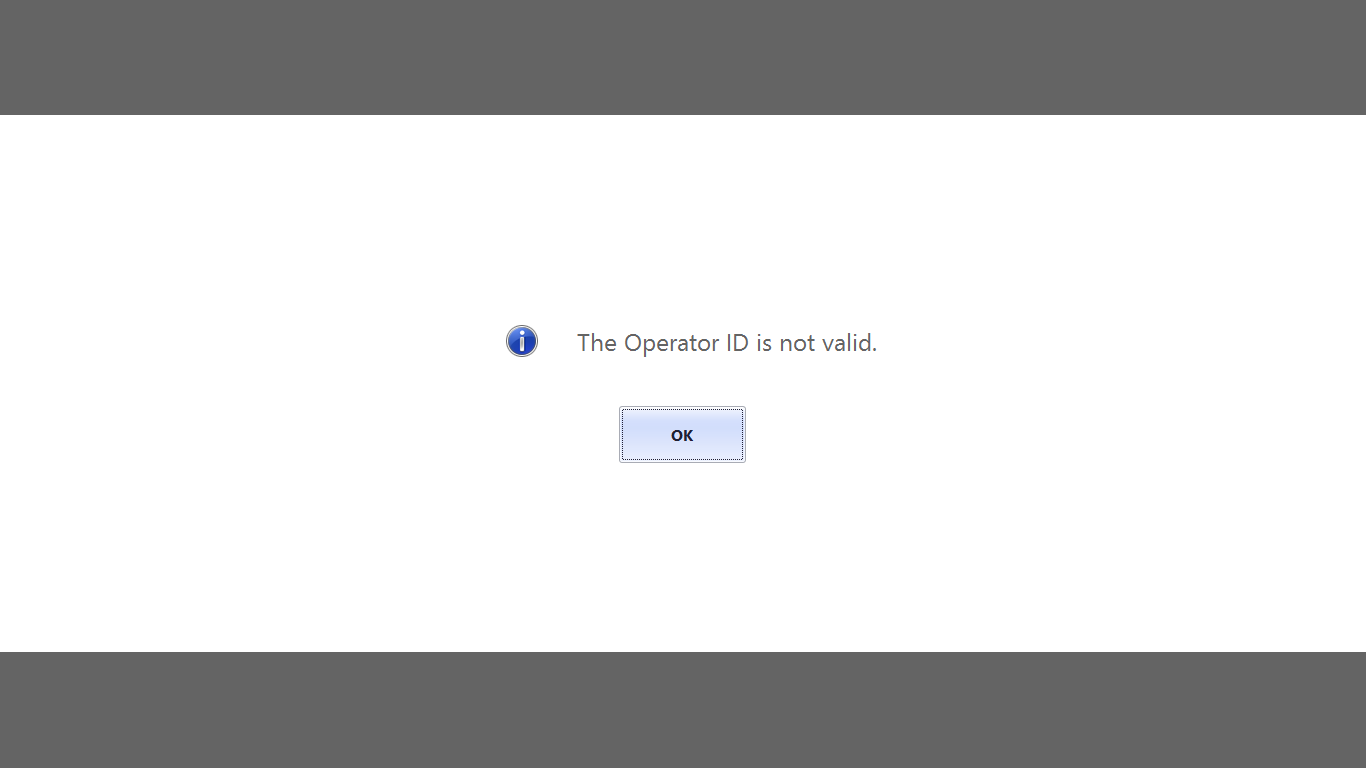
6683.Screenshot-_2800_24_2900_.png

*This post is locked for comments

I have the same question (0)
  • Rodolfo Recalde Profile Picture
    on at

    Double check:

    a. If your POS properly configured for the store. Check: Retail Channel Configuration Utility.

    b. If worker has permission and operations assigned

    https://technet.microsoft.com/en-us/library/hh597187.aspx

    https://blogs.msdn.microsoft.com/axsupport/2015/11/09/modifying-retail-pos-permissions-and-operations/

    https://technet.microsoft.com/en-us/library/dn736915.aspx

    c. If Address Book configuration It is the same for the store and the employee.

    I Hope this Helps!

    Regards,

    Rodolfo Recalde.

  • Community Member Profile Picture
    on at

    a. I have double checked, POS is configured properly. I have checked in Retail Channel Configuration Utility also.
    b. I am unable to add permissions to the workers.
    Screenshot-_2800_26_2900_.png


    c. Address Book configuration is the same for the store and the employee.

    Still it is showing the same thing "Operator ID is not valid"

  • Suggested answer
    Mauro Pedro da Silva Profile Picture
    552 on at

    Try to double check this:

    1. On HR module, confirm that you have a Job with a Function and a POS permission group;

    2. On HR module, confirm that you have a Position;

    3. On HR module, confirm that your Worker is assigned to the Position above and has a password for POS authentication; (I'm assuming you already double-checked the Address book for the Worker and the Store);

    4. On HR module, on the Worker form, Retail group, click on POS permissions to confirm the worker inherits the proper permission group;

    5. On Retail module, select the store and click on Workers in the action pane to confirm the worker is linked to the store;

    6. Run the proper jobs.

    Hope this helps you.

    Regards, Mauro.

  • Rodolfo Recalde Profile Picture
    on at

    Follow the Mauro instructions. To support, see the links I sent you.

  • Community Member Profile Picture
    on at

    Hi All,

    In my system i have configured Retail POS, and Retail MPOS(Beta).

    When login in to Retail POS we are facing an issue "The Password is not Correct" . 

    First we tried with the default password (123) and tried changing the password of worker in AX and run the staff job, it works fine for MPOS. But still facing the issue with retail POS.


    23.png


    Please help on this.

  • Suggested answer
    Community Member Profile Picture
    on at

    Hi,

    You can check the following blog. Hope it helps!

    community.dynamics.com/.../94826

    Sridharan J

Under review

Thank you for your reply! To ensure a great experience for everyone, your content is awaiting approval by our Community Managers. Please check back later.

Helpful resources

Quick Links

Responsible AI policies

As AI tools become more common, we’re introducing a Responsible AI Use…

Neeraj Kumar – Community Spotlight

We are honored to recognize Neeraj Kumar as our Community Spotlight honoree for…

Leaderboard > 🔒一 Microsoft Dynamics AX (Archived)

#1
Martin Dráb Profile Picture

Martin Dráb 4 Most Valuable Professional

#1
Priya_K Profile Picture

Priya_K 4

#3
MyDynamicsNAV Profile Picture

MyDynamicsNAV 2

Last 30 days Overall leaderboard

Featured topics

Product updates

Dynamics 365 release plans



