web
You’re offline. This is a read only version of the page.
close
Skip to main content

Notifications

Announcements

No record found.

Community site session details

Community site session details

Session Id :
Finance | Project Operations, Human Resources, ...
Suggested Answer

Entity Store to export to Data Lake: The remote server returned an error: (503) Server Unavailable

(0) ShareShare
ReportReport
Posted on by

Hi All,

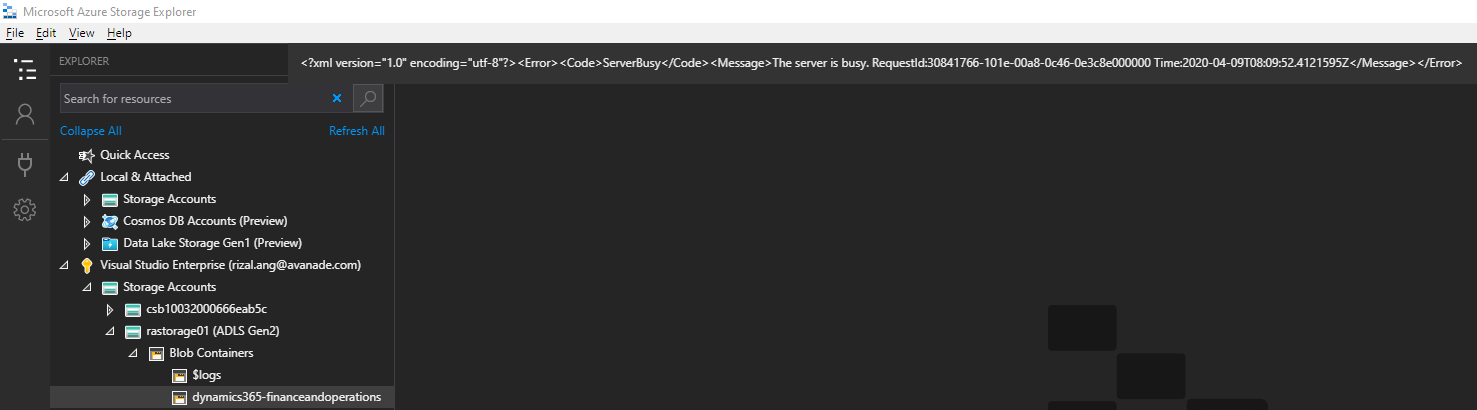
I got an error when using Entity Store to export to Data Lake (using sandbox environments). I have updated the values in System Parameter Data Connections to point to my Dev data lake, able to successfully run the Test Azure Key Vault and Test Azure Storage tests on that form, but when we force a refresh on a model (or any model), I got (503) error.
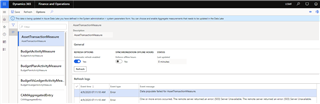
pastedimage1586419564564v4.png

What I did:

1. Followed steps in https://docs.microsoft.com/en-us/dynamics365/unified-operations/dev-itpro/data-entities/entity-store-data-lake

2. Run the tests "Test Azure Key Vault and Test Azure Storage" in the Data Connections form. (they succeeded)
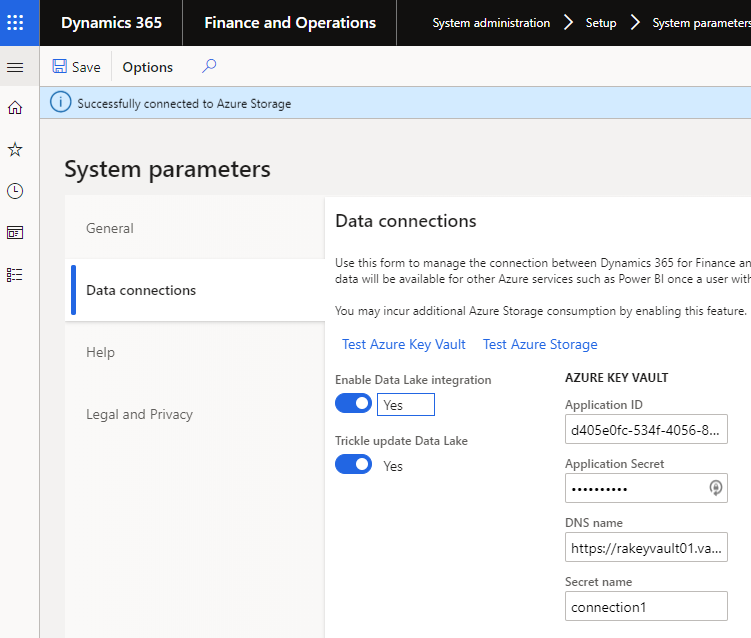
pastedimage1586419554060v3.png

3. Set a refresh of a model from the Entity Store form (e.g. AssetTransactionMeasure)

The D365 FO folders are populated in the data lake as below (but not data inside).
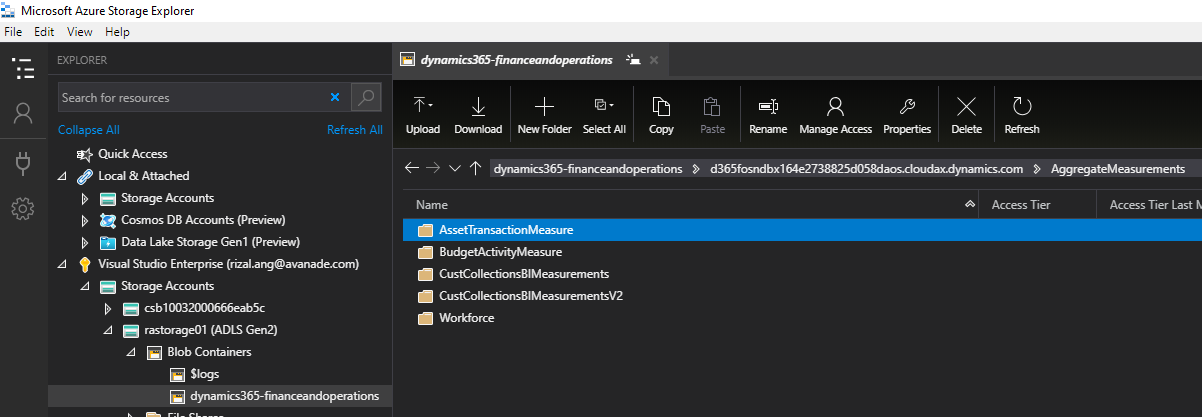
pastedimage1586419604131v5.png

pastedimage1586419803369v6.png

Any help is highly appreciated! Thank you!!

Rizal Ang

I have the same question (0)
  • Suggested answer
    zhifeng Profile Picture
    on at

    Hi Rizal,

    Can't see entity store refresh log clearly, have we tested same azure storage account in other environments? This will help us narrow down the issue relevant with Azure storage account or Dynamics. 

    1. If we can reproduce issue in other environments, please refer https://docs.microsoft.com/en-us/dynamics365/unified-operations/dev-itpro/data-entities/entity-store-data-lake to review setup

    2. If other Dynamics works fine, then i would suggest raise a ticket for MS to review telemetry data and figure out what happened. 

  • Community Member Profile Picture
    on at

    Cheers Kevin, sorry I didn't realise you can'y zoom in, here is an example of the entity refresh error.

    pastedimage1586507985494v1.png

    And yes I've reproduced the error in 2 different D365 sandbox environments.

    How do I raise a ticket for MS on this matter?

  • zhifeng Profile Picture
    on at

    Hi Rizal,

    Please login LCS and raise a support ticket from there.

    docs.microsoft.com/.../lcs-support

Under review

Thank you for your reply! To ensure a great experience for everyone, your content is awaiting approval by our Community Managers. Please check back later.

Helpful resources

Quick Links

Responsible AI policies

As AI tools become more common, we’re introducing a Responsible AI Use…

Neeraj Kumar – Community Spotlight

We are honored to recognize Neeraj Kumar as our Community Spotlight honoree for…

Leaderboard > Finance | Project Operations, Human Resources, AX, GP, SL

#1
Martin Dráb Profile Picture

Martin Dráb 584 Most Valuable Professional

#2
André Arnaud de Calavon Profile Picture

André Arnaud de Cal... 499 Super User 2025 Season 2

#3
Sohaib Cheema Profile Picture

Sohaib Cheema 254 User Group Leader

Last 30 days Overall leaderboard

Product updates

Dynamics 365 release plans