Hi Community
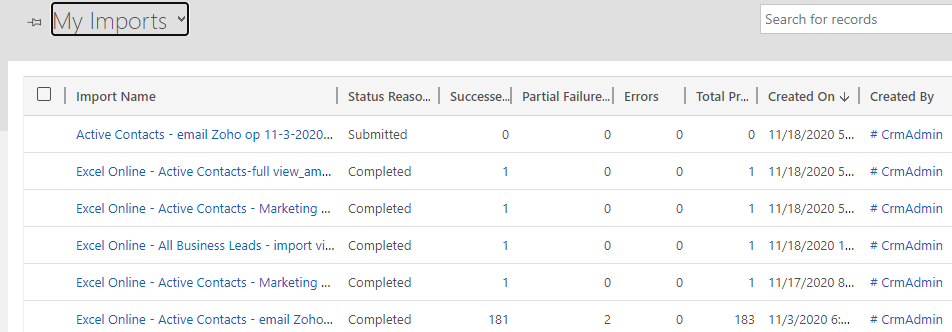
The data import features are quite opaque : when you submit an import job (e.g. by using Excel online), inexperienced users are left in the unknown about the status of their edits...Unless the open Settings > Data Management > Imports and click on the job, the UI will not tell them how to check the status of this asynchronous job, which is bad...
One way I thought to work around this is to create a workflow that is triggered when an import job goes wrong (e.g. errors != 0) and send to the user who created the job an email notification.
Using Workflows, I didn't find the entity that stores the import jobs: does anyone know if that entity is accessible in Dynamics? Another option would be to use MS Flow, but I haven't had any luck with that either...
Thanks in advance