Hi Anneke,
As you mentioned, “it just doesn't work.”. I don't quite understand this, which part shows that it doesn't work, because it has been shown in your screenshot.
For testing, i have added five new options without any other settings, it can be added successfully, then save and publish all customizations.
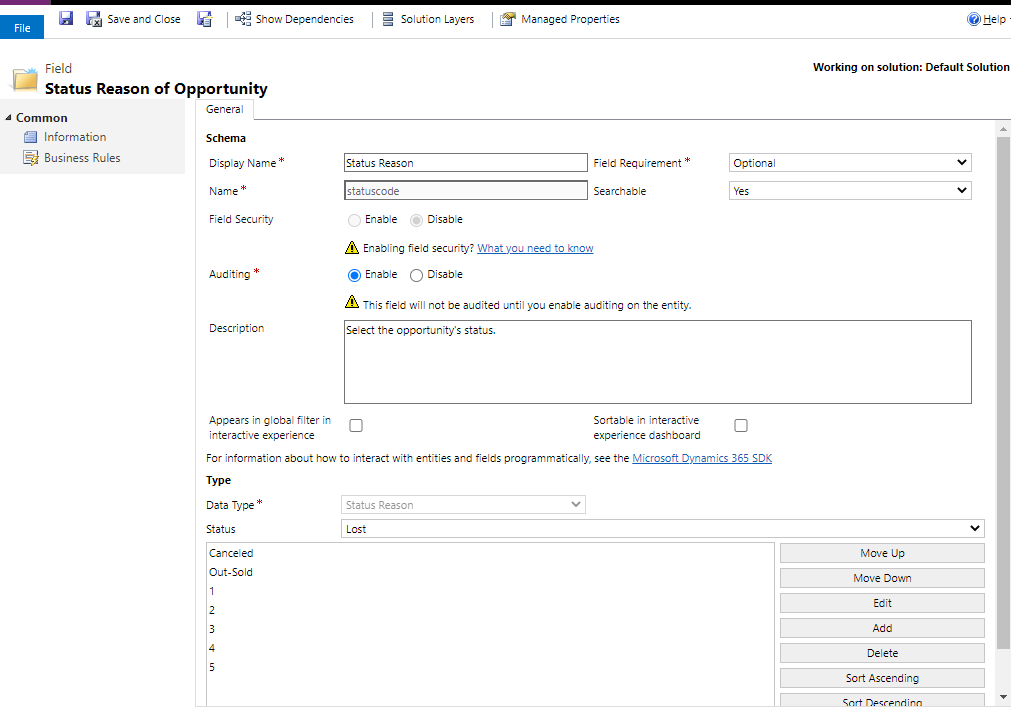
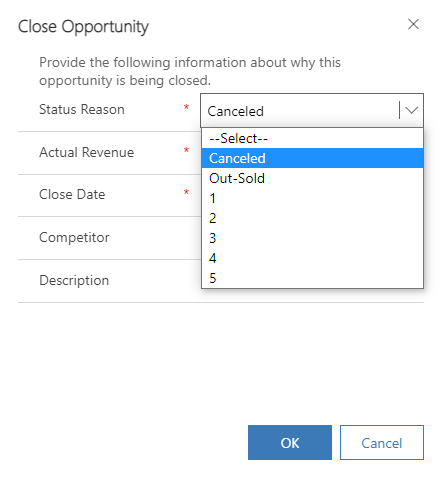
Now, when i click 'Close as Lost' button, i can view new options i added.
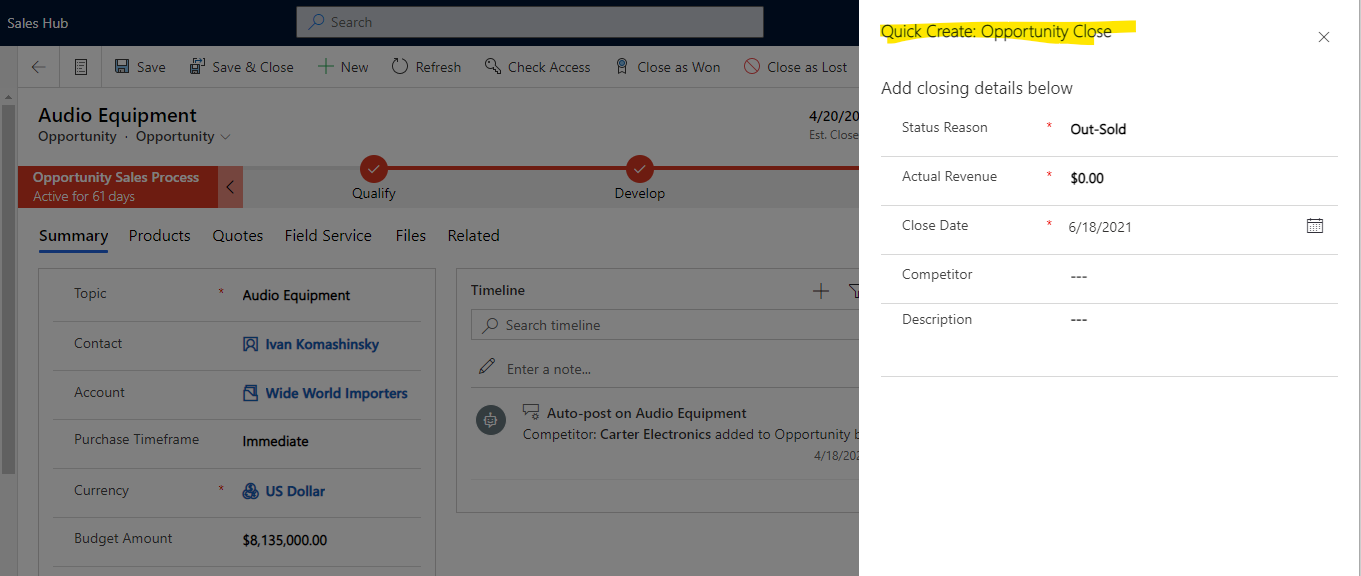
However, if you enable 'customize close opportunity form', and it shows opportunity close quick create form in the opportunity form.

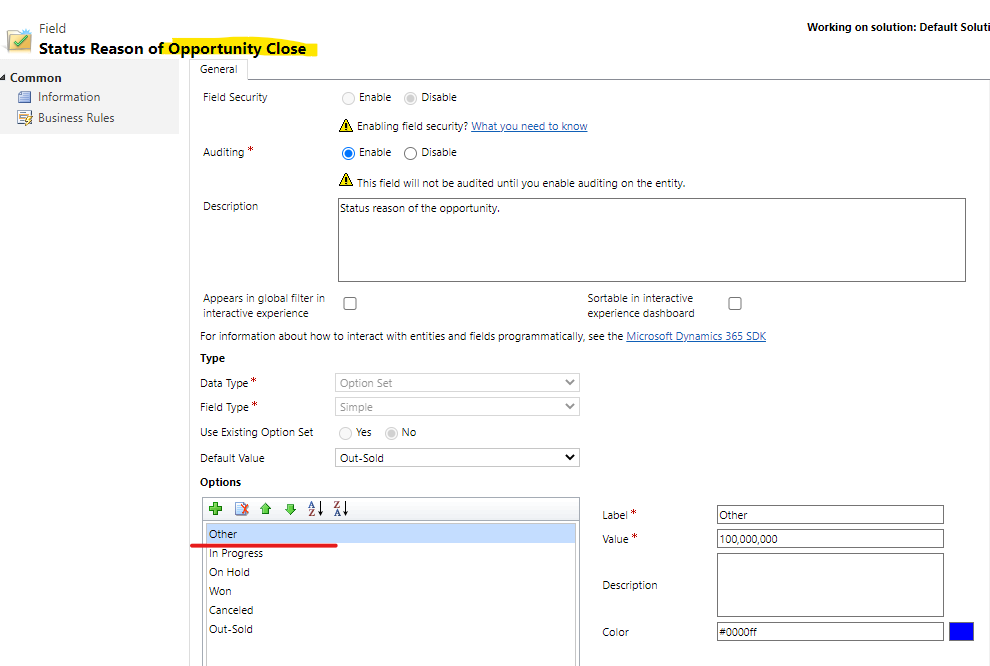
You need add options you want to the 'Status Reason' field of the opportunity close entity.

Regards,
Leah Ju
Please mark as verified if the answer is helpful. Welcome to join hot discussions in Dynamics 365 Forums.







