Hi Partner,
As we know the templates are customizable by word so we could create a field for Quote first and then add it into word template.
Here are the steps.
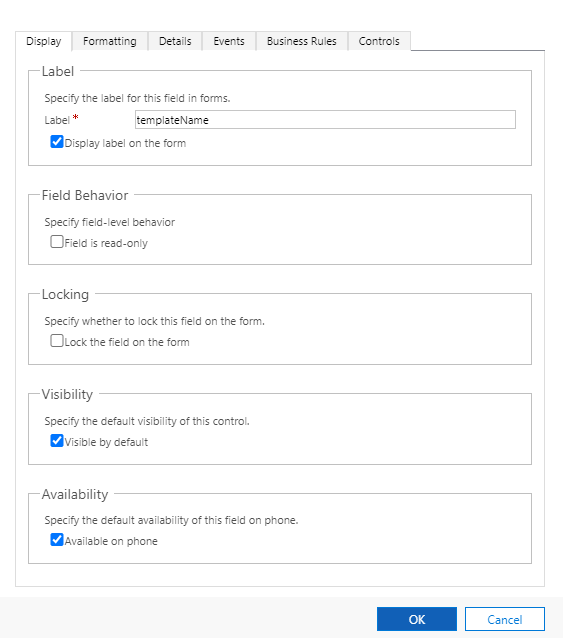
1.Create a new field named templateName in Quote entity.
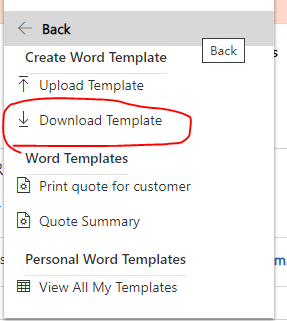
2.Download the wordtemplate from Quote and enable your word Developer Ribbons.

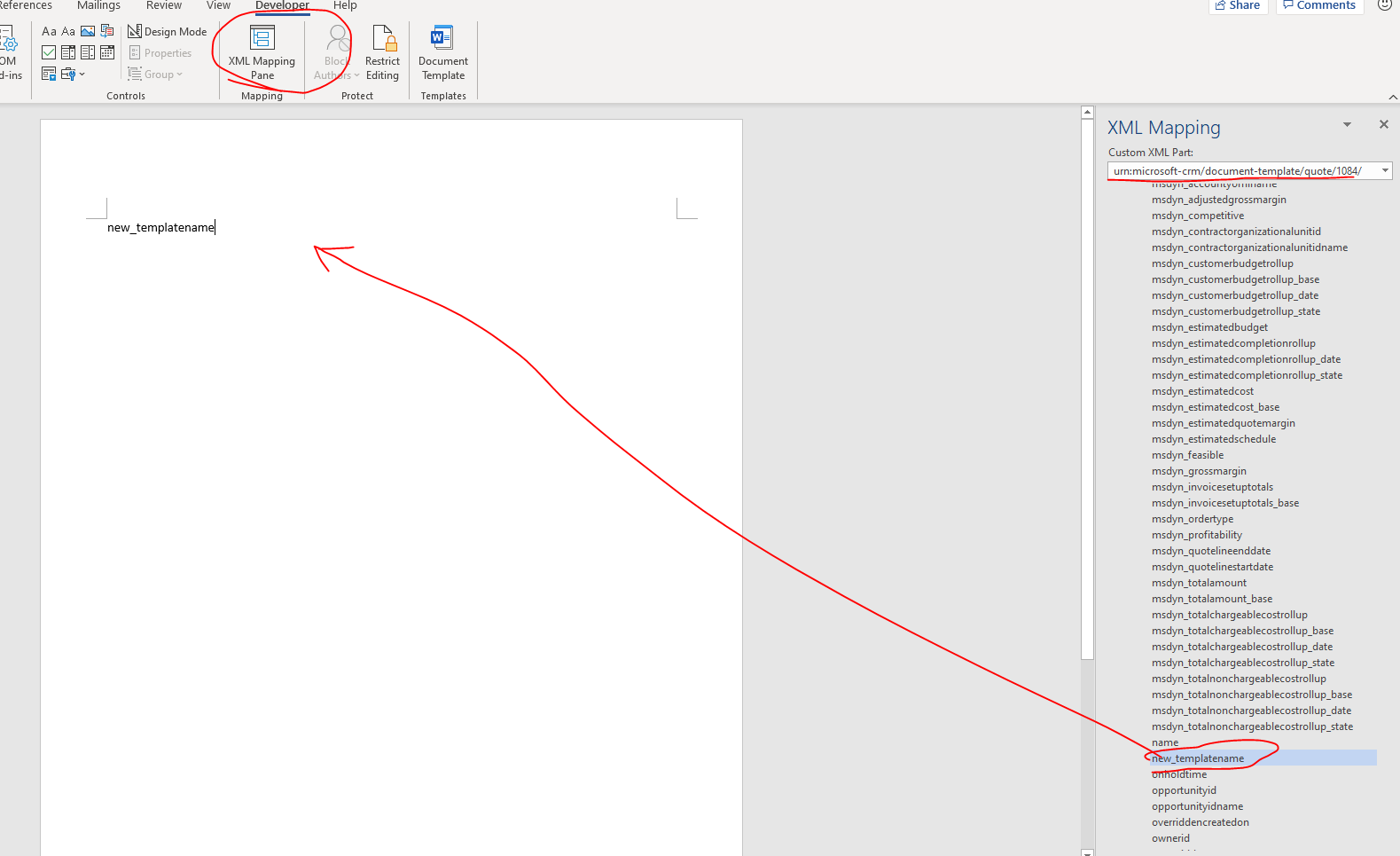
3.Add the templateName into the template.
4.Save and upload this template.
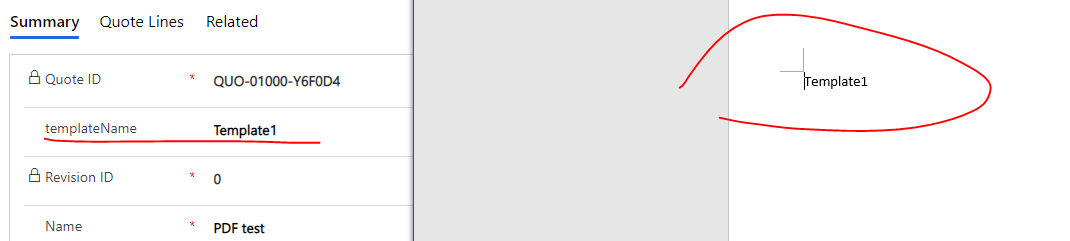
5.Fill in the template name in to the field an download the word template to check the result.
Here you could also set the templateName as option set field and add all the templates into it manually so that when you editing quotes, you just need to choose the correct template for the record.
And in template editing, add the Dropdownlist control for the templateName field.

Best Regards,
Leo







