web
You’re offline. This is a read only version of the page.
close
Skip to main content

Notifications

Announcements

No record found.

Community site session details

Community site session details

Session Id :
Microsoft Dynamics AX (Archived)

AX 2012 Reports - unable to contact remote server

(0) ShareShare
ReportReport
Posted on by 1,920

Hi team,

I have installed AX 2012 client in my local machine. When i try to open any report from my local machine i am getting the below error. Unable to connect to the remote server.
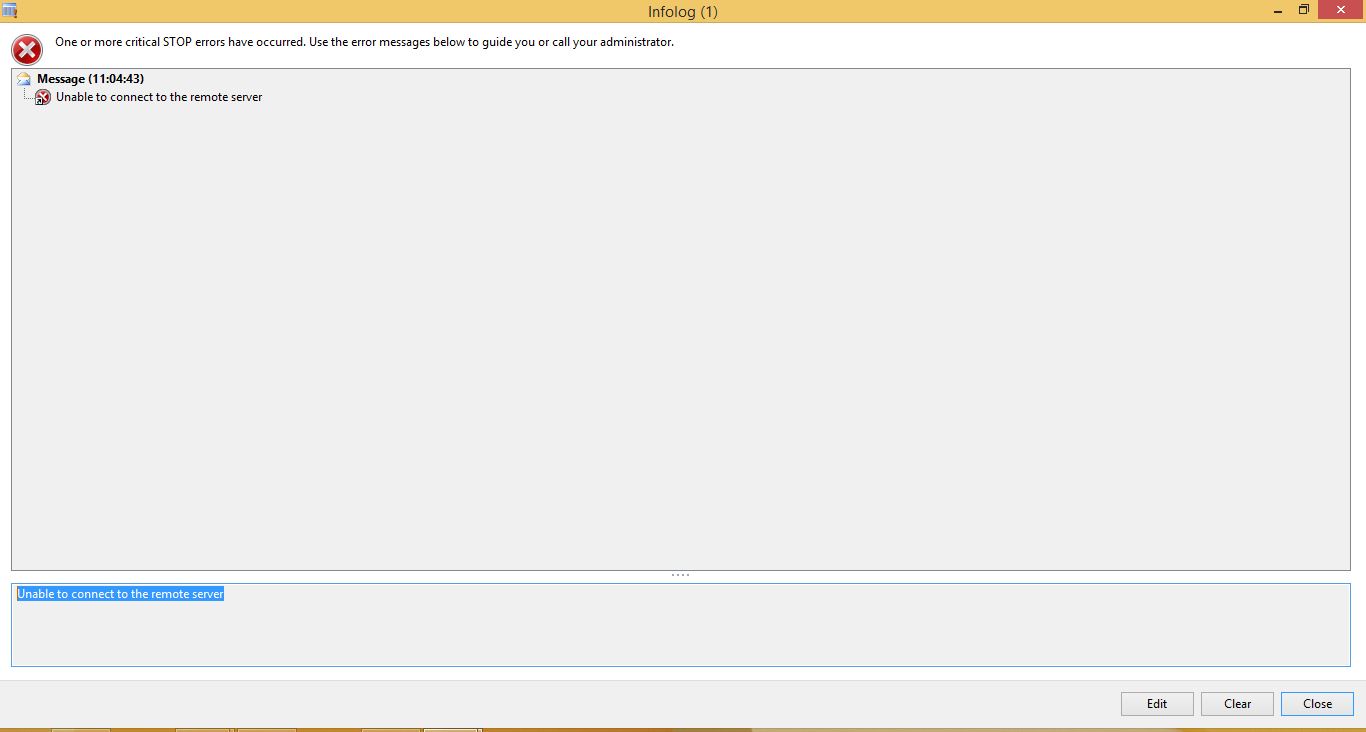
0652.Error.JPG
The same report when i tried by logging in the server, it was working fine. I have installed only the AX client in my local machine. Is there any other additional components needs to be installed in my local machine to open the report.

Please suggests.

Thanks,

*This post is locked for comments

I have the same question (0)
  • Verified answer
    Iulian Cordobin Profile Picture
    8,201 on at

    I would say to check your firewall on the SQL Server (Reporting) machine that it allows the traffic to pass. No, you don't need any other components.

  • Mohamed Meeran Profile Picture
    1,920 on at

    Could you explain a little more on that please

  • Iulian Cordobin Profile Picture
    8,201 on at

    For easy handling, try for the moment to open in a browser from the second machine where it's not working the URL you have in your Report Manager URL from the System Administration->Setup->BI->Reporting Services-> Report Server.

  • Verified answer
    Dhillon Profile Picture
    215 on at

    Hi,

    Make sure your local client machine can communicate to SSRS report manager URL. Also add the report manager URL to trusted sites on your local machine. Also make sure when you open the URL, it doesn't prompt for credentials. if it prompts, then in IE settings, set "Automatically login using current username and password" .

    Thanks,

  • Mohamed Meeran Profile Picture
    1,920 on at

    Thanks for the reply guys. I will check and let you people know

  • Mohamed Meeran Profile Picture
    1,920 on at

    Thanks guys, your suggestion really helped me to resolve the issue. The issue is with Windows firewall only.

Under review

Thank you for your reply! To ensure a great experience for everyone, your content is awaiting approval by our Community Managers. Please check back later.

Helpful resources

Quick Links

Responsible AI policies

As AI tools become more common, we’re introducing a Responsible AI Use…

Neeraj Kumar – Community Spotlight

We are honored to recognize Neeraj Kumar as our Community Spotlight honoree for…

Leaderboard > 🔒一 Microsoft Dynamics AX (Archived)

#1
Martin Dráb Profile Picture

Martin Dráb 4 Most Valuable Professional

#1
Priya_K Profile Picture

Priya_K 4

#3
MyDynamicsNAV Profile Picture

MyDynamicsNAV 2

Last 30 days Overall leaderboard

Featured topics

Product updates

Dynamics 365 release plans



