Hi rocky,
The prerequisite is that your page template type is Web Template if you would like to query data by odata,
because we need javascript to query data with odata, and we could only run custom javascript on web template type page template.
On the other hand, we need to create an Entity List and enable odata option for the list to query data.
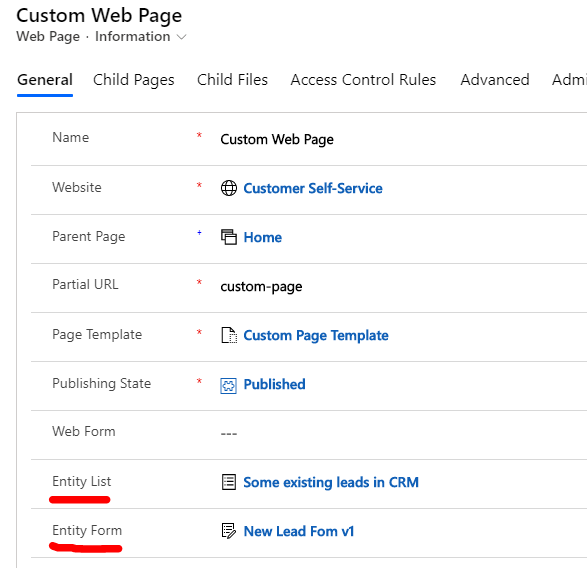
1. Add entity list and entity form to our custom web page.
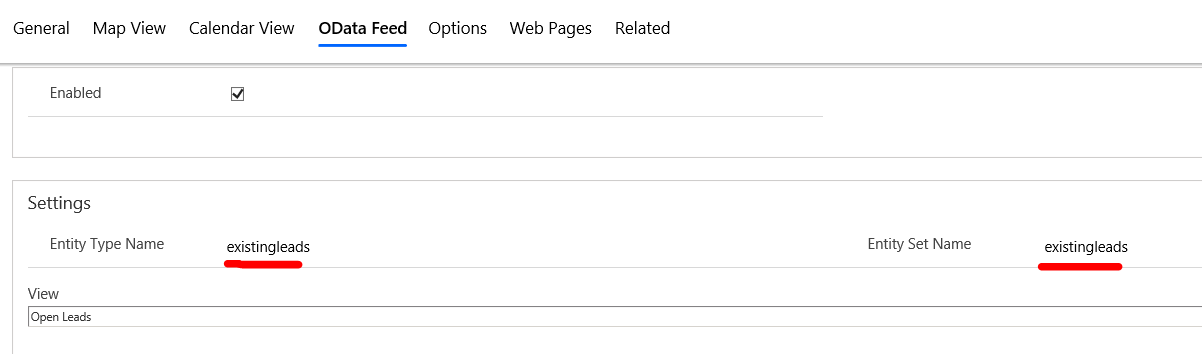
2. In OData Feed tab, select a view as entity data set, we could only get entity fields data from all available columns of the view;
then give our data set a custom name.
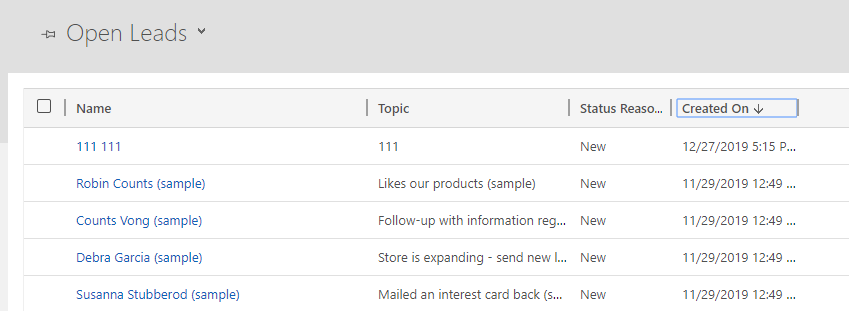
This screenshot indicates that I can only retrieve open leads in CRM.
I can only retrieve fullname, topic, status reason and created on fields data.
3. In the web template, we can render a entity form by
{% entityform name: 'entity form Name' %}
query data URL syntax:
https://portalURL/_odata/entitysetName
Due to Bootstrap and jQuery have been integrated in Portal, so we can create a custom page with
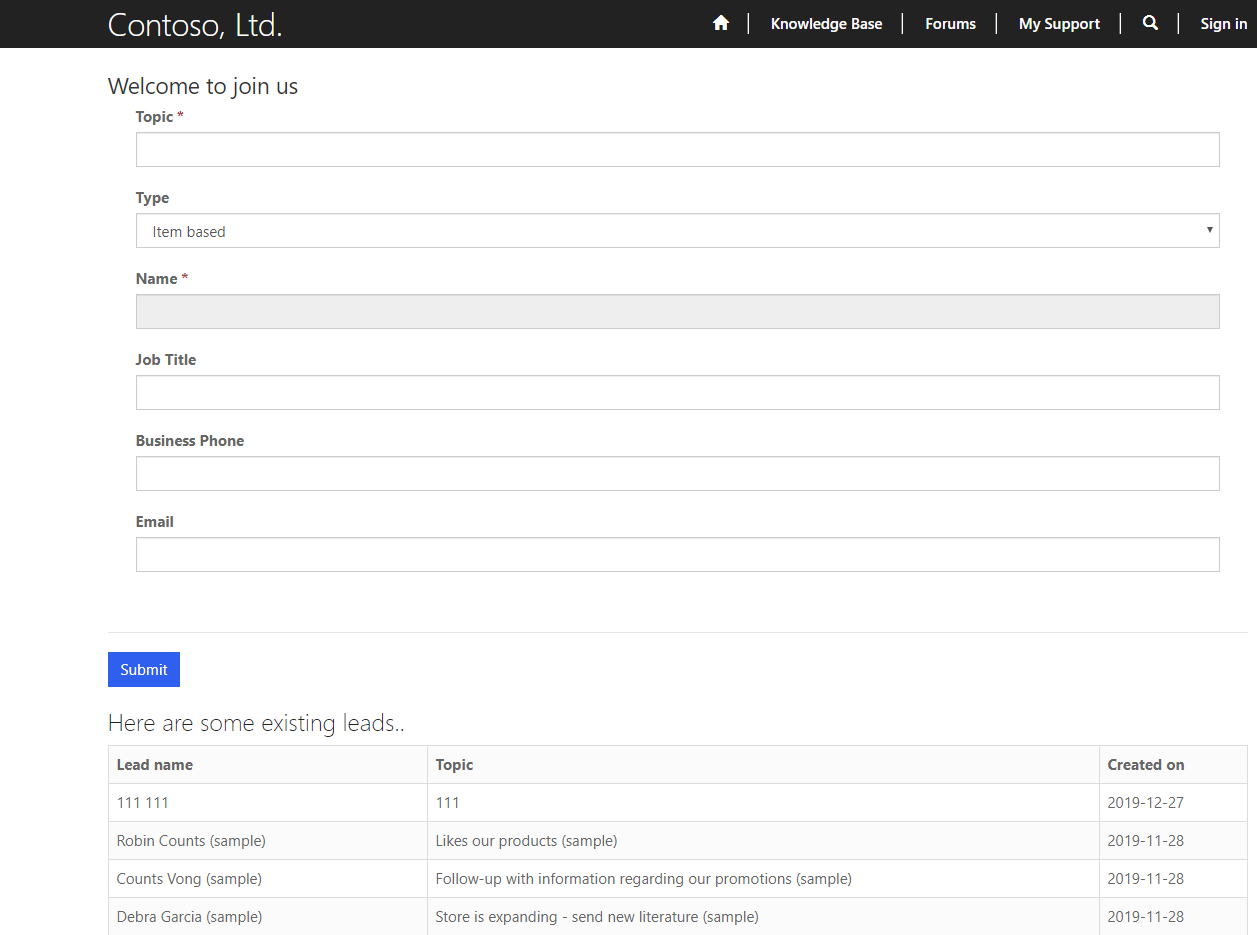
entity form, entity list with style easily, below is my demo web template code:
{% entityform name: 'New Lead Fom v1' %}

Here are some existing leads..
Next, you could enable entity permission of entity list for your exposed records to portal users with specific web role,
or filter you records again with odata parameters:
https://community.adxstudio.com/products/adxstudio-portals/documentation/configuration-guide/entity-list/entity-list-odata-feeds/
or set a maximium number as possible for Page Size(also in entity list), then do custom pagination with 3rd party javascript plugins by yourself.
Regards,
Clofly


