Hi,
I have tried different scenarios to reproduced your issue. For example, different contacts with the same email address, inactive contacts or the contact's owner is not the currently logged in user, etc.
Eventually the following scenarios are found to occur as you describe.
- I added 3 contacts into a segment and 2 of them has the same name but different email addresses so that there are 2 members in the segment.

- Create a customer journey to send the email to the members above. It will show that there are only 2 contacts in this segment.

Please check if there are contacts in your segment that use different email addresses but have the same name. This situation can lead to what you are experiencing now.
Based on my testing, even if only one of the contacts is counted in Journey, they can both receive the email.
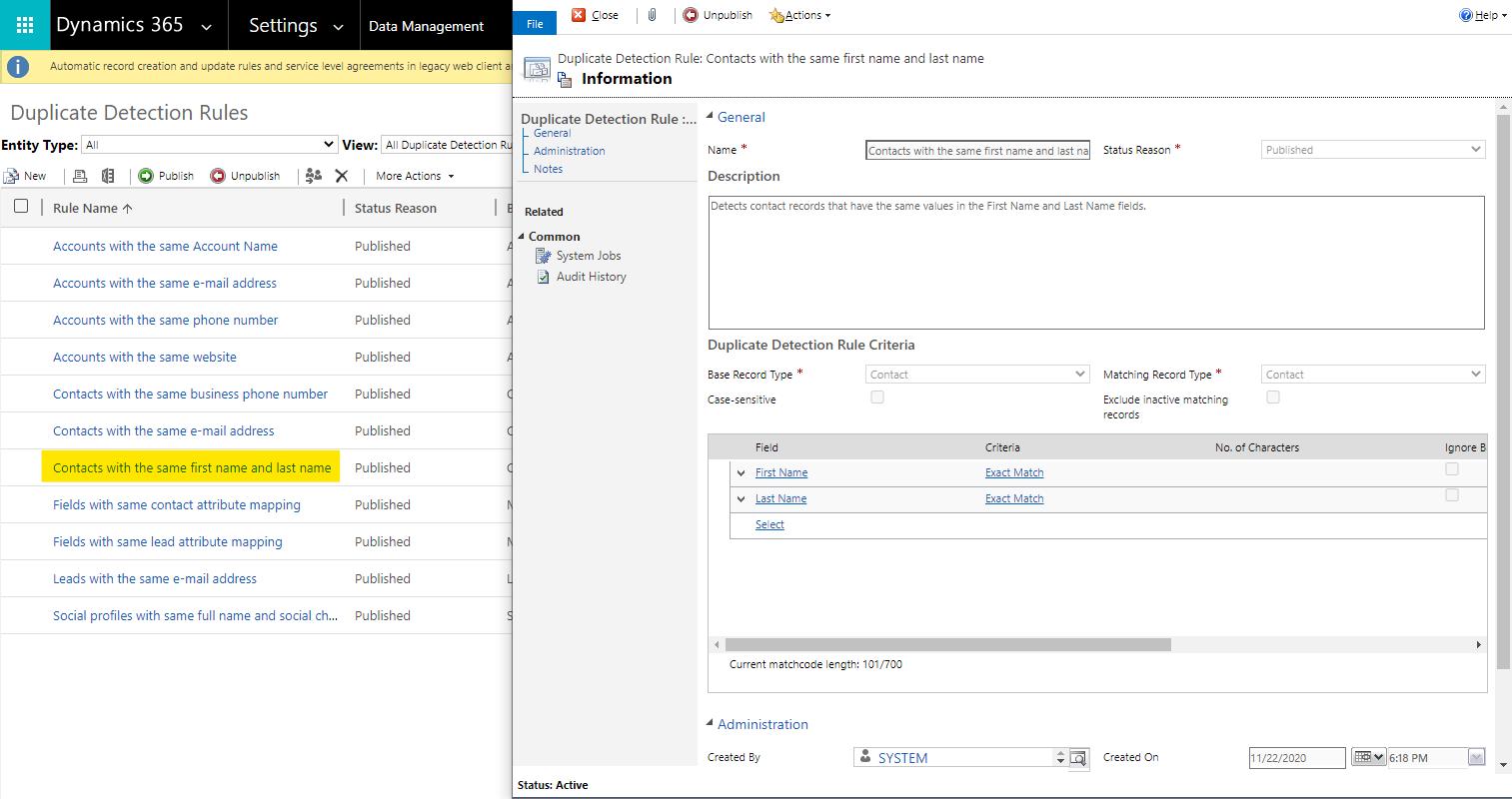
There is a Rule associated with it. (Contacts with the same first name and last name) If a duplicate name contact is created, it is recommended to add a numeric number to the name or other identification to identify the contact. So that you can get a correct number of contacts in customer journey.
If this helped you, I'd appreciate it if you'd mark this as a Verified Answer, which may in turn help others as well.
Best Regards,
Nya







