I have created a custom DataEntity (myDE) for custom table (myTbl). On Production Environment (PROD) I created an Export Project (myEP) and put myDE for incremental export into my local SQL DB into myTbl_Staging.
After while, I’ve got a requirement to increase the length in one of string field of myTbl (and definitely, the requirement says, that in local SQL DB the string value in already exported records also MUST be increased).
For this purpose, I stopped incremental export of myDE in myEP, and created a new Export Project (myTmpEP).
In myTmpEP I created a recurrent job (recurrentJob_1) to export ALL records via myDE by FULL PUSH (in a recurrent job (recurrentJob_1) settings I specified: stop execution after one time). After couple hours I checked the result of export in my local SQL DB (in myTbl_Staging) and discovered, that something goes wrong. The expected quantity of records is 71500, but when the qty of records (my local SQL DB in myTbl_Staging) had had been reaching 71500, after some time (I don’t’ know the exact time interval, I think it’s about 5-15 minutes) ALL records are deleted from myTbl_Staging and the process of fulfilling the myTbl_Staging started again. I decided that I created a recurrent job (recurrentJob_1) in wrong manner, so decided to delete recurrentJob_1
I navigated: System administration/Data management (please do not pay attention to the content in picture, I just want to show the way how I did it)
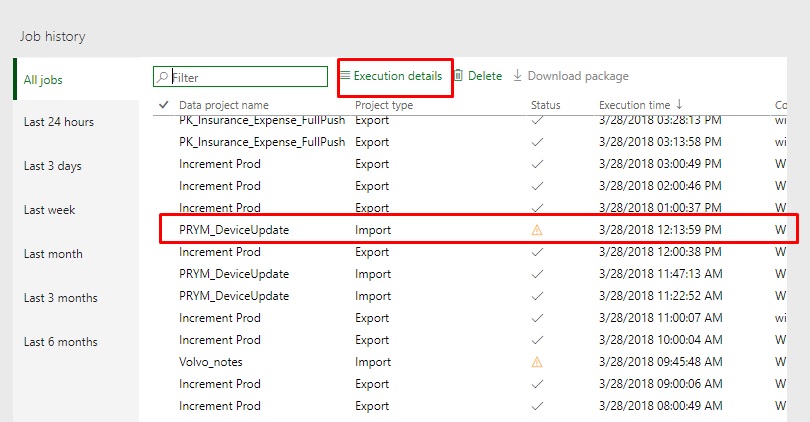
Step1. Exection details
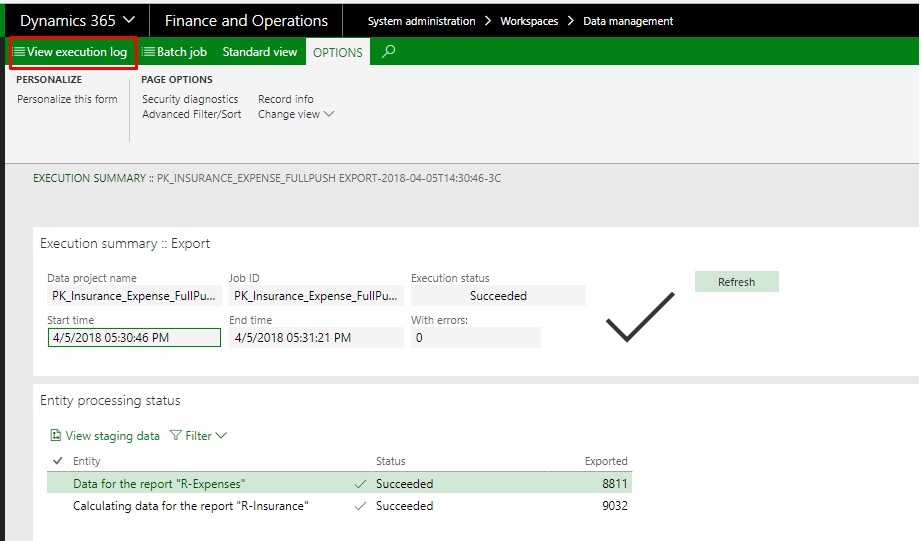
Step2. View execution log (please do not pay attention to the content in picture, I just want to show the way how I did it)
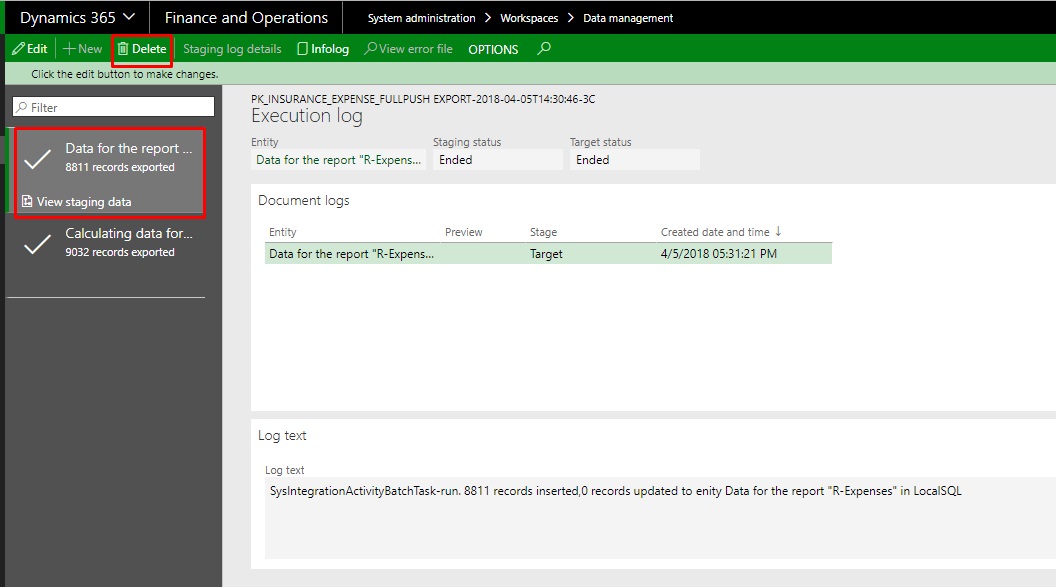
Step3. Selected an appropriate job and click "Delete" button.
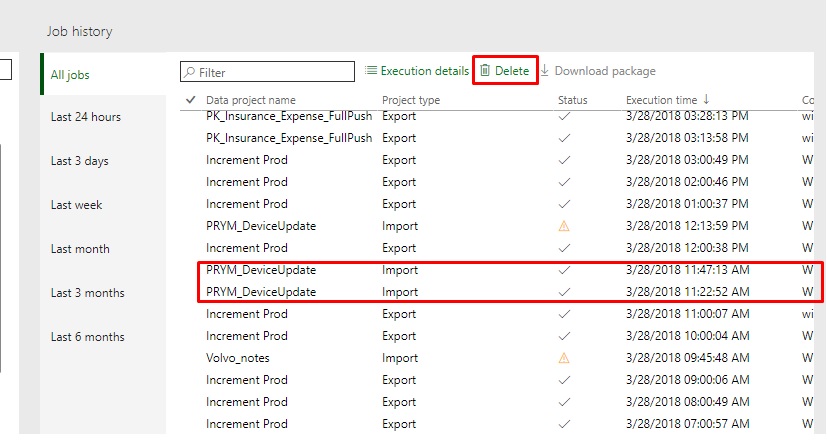
Step4. then I deleted and execution of the project
After that, I went to my newly created Export Project (myTmpEP)
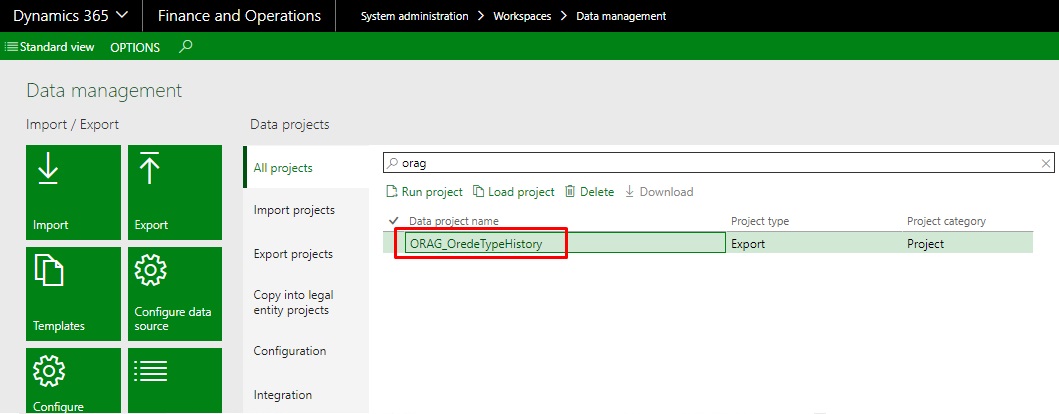
and clicked "Export" (so in fact I created a second batch job (recurrentJob_2))
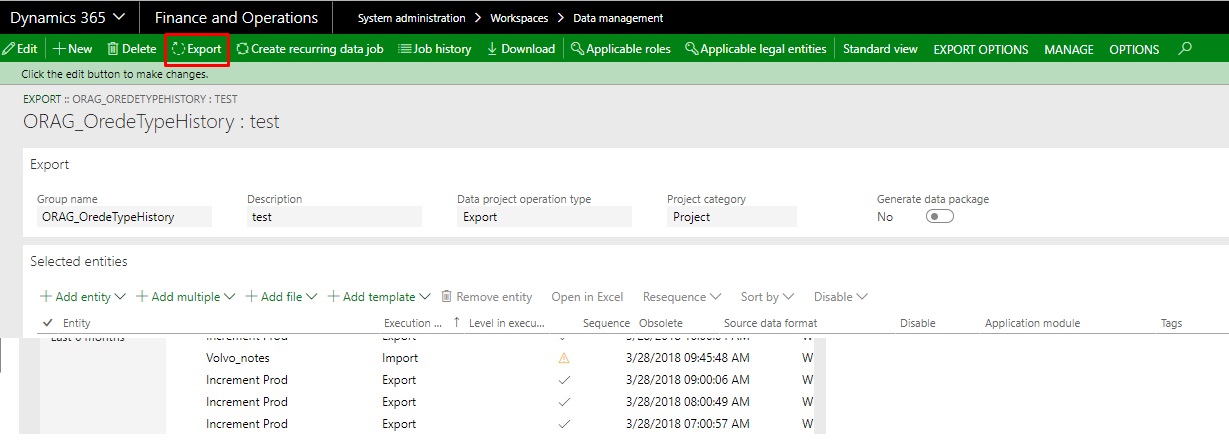
Than decided to check the result in myTbl_Staging (in my local SQL DB), and I discovered, that first recurrentJob_1 is still running (together with recurrentJob_2) - I confirmed in this by selecting distinct values of EXECUTIONID field from myTbl_Staging table:
SELECT count(distinct INVENTSERIALID), EXECUTIONID FROM [D365DH].[dbo].[DeviceInventTableStaging] GROUP BY [EXECUTIONID]
Once again, I decided to delete execution by repeating Step1-Step4. Unsuccessfully. The data is still fullfilling into myTbl_Staging (in my local SQL DB).
I checked SystemAdministration\Inquiries\Batch jobs\Batch jobs - there is no my job in the list. Also, I was trying to find the same value of EXECUTIONID from myTbl_Staging (in my local SQL DB) in DMFDefinitionGroupExecution.ExecutionId field (on PROD) but there is no such records there.
The only place where I found same EXECUTIONID is in DMFExecution.ExecutionId table.

So, the question is: how can I stop the execution of batch job? (taking into account - the the batch job is not in the list of batch jobs (SystemAdministration\Inquiries\Batch jobs\Batch jobs))


