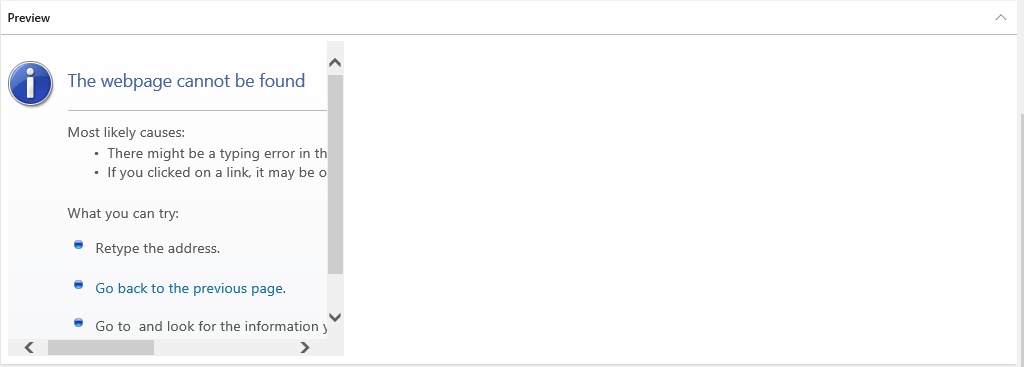
We have created an On-Premise instance of Dynamics 365 Finance and Operations. But the documents attached to records are not being previewed. Getting this message on the Preview tab.
Doing some R&D we found that in Finance and Operations Online, Documents are previewed using the Cloud Based WOPI server. But an On-Premise environment can't preview documents using this Cloud Base WOPI server. It has been described here.
To preview a document in the On-Premise environment, we must need to set up an On-Premise office online server and use this server as the WOPI server.
If we create an On-Premise office online server then the server shouldn't have the data which is already in the online server. Can we move the data from online to offline server?
Another question, From the first link there is a point which I am quoting here, "If previews aren't required, set the Office Web Apps Server field to https://localhost. The preview will then show the message "No preview available" instead of an error message." We set that but still we got that previous message as the screenshot.
Can you please help how to solve this problem?
Thanks In advance.







