web
You’re offline. This is a read only version of the page.
close
Skip to main content

Notifications

Announcements

No record found.

Community site session details

Community site session details

Session Id :
Microsoft Dynamics AX (Archived)

Label Issues - After GST Patch

(0) ShareShare
ReportReport
Posted on by

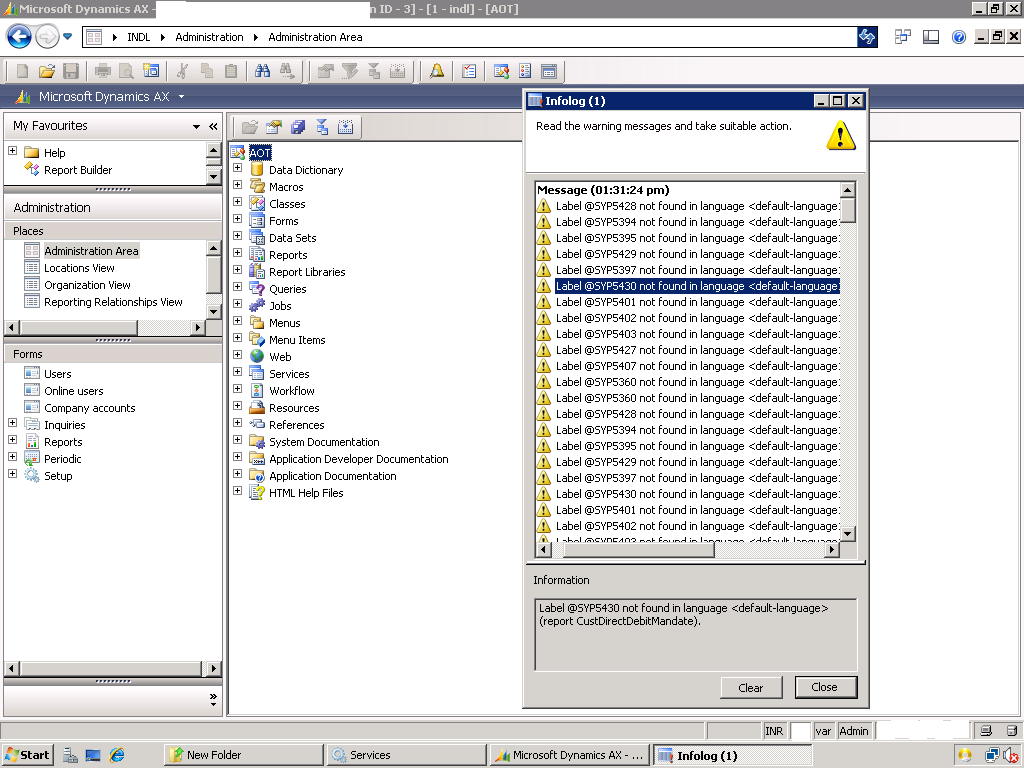
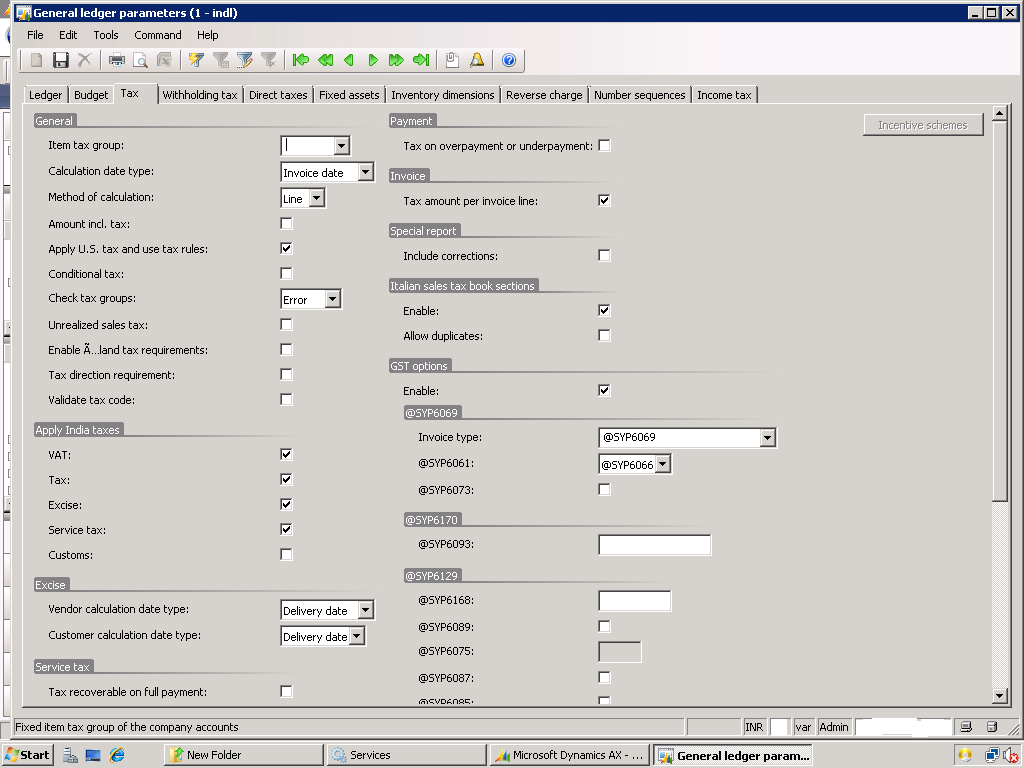
4722.a.png6888.b.png

Hi EveryOne,

When i Opened this path GL-->Parameters --> Tax In GST Group tab, instead of generic labels label codes are displaying like @sys6170,@sys6093 and some more as shown in attached Screenshots.

I updated GST Patch (KB4019353) to AX 2009 SP1.

1. I deleted ald file and auc File

2. Re stared  AOS

3. I did CIL, APllication Compilation and synchronization  

but still same issues... Please any solution

*This post is locked for comments

I have the same question (0)
  • Suggested answer
    Community Member Profile Picture
    on at

    Hello,

    Please follow below steps:

    1. Get all users out of the system and Stop all AOS servers

    2. On each AOS, Go to the App location C:\Program Files\Microsoft Dynamics AX\60\Server\MicrosoftDynamicsAX\bin\Application\App\Standard

    3. Remove all files in the standard folder, but leave the subfolders, such as Tmp and DB.

    5. Start each AOS which will create the necessary labels and files in this folder.

    6. Check the labels are updated correctly or not.

  • Community Member Profile Picture
    on at

    Hi Harpal, Thanks for the reply

    Mine Single AOS

    using  ax 2009 ... path is C:\Program Files\Microsoft Dynamics AX\50\Application\Appl\Standard .. i use to delete only ald files

    Shall i try  deleting  all files in standard folder except sub folders ? later Compilation r synchronization is required ?

  • Suggested answer
    Community Member Profile Picture
    on at

    Hi Ajith,

    Please keep only 2 folder in Standard [tmp and DB] remove all  other files in standard folder.

    No synchronization is require you just need to stop AOS service remove files  and then start AOS.

  • Community Member Profile Picture
    on at

    Harpal, I cant able to access anything after deleting all files in std except Tmp and DB

    Complete Blank

    2474.c.png 

  • Community Member Profile Picture
    on at

    Hi Ajith,

    Ohh, Can you please compile application once.

  • Ajith S N Profile Picture
    110 on at

    I cant recognize even the modules where administration is present   

Under review

Thank you for your reply! To ensure a great experience for everyone, your content is awaiting approval by our Community Managers. Please check back later.

Helpful resources

Quick Links

Responsible AI policies

As AI tools become more common, we’re introducing a Responsible AI Use…

Neeraj Kumar – Community Spotlight

We are honored to recognize Neeraj Kumar as our Community Spotlight honoree for…

Leaderboard > 🔒一 Microsoft Dynamics AX (Archived)

#1
Priya_K Profile Picture

Priya_K 4

#1
Martin Dráb Profile Picture

Martin Dráb 4 Most Valuable Professional

#3
Ali Zaidi Profile Picture

Ali Zaidi 2

Last 30 days Overall leaderboard

Featured topics

Product updates

Dynamics 365 release plans



