Hi Christian
Prospects are considered contacts in Business Central. So yes, you would use Contact as Prospect.
In Sales Quotes you can use Contact. See picture below.
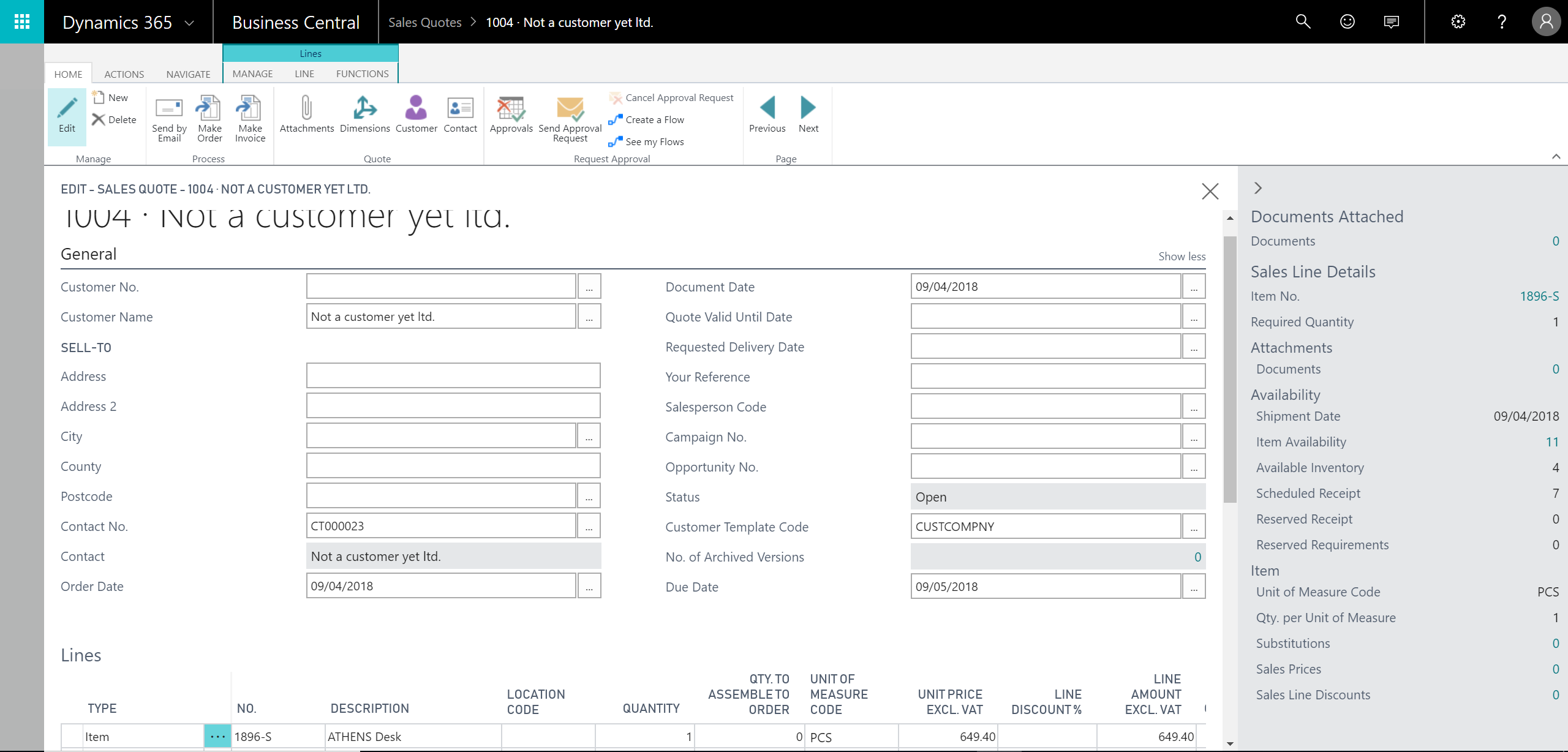
Simply click on Show more when creating a new sales quote and pick Contact (prospect if you will).
Key thing needed for quote to work correctly is to have Customer Template Code (next to Contact No. field in General tab of Sales Quote header).
While preparing sales quote, Business Central needs to know how to calculate taxes for sales quote, set default payment terms and payment method. These are settings that are set on Customer, so until Contact gets converted to customer (e.g. when Sales Quote is converted to an Order), Business Central takes those defaults and setup from Customer Template. Selected Customer Template is also used when Contact gets converted to Customer.
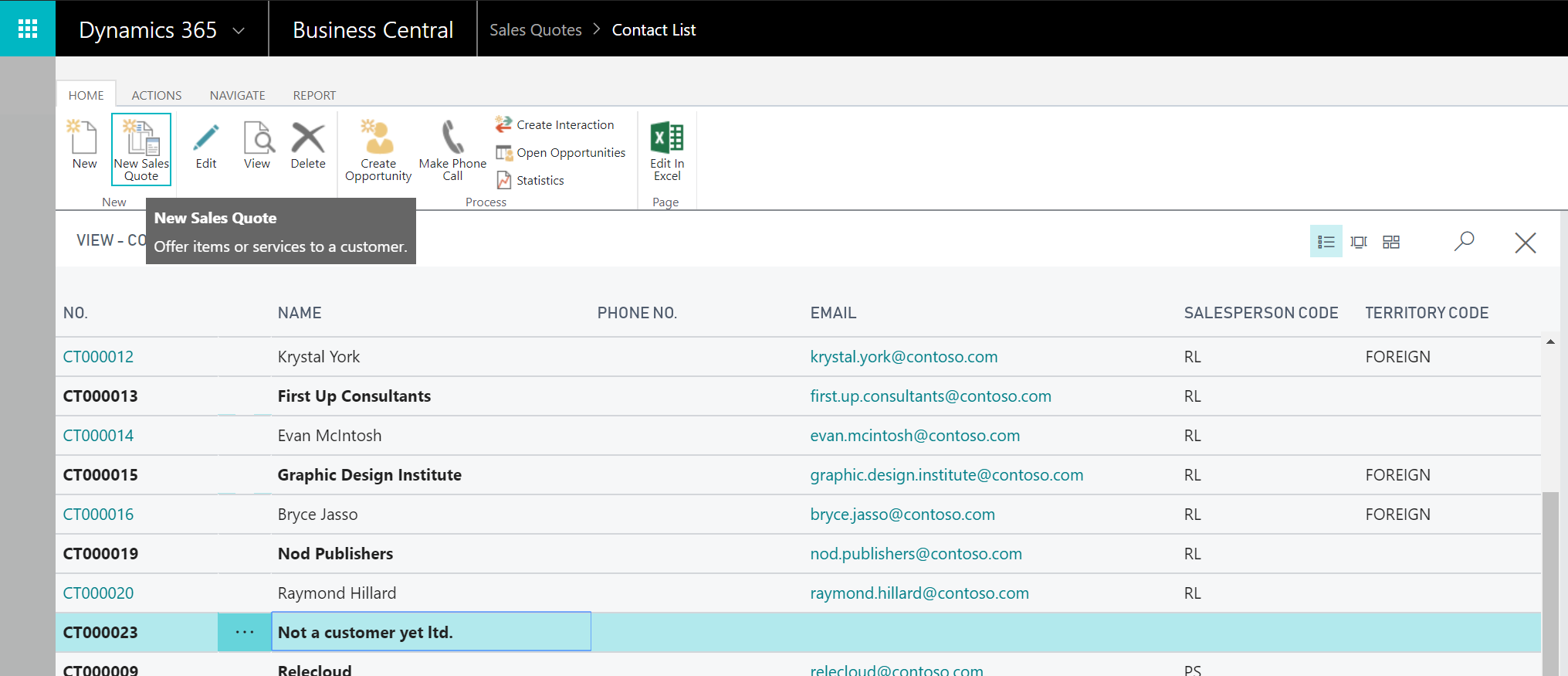
Another way to create Sales Quote for a Contact is to simply go to Contacts (list) and click New Sales Quote, like on picture below.