web
You’re offline. This is a read only version of the page.
close
Skip to main content

Notifications

Announcements

No record found.

Community site session details

Community site session details

Session Id :
Microsoft Dynamics NAV (Archived)

Help Texts in NAV 2015 display problems

(0) ShareShare
ReportReport
Posted on by

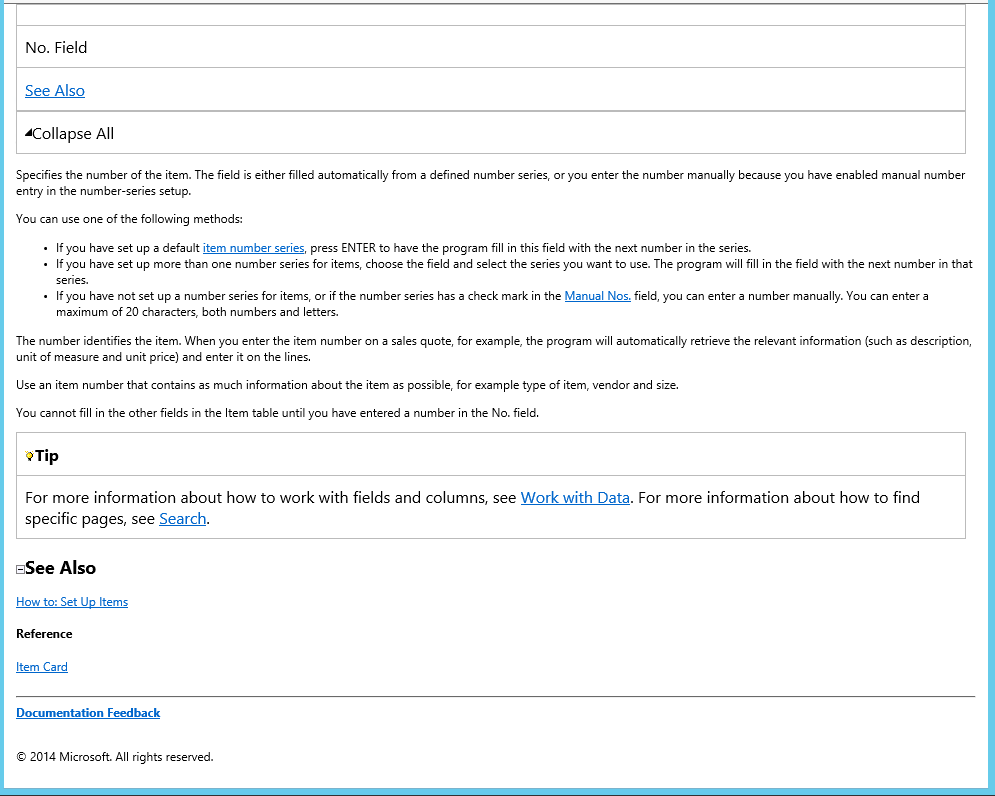
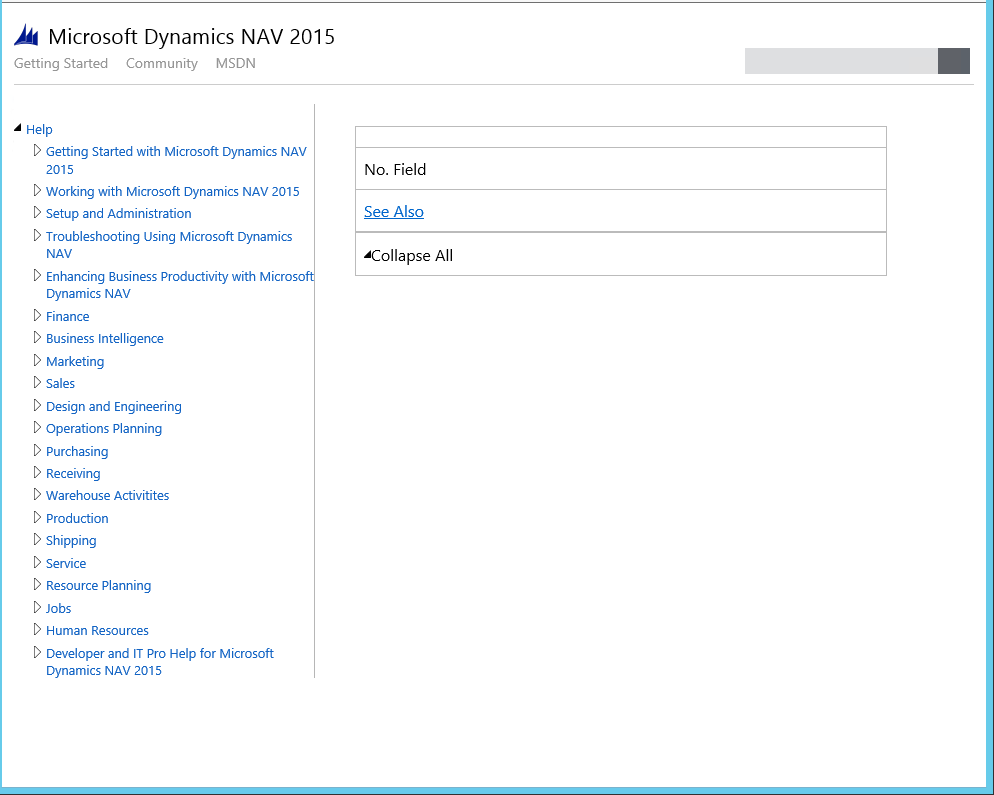
All the helptexts (both ENU and SVE) shows up like they should, but only the first 7 lines or so. The rest are removed by the style sheet or something. If I open the .htm files directly (second image) I can see the rest of the missing .xml. Is this a general problem or have our .css, .js, or some other support file been corrupted or is there a missing setting or something in our help server?
Screen2.PNG

*This post is locked for comments

I have the same question (0)
  • Community Member Profile Picture
    on at

    Here is a better image of the text cropping. Both at the top and the bottom. I have searched the html source code for a height pixel value error, but haven't found anything suspicious. The .css-file seems to lack a value that corresponds to the dimensions of the visible rectangle. Does the help texts work for anybody else, maybe it is just the Swedish localization that has this problem. Any thoughts would be appreciated.  

    I just tested window mode and full screen mode and the text shown actually changes when I resize the window. WIth a full screen I can only see the bottom part of the help text (in the same fixed place) and with a narrower window, I can see the middle part, but even if I resize it back to original size I can't see the top again. Very strange, but then again I have never really done anything with HTML before.  

    Maybe the browser thinks I am tablet surfing and expect me to touch and drag to see the rest and the screen size is limited to a not so smart phone. I am confused to say the least. We do have our testenvironment set up in a VPC, maybe that is limiting in some way, no connection to the net, no way to go and get .XML Resources from there, etc? And now I am rambling, time to go home and sleep on it.

  • Verified answer
    Community Member Profile Picture
    on at

    All that was needed was a working internet connection from our test environment. Some resource, still don't know which one, is downloaded from MS at runtime and it is absolutely vital, but no error message is given when it is missing.  

  • Community Member Profile Picture
    on at

    If you have internet connection, and it still doesn't work. Add these trusted sites in Internet Explorer option:

    Should work with only the http:// sites – or add the  https:// aswell

    http://code.jquery.com

    http://ajax.aspnetcdn.com

    https://code.jquery.com

    https://ajax.aspnetcdn.com

Under review

Thank you for your reply! To ensure a great experience for everyone, your content is awaiting approval by our Community Managers. Please check back later.

Helpful resources

Quick Links

Responsible AI policies

As AI tools become more common, we’re introducing a Responsible AI Use…

Neeraj Kumar – Community Spotlight

We are honored to recognize Neeraj Kumar as our Community Spotlight honoree for…

Leaderboard > 🔒一 Microsoft Dynamics NAV (Archived)

Last 30 days Overall leaderboard

Featured topics

Product updates

Dynamics 365 release plans