web
You’re offline. This is a read only version of the page.
close
Skip to main content

Announcements

No record found.

News and Announcements icon
Community site session details

Community site session details

Session Id :
Microsoft Dynamics AX (Archived)

Purchase order list in Enterprise Portal

(0) ShareShare
ReportReport
Posted on by 1,402

I want to add a Proj Id field in the Purchase order list on Enterprise Portal. But, I am unable to find out the web control for this. The ProjId field is in the PurchTable data set. Kindly suggest me a way to add a field on the grid to show it on the Enterprise Portal.

Path: axtest-001/.../default.aspx;WDPK=initial&WMI=EPPurchase&redirected=1&WCMP=IPA&WMI=EPPurchase
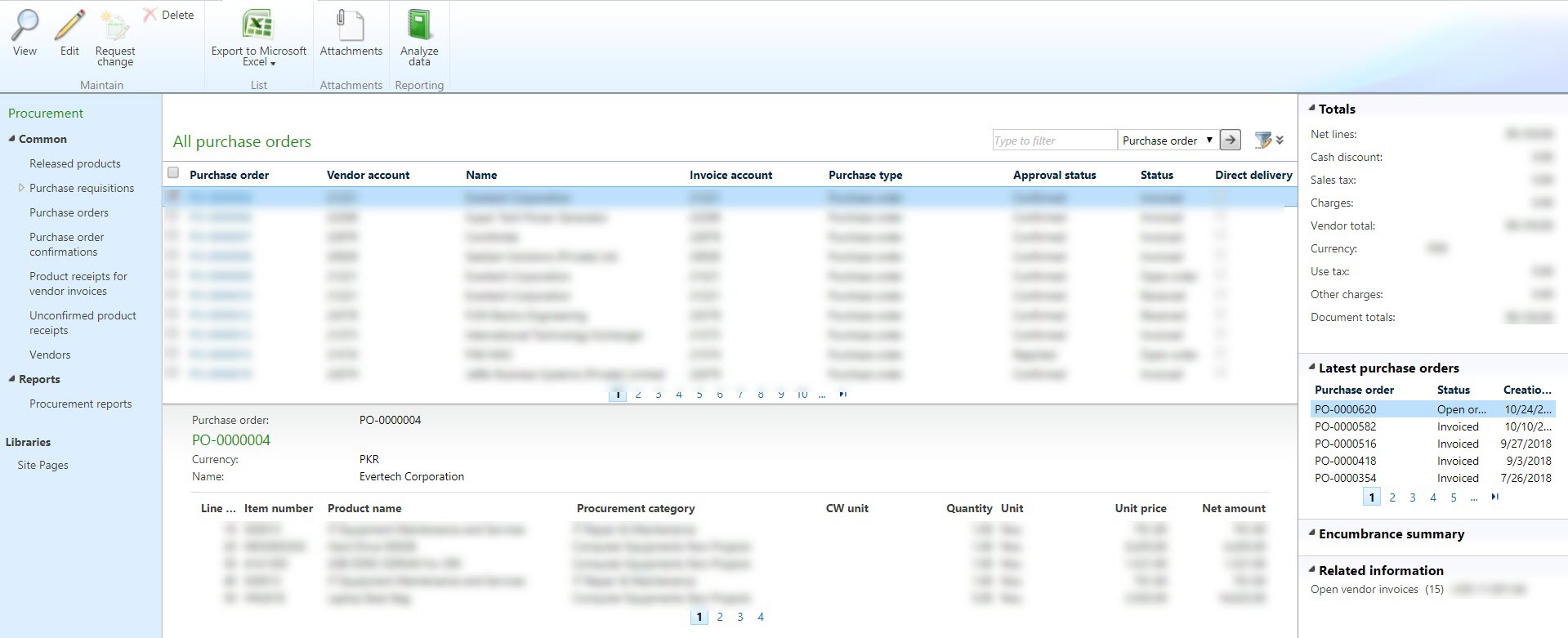
allpurchaseorders_5F005F00_ep.jpg

*This post is locked for comments

I have the same question (0)
  • Suggested answer
    Khurshid Wali Profile Picture
    928 on at

    Hello Moeen,

    It is a list page. EP listpage does not have any web controls.  

    You have to make changes to AX listpage and deploy again to EP.

  • Moeen Ahmed Sultan Profile Picture
    1,402 on at

    From where can I find this listpage? Do you mean in Page definition?

  • Verified answer
    Khurshid Wali Profile Picture
    928 on at

    Moeen,

    There are two types of Pages in EP.

    Web controls (Pages can be edited through Visual Studio0

    List Page. (Pages can be edited through AX AOT form).

    EP list pages are formed through deploying AX Listpage form.

    20744.3.JPG

    To find out the AOT menu item associated with the web part name 

    follow this process

    1. click on Page

    2. Edit page

    3.Edit web part

    4. List page name in Dynamics AX drop down

    20744.3.JPG

  • Khurshid Wali Profile Picture
    928 on at

    Do you mean in Page definition?

    you don't have to edit page definitions and Managed web contents.

  • Moeen Ahmed Sultan Profile Picture
    1,402 on at

    Hi Khurshid Wali,

    Thanks for helping. I have successfully added the field.

    Regards,

    Moeen Ahmed Sultan

Under review

Thank you for your reply! To ensure a great experience for everyone, your content is awaiting approval by our Community Managers. Please check back later.

Helpful resources

Quick Links

Introducing the 2026 Season 1 community Super Users

Congratulations to our 2026 Super Stars!

Meet the Microsoft Dynamics 365 Contact Center Champions

We are thrilled to have these Champions in our Community!

Congratulations to the April Top 10 Community Leaders

These are the community rock stars!

Leaderboard > 🔒一 Microsoft Dynamics AX (Archived)

#1
CP04-islander Profile Picture

CP04-islander 24

#2
Michel ROY Profile Picture

Michel ROY 14

#3
Jagadabi Profile Picture

Jagadabi 6

Last 30 days Overall leaderboard

Featured topics

Product updates

Dynamics 365 release plans
