Hi Fariha,
As Dilyana suggested, javascript would be a simple way to display current date on marketing emaill,
and it might be blocked by different email service providers due to secutiy policy such as Gmail.
I suggest you could build a custom entity called Date Assistance, create one record of this entity to save current date,
then embed it in marketing email content as dynamic content and send to contacts,
the benefit is that the date text is actually processed by CRM back-end and will be regarded as just text element in marketing email,
and the potential disadvantage is that if your target contacts are far from your time zone(e.g: China to USA), you might need another record with time zone only date field to these contacts.
Steps:
1. In custom Date Assistance entity, create a calculated date and time field with NOW() function.
2. Create another field Sync Text Current Date, it will save formatted MM/DD/YYYY date and we'll work with this single line text field to be sent.(because I found that calculated field data won't be shown in marketing email from my test)
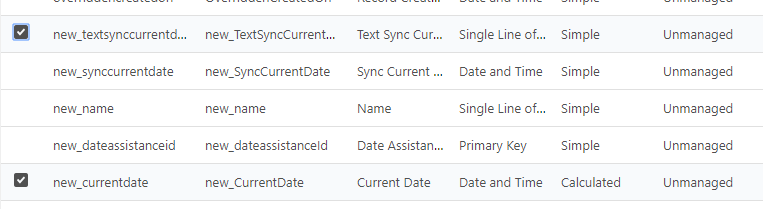
3. Build an on-demand workflow or recurring workflow (With methods below, you won't pay for 3rd party solution.):
Pure way:
https://crmbusiness.wordpress.com/2011/05/24/crm-2011-how-to-schedule-recurring-workflows-in-crm-2011/
https://blogs.msdn.microsoft.com/mvpawardprogram/2013/03/11/scheduling-recurring-workflows-in-microsoft-dynamics-crm-2011-online-and-on-premise/(tutorial video)
https://www.powerobjects.com/blog/2012/11/09/create-recursive-or-scheduled-workflows-in-crm/
Open source solution:
https://community.dynamics.com/crm/b/alexanderdevelopment/posts/updated-solution-for-scheduling-recurring-dynamics-365-workflows
https://alexanderdevelopment.net/post/2016/09/19/updated-solution-for-scheduling-recurring-dynamics-crm-workflows/
Create a simple console app and run it with Windows Task Scheduler:
to sync calculated current date to the text date field with formatted data.

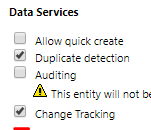
4.1 Enable Change Tracking option for Date Assistance entity.(to be available as dynamic content entity in marketing email)
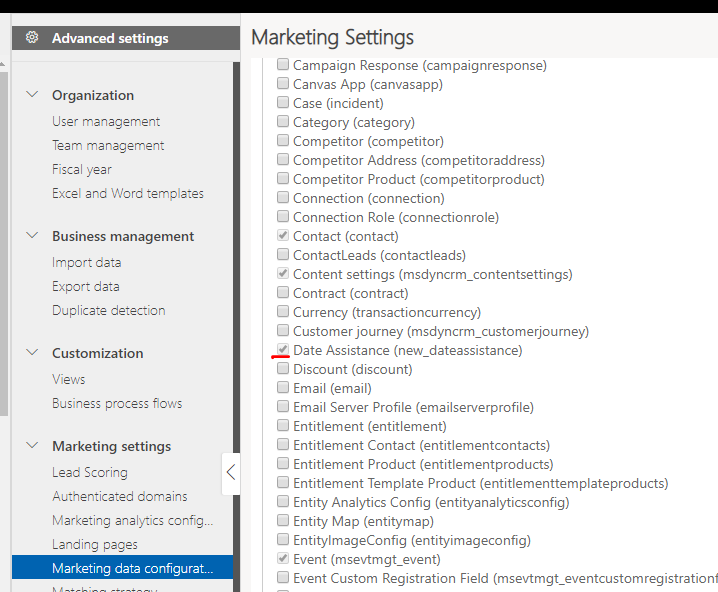
4.2 Enable the Date Assistance entity in Marketing data configuration. (to be available as dynamic content entity in marketing email)
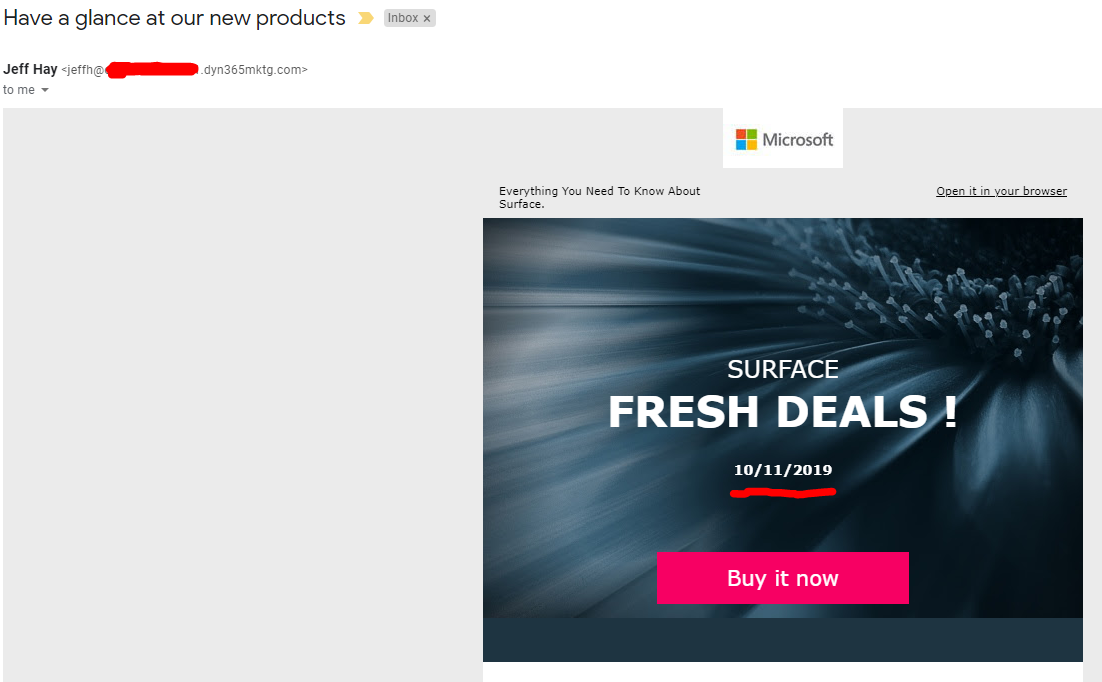
5. Embed the field to marketing email content with Assist-edit
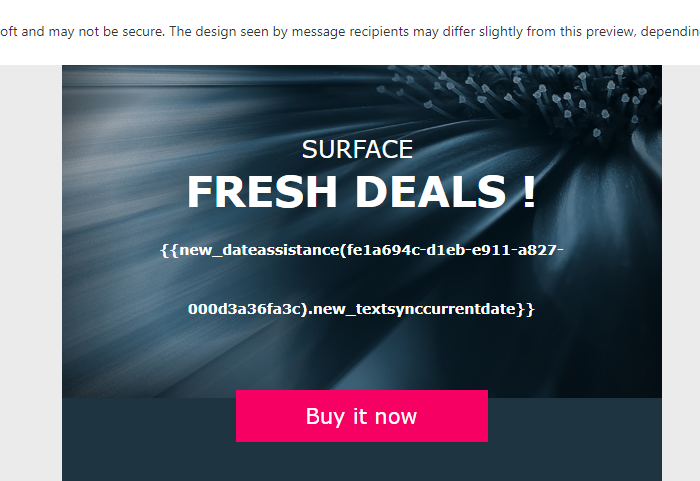
Result:
Regards,
Clofly







