web
You’re offline. This is a read only version of the page.
close
Skip to main content

Notifications

Announcements

No record found.

Community site session details

Community site session details

Session Id :
Microsoft Dynamics AX (Archived)

POS Retail Login Error - AX 2012 r3 in win server 2012

(0) ShareShare
ReportReport
Posted on by

Hello!
First of all thanks for the attention paid and for creating these forums that make this life a little less complicated ... jejeje

I have installed the whole framework of integration of a Retail in AX 2012.
All components and databases are installed and connected correctly.

When starting the POS it jumps an event of type:

- The on-screen keyboard is not available. The IInputPanelConfiguration COM interface is not registered. It is most commonly seen on Windows Server machines without the desktop experience installed.System.Runtime.InteropServices.COMException (0x80040154):
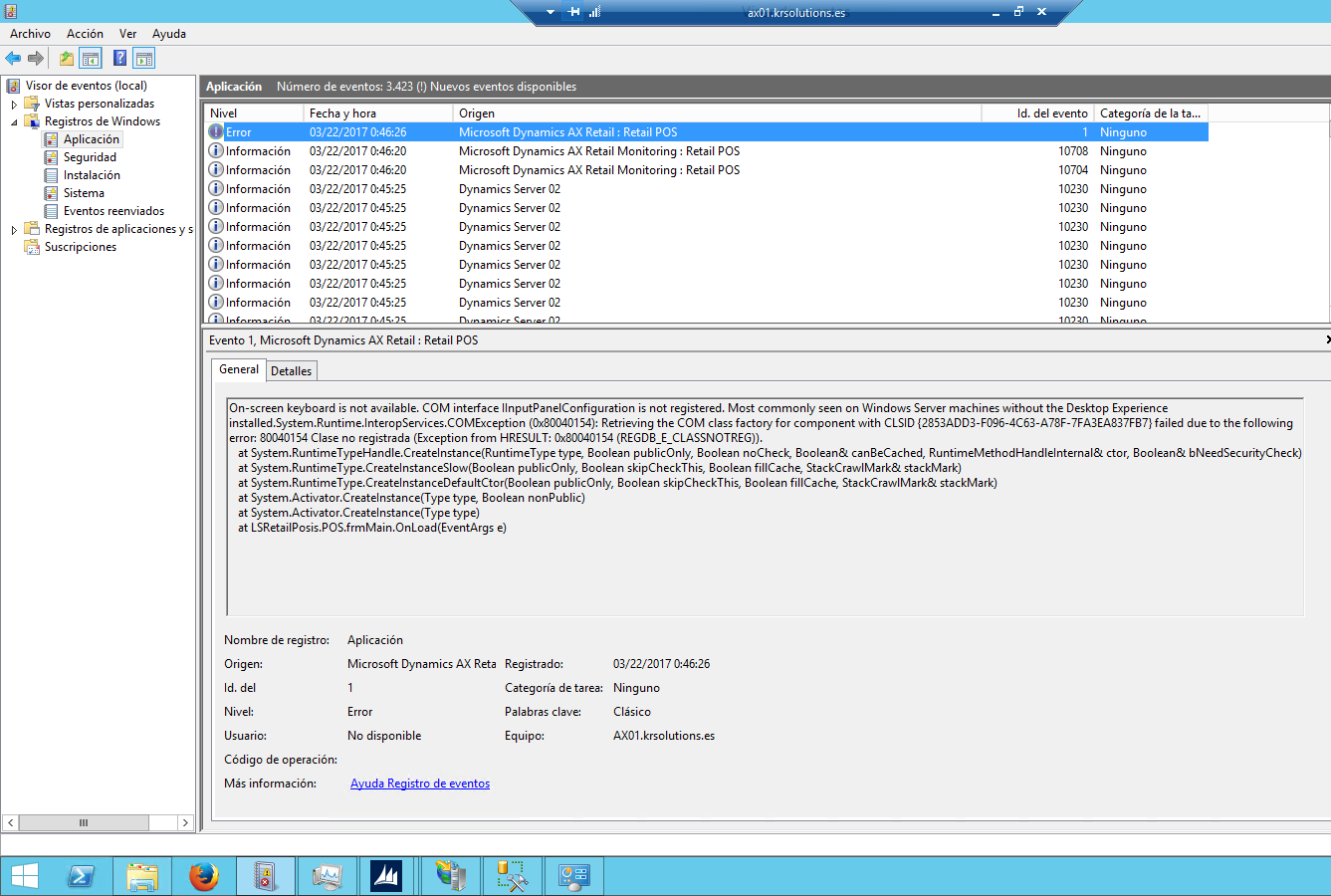
0246.Sin-t_ED00_tulo.png

He made the check of all the parameters that are specified in the manuals

(I follow the Mauro's steps in a related post):

- Shops
- Workers linked to stores.
- Store Positions
- Address book in store and worker.
- Workers with permits.
- Devices linked and activated for the store.
- All the update works executed.
- And so on.

But when I log in with the personal identifier and password, the POS connects to the database (event viewer), but does not boot or load anything. Follow me the following message:
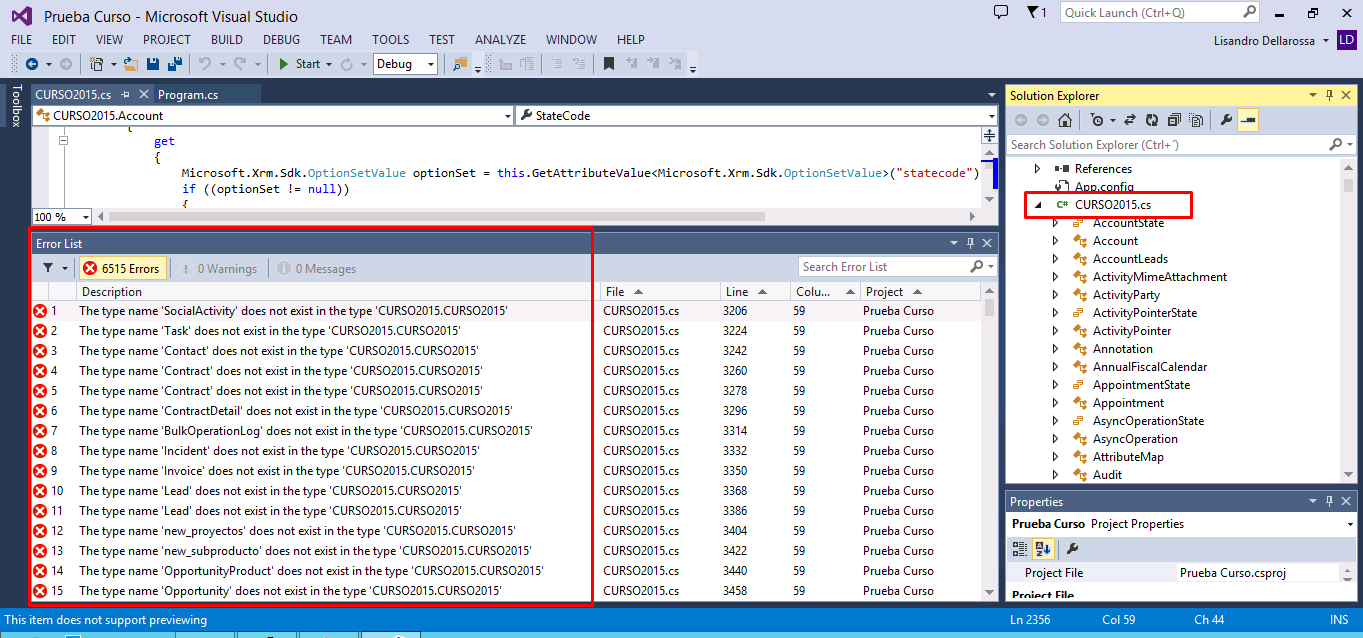
Sin-t_ED00_tulo2.png

- The operator ID and the correct p.
- But I do not know if this is a configuration problem, or it has to do with something else. I'm a bit frustrated already. Unesdoc.unesco.org unesdoc.unesco.org

Someone can help me with this, or guide me even if it was a little where the shots go?
Thanks again for the attention.
A cordial greeting!
Francis.

*This post is locked for comments

I have the same question (0)
  • Axaptus Profile Picture
    10 on at

    Hi!

    In Windows server machines you have to enable the Deesktop Experience feature. Please refer the follownig blog's post:

    https://community.dynamics.com/ax/b/sumitpotbharesaxretailblog/archive/2015/01/30/modern-pos-activation-in-dynamics-ax-for-retail-r3

    Hope this helps.

  • Suggested answer
    sumit0417 Profile Picture
    2,890 on at

    Check the address book assignment to the worker.

Under review

Thank you for your reply! To ensure a great experience for everyone, your content is awaiting approval by our Community Managers. Please check back later.

Helpful resources

Quick Links

Responsible AI policies

As AI tools become more common, we’re introducing a Responsible AI Use…

Neeraj Kumar – Community Spotlight

We are honored to recognize Neeraj Kumar as our Community Spotlight honoree for…

Leaderboard > 🔒一 Microsoft Dynamics AX (Archived)

#1
Martin Dráb Profile Picture

Martin Dráb 4 Most Valuable Professional

#1
Priya_K Profile Picture

Priya_K 4

#3
MyDynamicsNAV Profile Picture

MyDynamicsNAV 2

Last 30 days Overall leaderboard

Featured topics

Product updates

Dynamics 365 release plans



