web
You’re offline. This is a read only version of the page.
close
Skip to main content

Notifications

Announcements

No record found.

Community site session details

Community site session details

Session Id :
Service | Customer Service, Contact Center, Fie...
Answered

Woodford - Forms

(0) ShareShare
ReportReport
Posted on by 18

Good morning,

Last week when I updated our Woodford version we also lost some functionality in our mobile app.

I was not in the company when they developed and implemented this feature and there's no documentation left after by my predecessor.

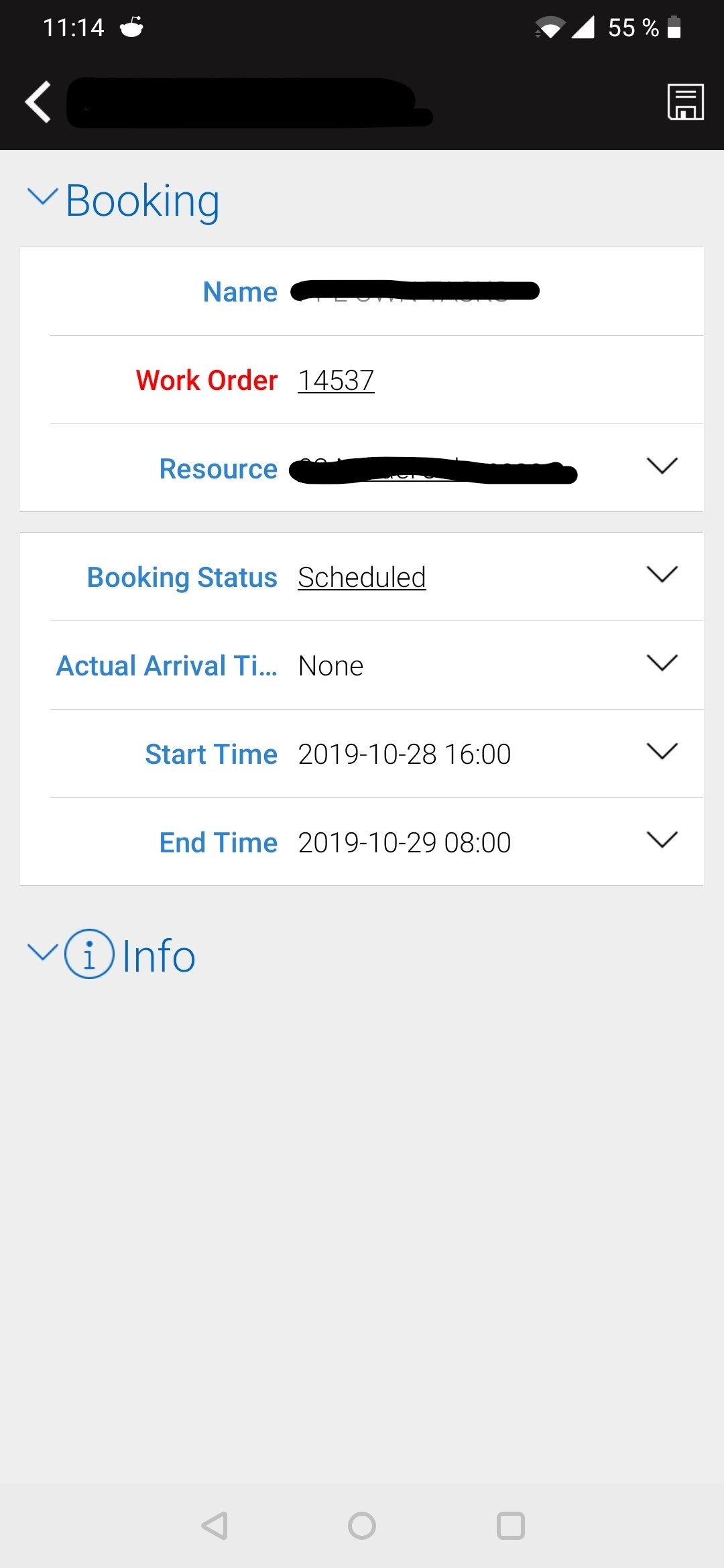
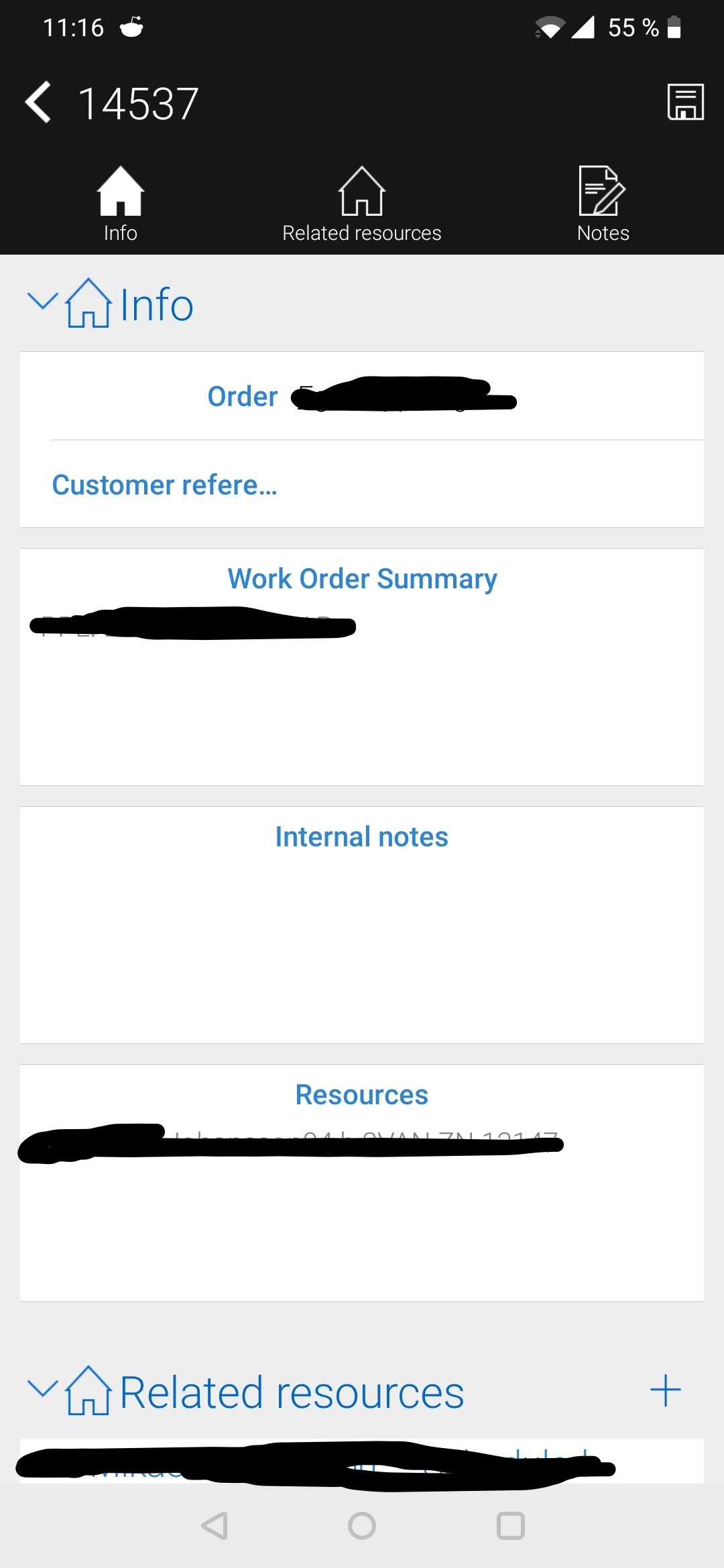
Before the update of Woodford. we had the following Forms showing up on the same page in the Mobile App:

1. Bookable Resource Bookings (To handle start/end times of a task)

2. Work Order (Providing information about the task etc.)

First Picture showing the "Bookable Resource Booking"
view-1.jpg

Second picture showing the "Work Order" Form.
WO_5F00_view.jpg

Before the Woodford update, we used to be able to see the Form from the second picture under the Info-tab in picture one.

Any ideas on how to get this back?

If this is done with the OnLoad commands, how do you assign a Form to a Tab?

Thanks,

Mikael

I have the same question (0)
  • Al Iggs Profile Picture
    on at

    In your Woodford project, can you go to Configuration>Combined Booking Form and check if it's set to True? Also, what project do you use - a derivative of the standard Field Service project?

  • mikaelppl Profile Picture
    18 on at

    Hi Alexander, I changed the setting you mentioned and now the MobileCRM (Resco app) is crashing when opening a BRB. The Microsoft app instead shows "Error applying Form Rule. See Log". The exception is "Variable not found 'FormName'".

    Both BRB and Work Order FormRuleSelect is assigned to the default Form.

  • Verified answer
    Al Iggs Profile Picture
    on at

    Hard to diagnose remotely. I would try the standard FS Woodford project, and if that works, compare your changes.

  • mikaelppl Profile Picture
    18 on at

    Morning Alexander, I manage to get it running with a clean install of Woodford.

    I'm not 100% sure I think some of Onload workflows was broken leading to the functionality not working.

    Thanks for the tip!

    Mikael

Under review

Thank you for your reply! To ensure a great experience for everyone, your content is awaiting approval by our Community Managers. Please check back later.

Helpful resources

Quick Links

Responsible AI policies

As AI tools become more common, we’re introducing a Responsible AI Use…

Neeraj Kumar – Community Spotlight

We are honored to recognize Neeraj Kumar as our Community Spotlight honoree for…

Leaderboard > Service | Customer Service, Contact Center, Field Service, Guides

#1
Tom_Gioielli Profile Picture

Tom_Gioielli 35 Super User 2025 Season 2

#2
Daniyal Khaleel Profile Picture

Daniyal Khaleel 27 Most Valuable Professional

#3
Soundari Profile Picture

Soundari 15

Last 30 days Overall leaderboard

Featured topics

Product updates

Dynamics 365 release plans



