Hi Partner,
Did you encounter following error when embedding event portal as into iframe on external website?
According to the error, main.js:1 ERROR DOMException: Blocked a frame with origin "">xxx.microsoftcrmportals.com" from accessing a cross-origin frame.
If so, according to the error message, I copied whole code of main.js and formatted it in VS, found that it uses window.top.WLSPHIP0 to read CAPTCHA object.
In event portal, from my test, the value of window.top.WLSPHIP0 equals to window.WLSPHIP0, thus WLSPHIP0 variable should exist in frame of event website.
However, when the event portal is being embedded as iframe on external website, it seems that browser had regarded external website as the frame of window.top instead, therefore, due to cross-origin protection, the function in main.js was blocked by browser.
To solve it, I replaced all "window.top" in captcha.service.ts file and captcha.component.ts with "window", and deployed modified event website files to portal.
Now, the CAPTCHA is able to show,
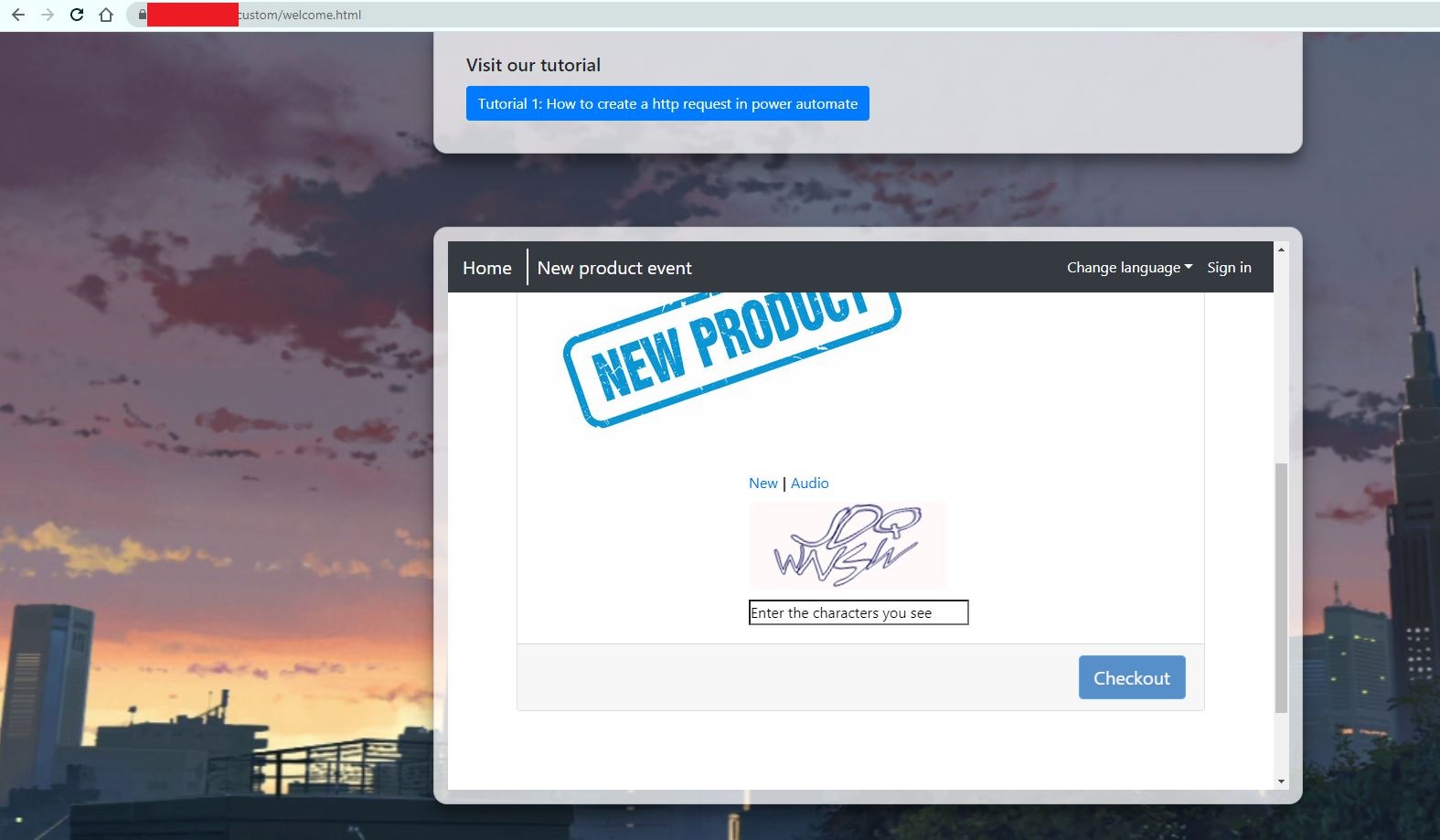
However, I encountered another trouble:
In the final complied main.js file, some "window.top" has been replaced with "window", while there are still some "window.top",
hence when I submit form, the same error occurred.
In my opinion, if we could change all "window.top" to "window", then the problem might be solved and CAPTCHA feature could work on external website,
but after modification, I didn't find more "window" in global search of event website files.
In short, here are my suggestion:
To simplify your task, you could
1. Disable CAPTCHA option, then clients could still add registration successfully without entering CAPTCHA .
2. Host event website on your external server directly, instead of embedding it as iframe.
If you prefer to solve it by code, you could
3. ask a question on Angular community or other professional programming forum such as StackOverflow for further assistance.
Regards,
Clofly





 Share
Share Report
 15
15 All responses (
 Answers (










