Hi Dale,
You are doing without wrong.
Querying feature is not available in OOB steps of workflow, thus we need to write code to achieve custom workflow activity to support complex business logic.
The second issue is that the workflow executing in customer journey should be set to "on-demand" type, and its source entity could be only set to Contact.
It will take so much effort to write code, to simplify the whole process, you could refer to following alternative: by using a custom tile and flow to close phone call.
1. Create a custom tile by following tutorial from documentation:
https://docs.microsoft.com/en-us/dynamics365/marketing/developer/extend-customer-journeys-custom-channels
When customers go through to the custom tile, an entity called "Custom Channel Activity" will be created;
In the entity, there is a field to save corresponding contact.
But we need an extra custom entity to link it to custom channel activity.
2. When everything are configured in step 1, then we replace the workflow tile with custom tile.
In my application, I created a custom entity called "Twitter Channel".
(Don't worry about name of custom entity, because it is only used to link to custom channel activity.)

Just as we can select a specific workflow for different customer journeys, here we can also select a specific custom entity record to support specific business logic.
(The custom entity indicates that it is used to update phone calls.)
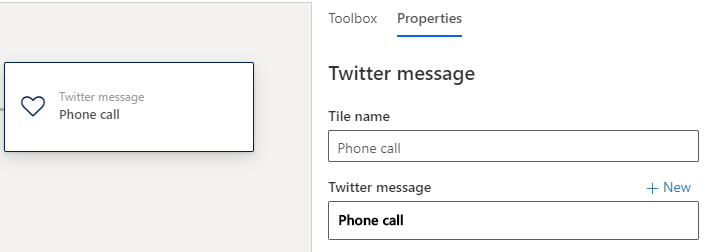
3. Create a flow, it will be trigger on creation of "Custom channel activities".
From beginning, we use Entity ID field to retrieve information of associated custom entity record.

4. In my process, the flow will only go further if name of custom entity equals to "Phone call".

5. We know that Subject and Regarding fields of phone call records which are created by customer journey will be populated from subject of activity template and corresponding contact respectively.
My phone call template name is 123, therefore, I only update phone call record which subject field is equal to 123.
Firstly, filter out the eligible phone calls.

Then use the record id from the previous step to update.
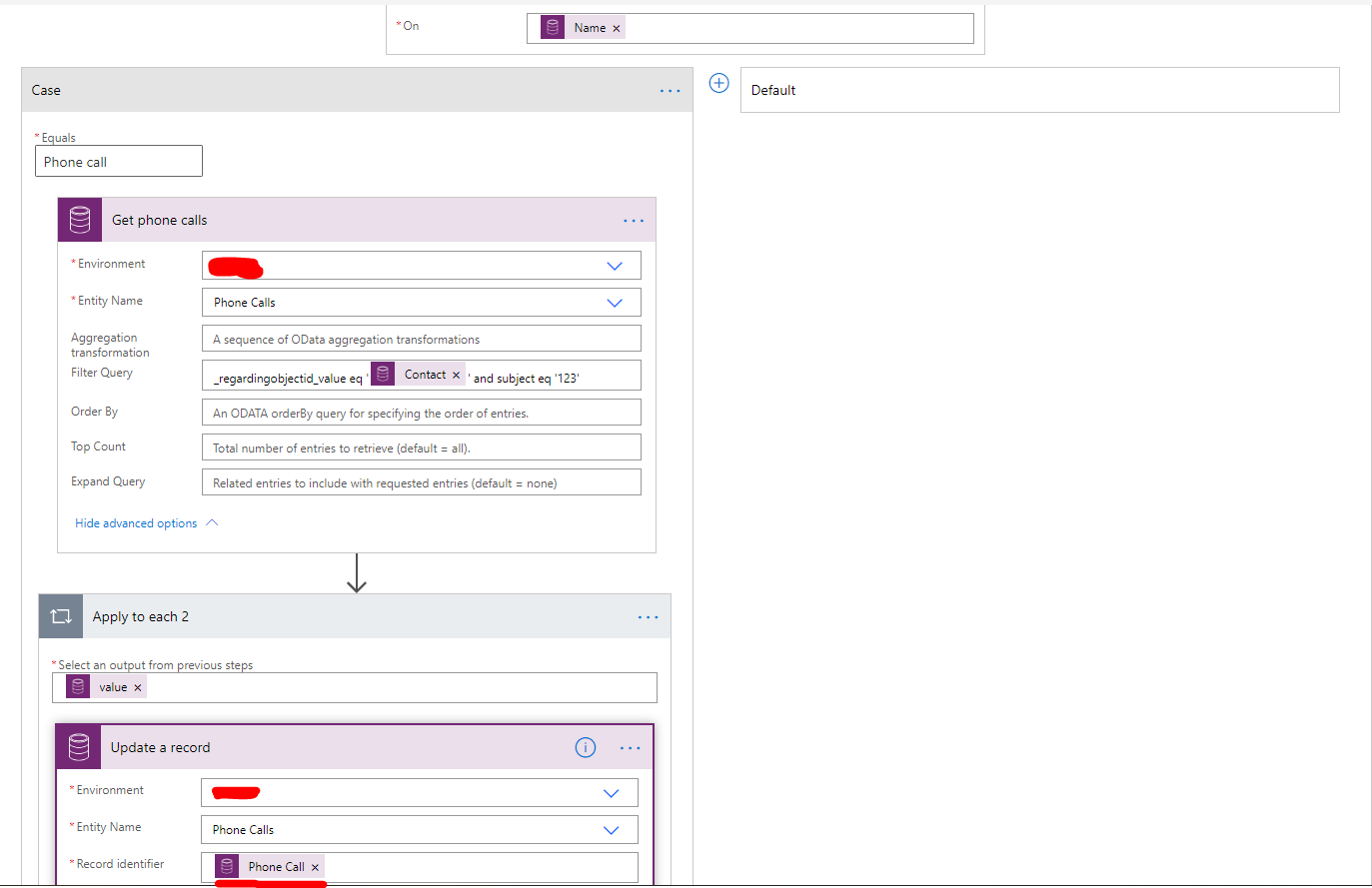

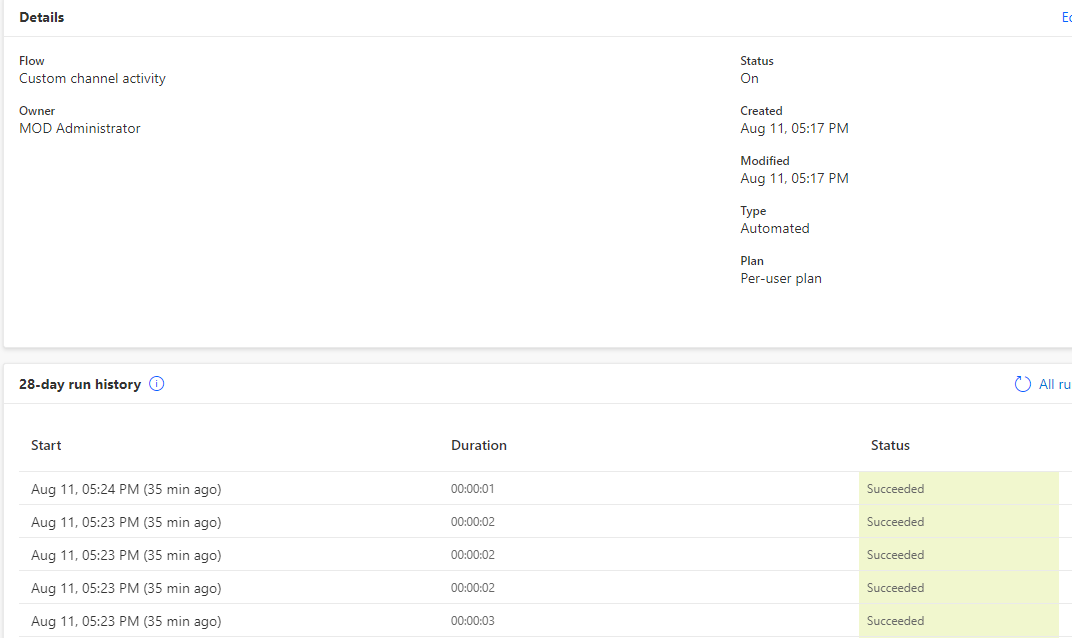
6. Result(I run a simplified customer journey to test.)
Phone calls to members in segment will be closed via flow.

Regards,
Clofly







