Hello John.
I will explain what I am trying to do with screenshots.
First, connect to the CI of the trial environment (environment A).
The account name is aaa@example.com.
"Data" > "Data sources" > "Add data source".
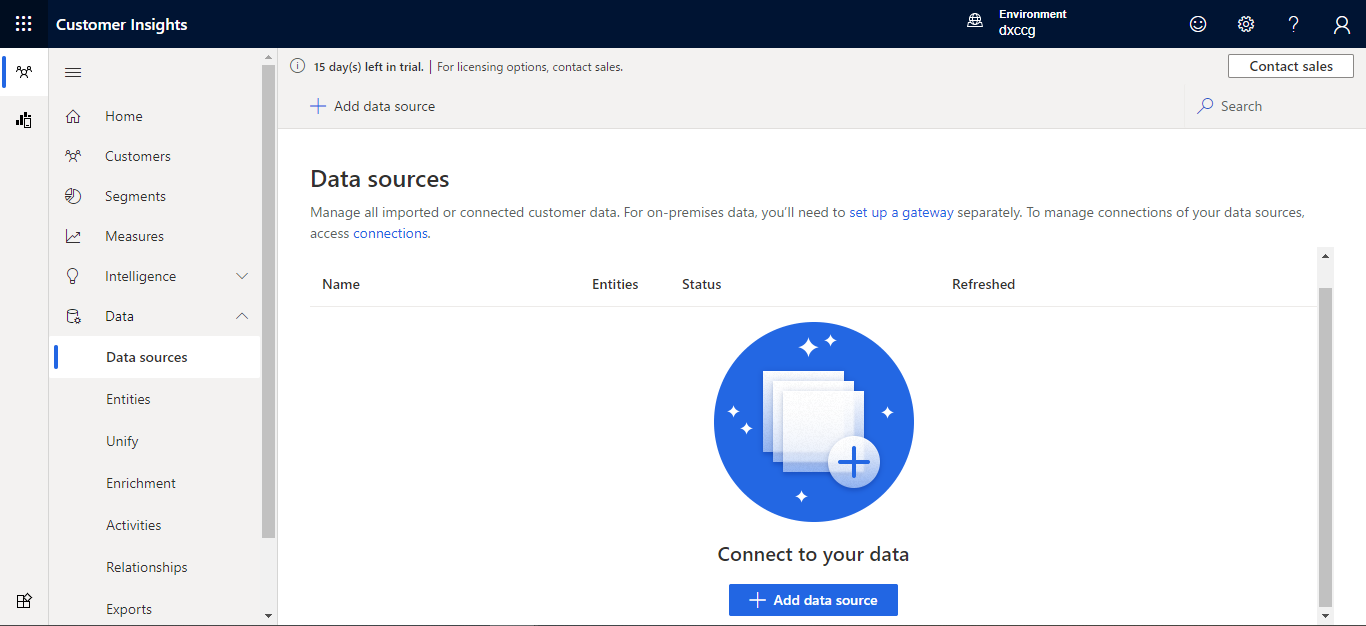
Check "Connect to Microsoft Dataverse managed lake" and enter the name of the data source.
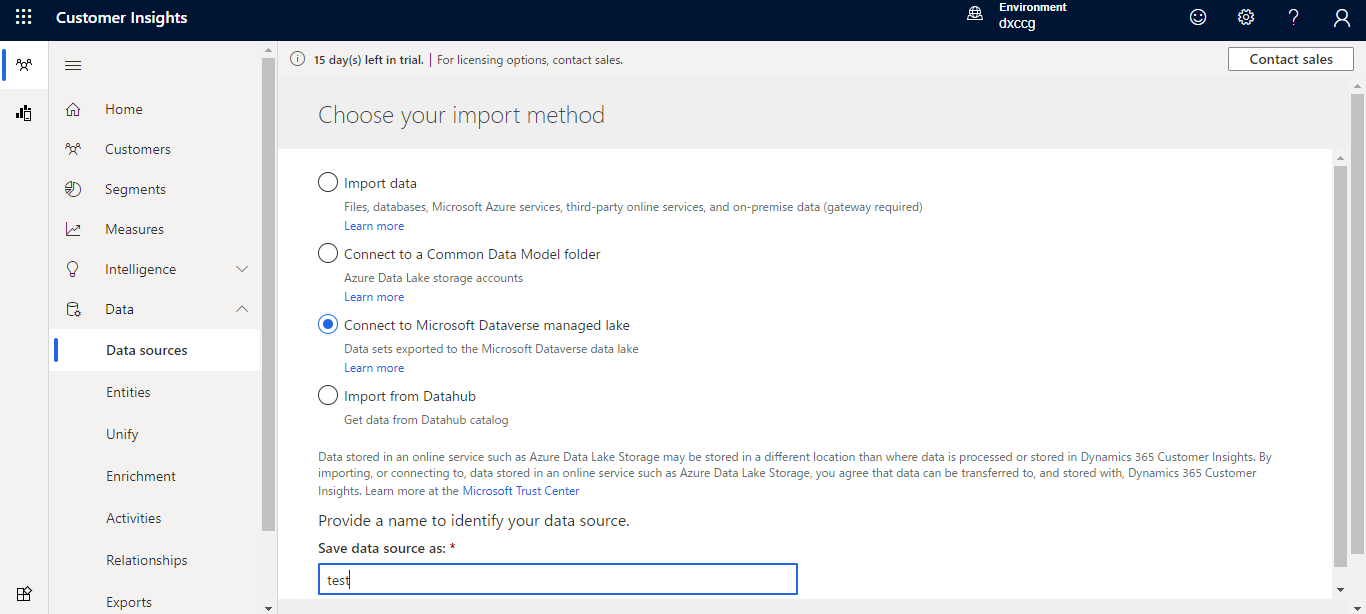
Click Next and enter the server address.
Click "Sign in" and sign in with the account of the Dataverse environment (Environment B) you want to add.
The account is bbb@example.com.
This is a separate environment from the CI environment, and each environment does not have an account for each other.
Each account also has "system administrator" privileges for the environment.

Click Next.
But nothing reacts.
There is no error and no transition to the loading screen.
I would appreciate it if you could tell us about the cause of this and how to connect across tenants as a solution.
As reference,
If CI and Dataverse are in the same environment, I was able to connect.
Also, if you try to connect to Dataverse (B environment) in a different environment with the account (aaa@example.com) in the CI environment (A environment), it will be loaded,
but"Couldn't add resource. user is not an admin of Microsoft Dataverse organization. "



