When an Outlook user moves a CRM Appointment to another calendar, CRM doesn't get the information and the CRM/Outlook link is lost.
Below, an detailed example with 2 Outlook users: Jane and John. We work with Microsoft Dynamics CRM Online 2016 Update 1 version (8.1.0.360).
Question : Does someone faced this limitation and found a trick to avoid it?
---------------------------------------------------------------------
In Outlook, Jeanne creates 1 meeting in her calendar
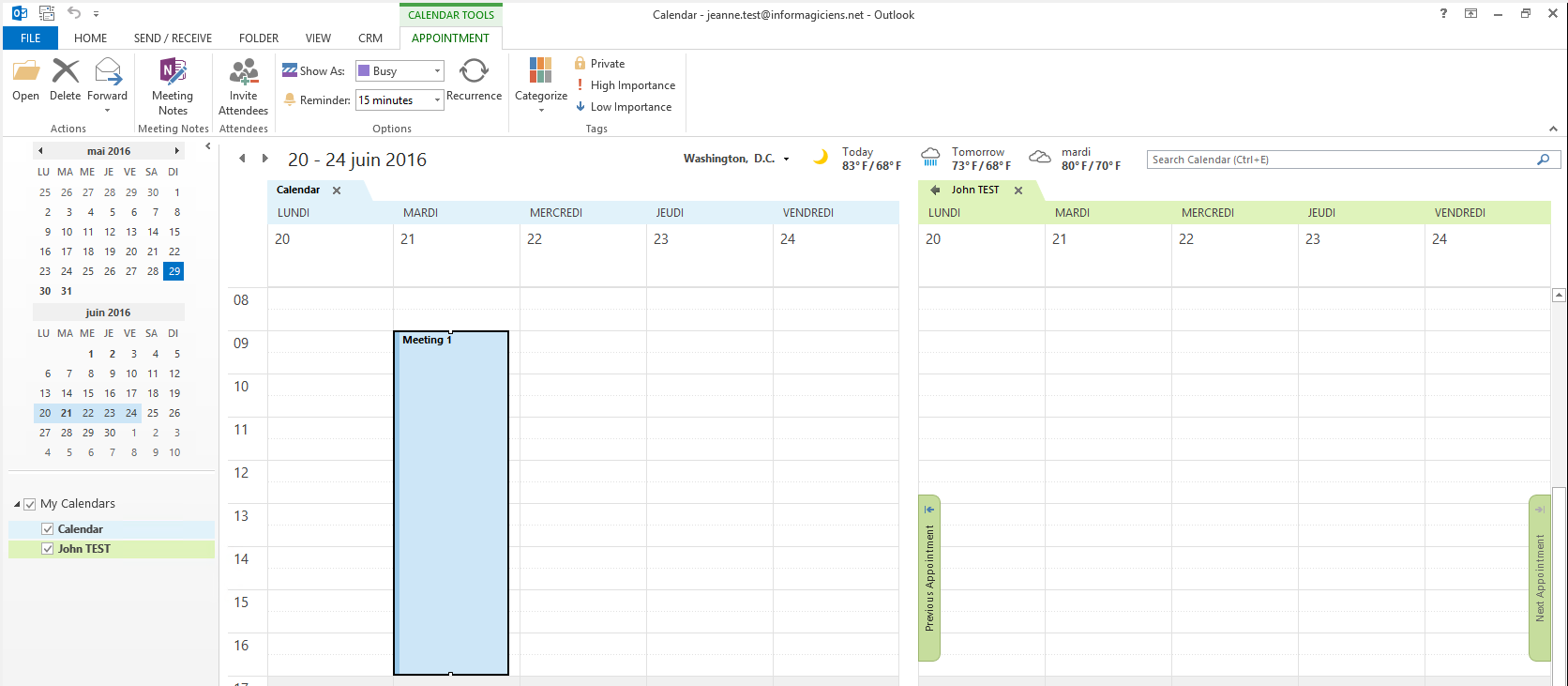
In Outlook, Jeanne tracks this meeting in CRM

In Outlook, Jeanne move the appointment to John’s calendar (and change the day)
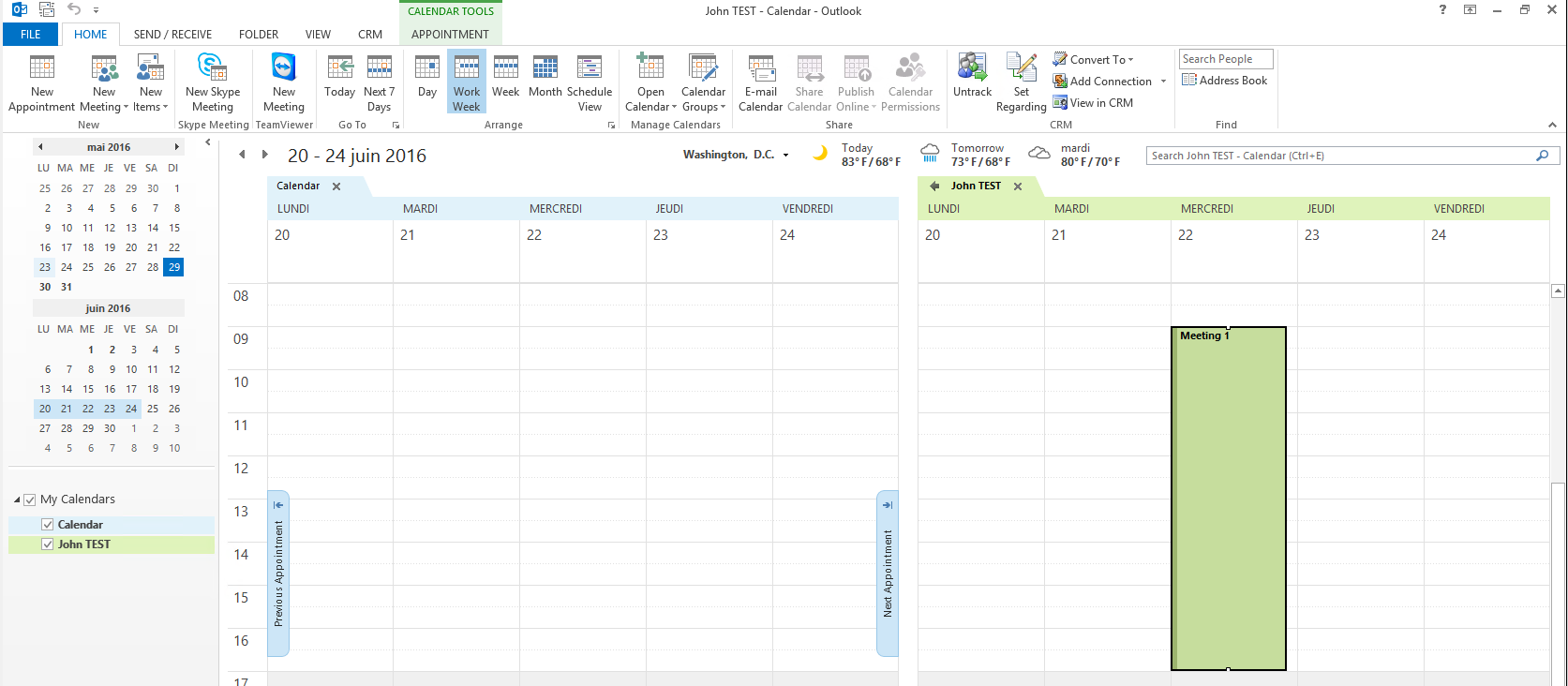
In Outlook, John sees the meeting in his calendar. The meeting appears to stay tracked.
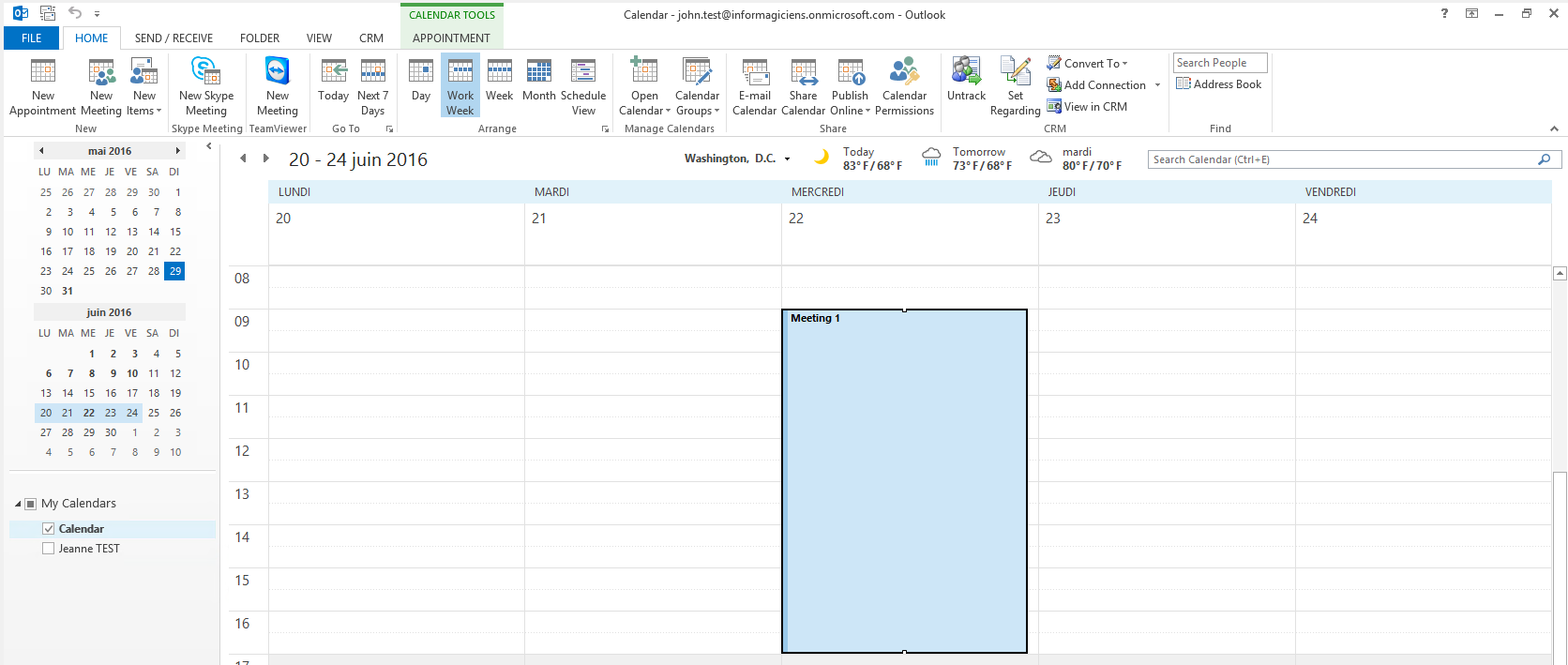
But in CRM, nothing has changed

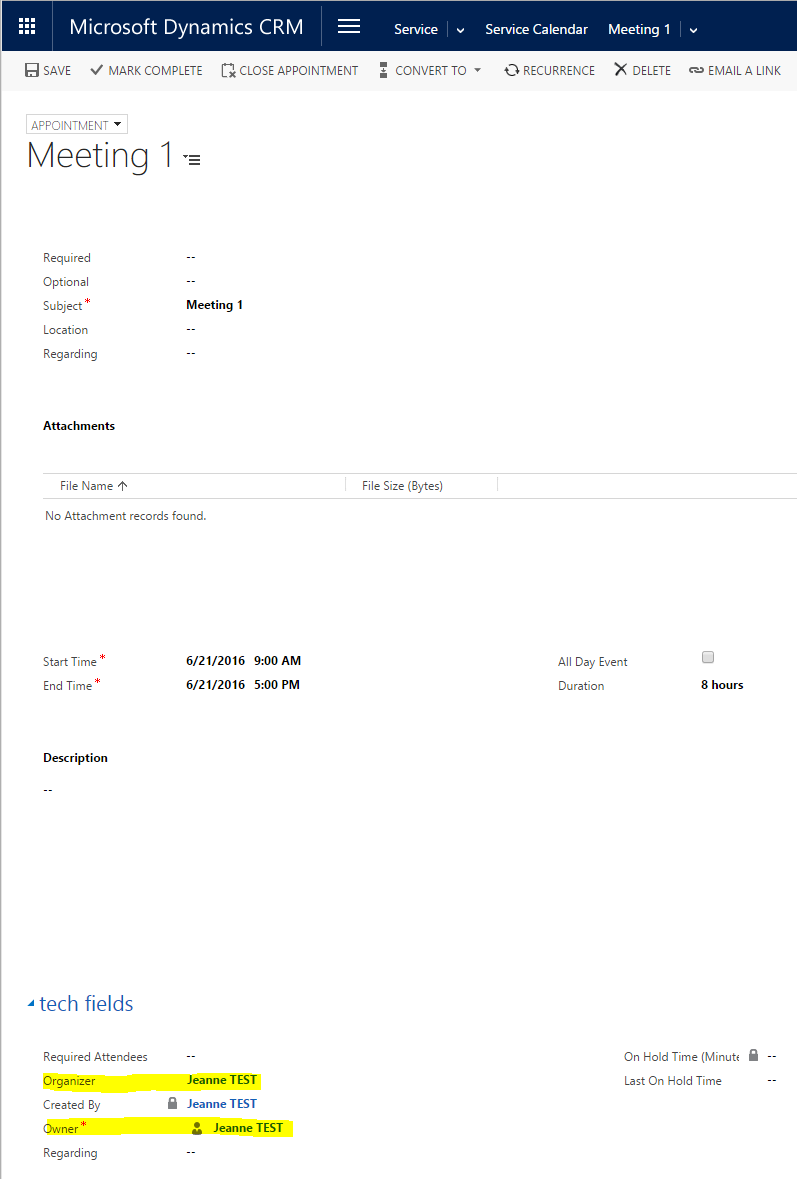
Why ?
2 CRM fields must change in CRM to move the appointment from Jeanne -> John’s calendar





