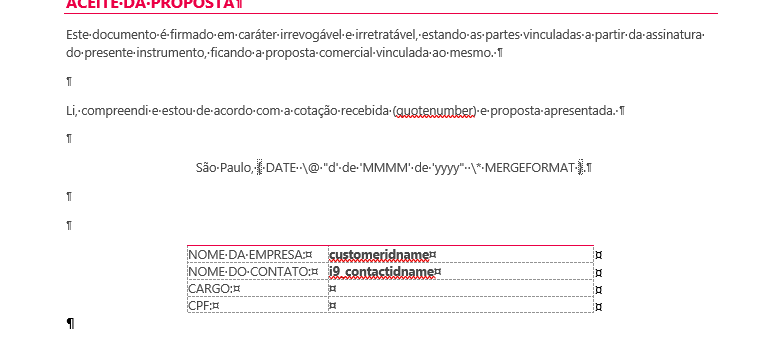
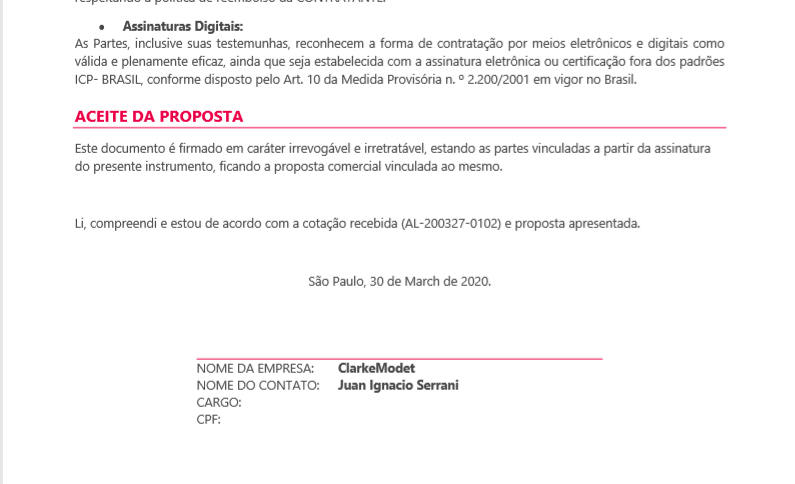
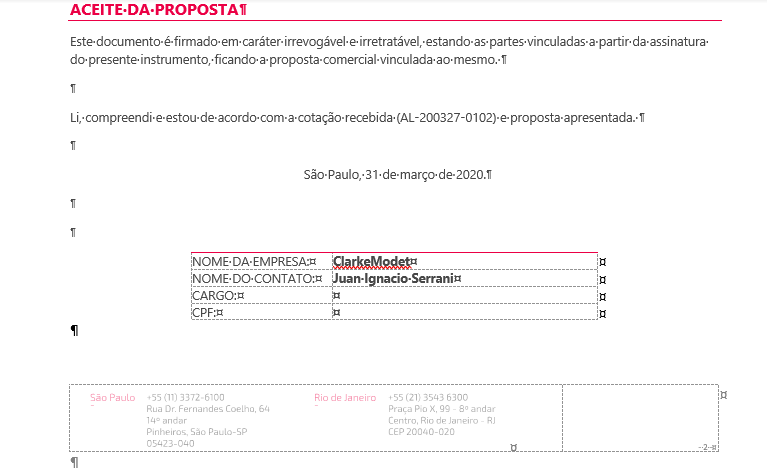
When creating the PDF in the quotation using the Create PDF or Send Email as PDF features, Dynamics is generating the PDF according to the Word template, but the date field (DATE) in the Word template is being generated in the English language. The entire document template was generated in the pt-BR language, but the date is being generated in the en-US language, creating discomfort during the presentation of the personalized document to the client.
When generating a word document, the date is correct as it uses the language of the application, but when generating the PDF using the Generate PDF functionality by Dynamics 365 the generated document should respect the language defined for the user, but this is not the case.
I have already tried to change the formatting of other date type fields, using the MergeField resources among others found on blogs, but without success.