web
You’re offline. This is a read only version of the page.
close
Skip to main content

Notifications

Announcements

No record found.

Community site session details

Community site session details

Session Id :
Finance | Project Operations, Human Resources, ...
Suggested Answer

Need to post packing slip from mobile workspace

(0) ShareShare
ReportReport
Posted on by 51

Hi experts,

We have a requirement to post packing slip from mobile workspace. We refered to this https://www.youtube.com/watch?v=kIJKk9J8FvI&feature=youtu.be and created customized action on which we wrote code for posting packing slip. Its working from Finance and operation but we get error when tried the same from mobile workspace. Please suggest. 

I have the same question (0)
  • nmaenpaa Profile Picture
    101,160 Moderator on at

    Almost always the first step in troubleshooting an issue is to collect information about the problem. And the first step in information collection is often to look for error messages, status messages, logs etc. Did you happen to pay attention to the text in your error message? What was in it?

    Perhaps you could also share your code?

  • Ludwig Reinhard Profile Picture
    Microsoft Employee on at

    Hello Samit Jain,

    I am not sure if I got your question correctly.

    Do you want to navigate people to a specific workspace in D365FO and post their packing slips

    or

    should they do the posting of the packing slip on a mobile device with the help of an App.

    Would be great if you could provide some additional details on this requirement.

    Many thanks and best regards,

    Ludwig

  • Samkit Profile Picture
    51 on at

    Hello Nikolaos,

    Please go through following process that I did:

    1. I created action menu item on sales order page, on which I have written code to post packing slip.

    SalesFormLetter = SalesFormLetter::construct(DocumentStatus::PackingSlip);

    SalesFormLetter.update(SalesTable, systemDateGet(), SalesUpdate::All, AccountOrder::None, NoYes::No, NoYes::No);

    2. I tested from FO and it was posting packing slip for that selected sales order.

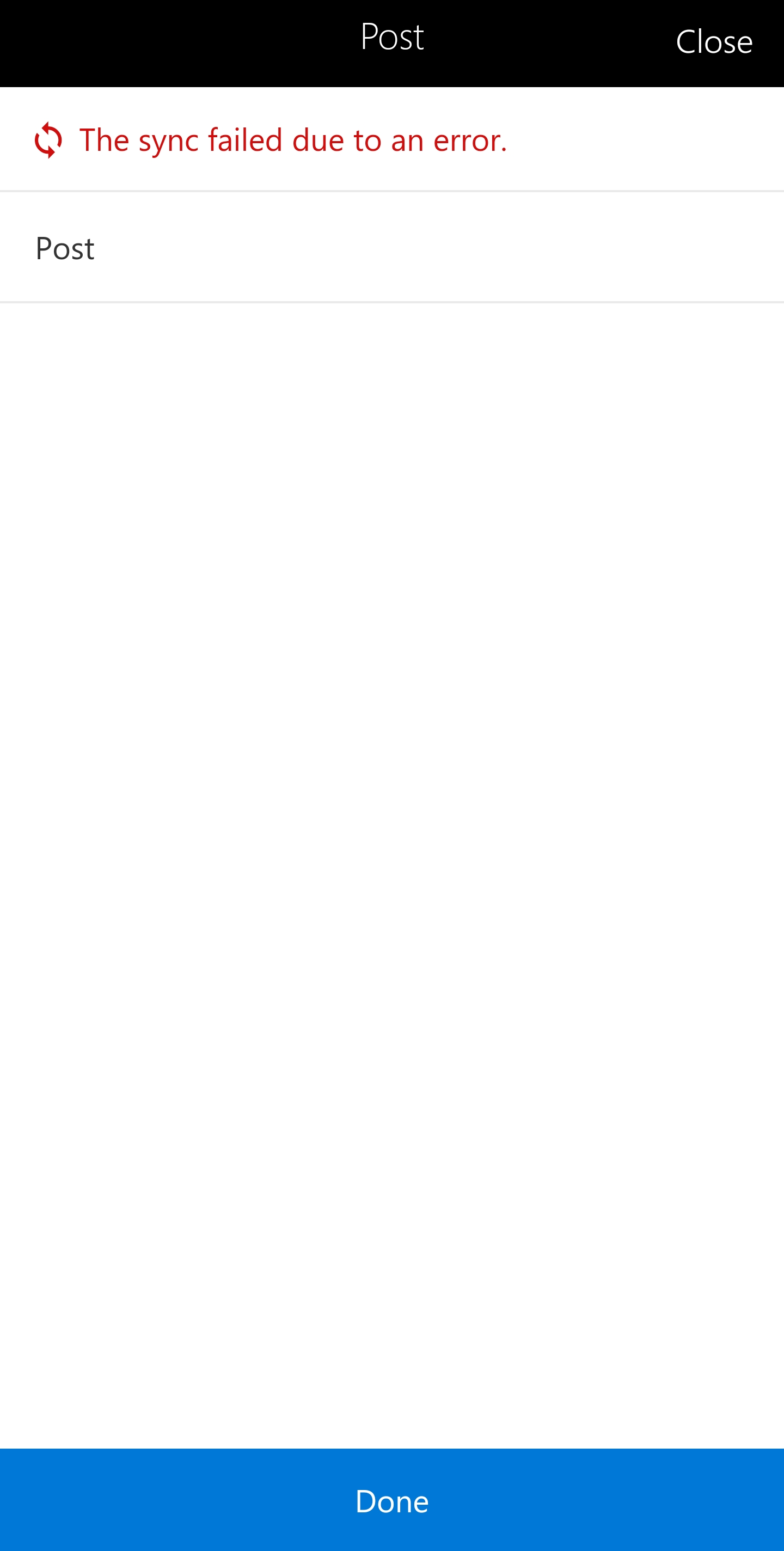
    3. Then I created mobile workspace by following steps provided in the video, which I referenced in the question. In that workspace I had sales order list page, sales order detail selected action on which packing slip posting would be done. (Refer to attached screenshots).

    pastedimage1588051345055v1.pngpastedimage1588051398913v2.pngpastedimage1588051465255v3.pngpastedimage1588051549253v4.png

    4. We tried different variations but end of getting same kind for errors for the Finance and operation app.

    It would be great if you can assist us to resolve this issue.

    Best Regards,

    Samkit Jain 

  • nmaenpaa Profile Picture
    101,160 Moderator on at

    Hi Samkit Jain, you still forgot to share the most important information: the actual error message!

    The quality of help you receive depends a lot on the quality of information that you share.

  • Suggested answer
    nmaenpaa Profile Picture
    101,160 Moderator on at

    I have to apologize, this time there was an error message "Unable to perform the requested operation". I suggest you try to debug this in D365 by putting breakpoint in Classes\Info\add method and see if that gets hit when the error happens. Then you will see the call stack and perhaps will get some useful information.

  • Samkit Profile Picture
    51 on at

    Hi Nikolaos,

    I have attached screenshot from finance and operation mobile app, in which there are errors. If somehow the attached screenshots are not visible, 'Sync failed due to an error' and 'Unable to perform the requested operation' are errors that I received.

    Regards,

    Samkit Jain

  • Suggested answer
    Samkit Profile Picture
    51 on at

    Hello,

    Thank you for your suggestions.

    We were able to achieve output by using Powerapps and pushing result to FnO. After that we created batch process to post packing slip in intervals for that orders.

Under review

Thank you for your reply! To ensure a great experience for everyone, your content is awaiting approval by our Community Managers. Please check back later.

Helpful resources

Quick Links

Responsible AI policies

As AI tools become more common, we’re introducing a Responsible AI Use…

Neeraj Kumar – Community Spotlight

We are honored to recognize Neeraj Kumar as our Community Spotlight honoree for…

Leaderboard > Finance | Project Operations, Human Resources, AX, GP, SL

#1
Martin Dráb Profile Picture

Martin Dráb 592 Most Valuable Professional

#2
André Arnaud de Calavon Profile Picture

André Arnaud de Cal... 478 Super User 2025 Season 2

#3
BillurSamdancioglu Profile Picture

BillurSamdancioglu 305 Most Valuable Professional

Last 30 days Overall leaderboard

Product updates

Dynamics 365 release plans