web
You’re offline. This is a read only version of the page.
close
Skip to main content

Notifications

Announcements

No record found.

Community site session details

Community site session details

Session Id :
Microsoft Dynamics AX (Archived)
Answered

how to remove extra blank page in custom report

(0) ShareShare
ReportReport
Posted on by 202

hi everyone,

i want to ask about my custom report in Dynamics AX 2012 i have been making recently.

why the report display an extra page when i print the report?

Report-Page-1.PNG Report-Page-2.PNG

if i change to the print preview page, there's no extra blank page.
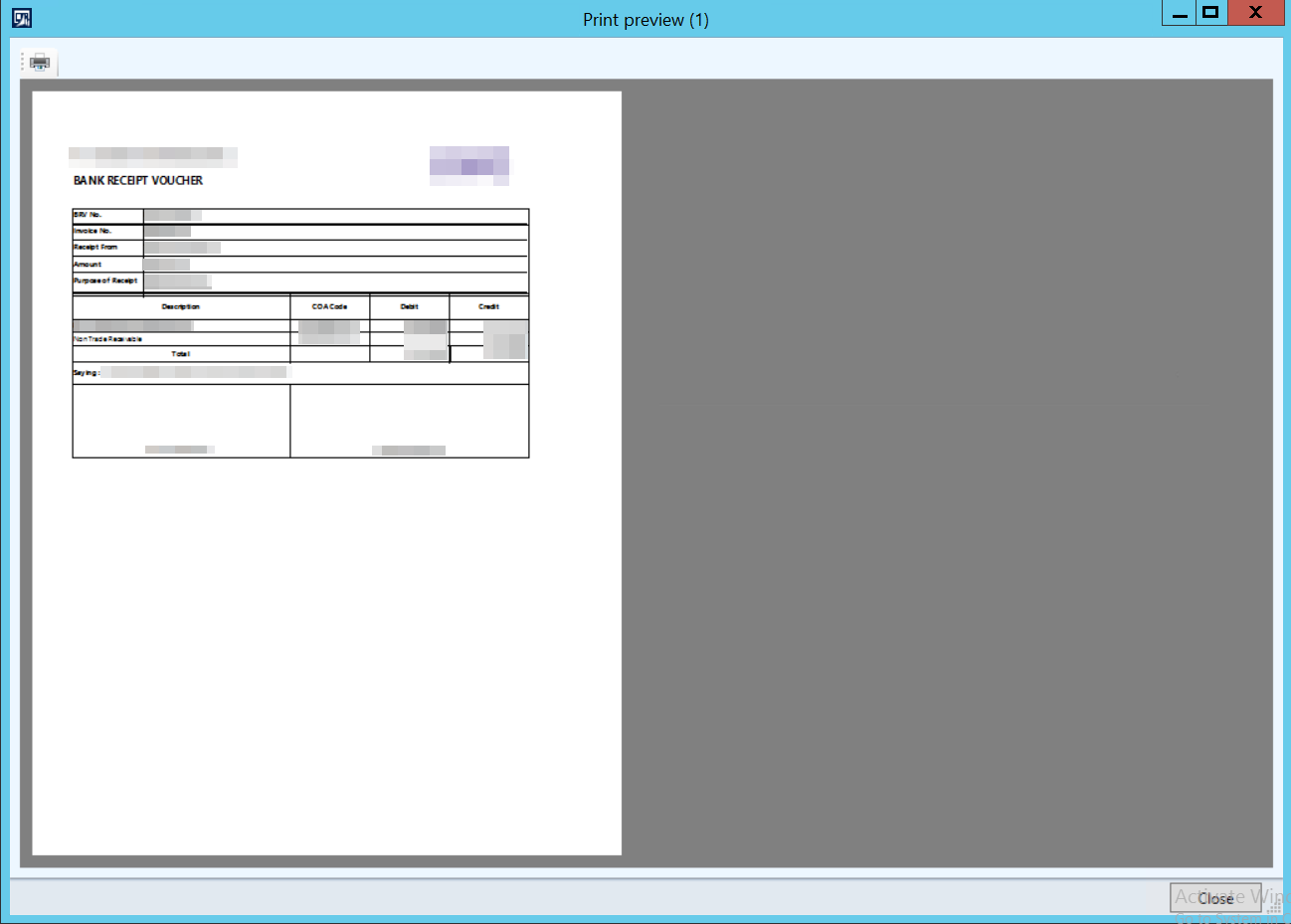
Report-Print-Preview-Page-1.PNG

i'm following the tutorial in this link, https://www.codeproject.com/Questions/639292/RDLC-Report-showing-one-extra-blank-page-at-end.

what i have tried :

- make the report body and margin size smaller from the report size

Property-2.PNG

- change the ConsumeContainerWhitespace property's value to True

Property-1.PNG

how can i solve this problem? i don't think this problem is related to layout setting.

i am using Visual Studio 2013 Professional

thanks for helping me, i appreciate any answer

*This post is locked for comments

I have the same question (0)
  • Verified answer
    Sohaib Cheema Profile Picture
    49,438 User Group Leader on at

    Very Simple, equation of your design is not correct. It must fulfil following for width of report design


    LeftHandSideMargin + Body Width + RighHandSideMargin <= PageSizeMaxWidthAllowed


    If you are not meeting above equation, you will keep getting new page.


  • Verified answer
    Mea_ Profile Picture
    60,284 on at

    In 99% of cases it is caused by a table that is too wide and it pushes right margin to the next page.  Reduce tables width and margin and it will fix the issue.

  • Verified answer
    Mahmoud Hakim Profile Picture
    17,887 on at

    Check margin and width

  • Verified answer
    Keshav Kumar Profile Picture
    220 on at

    Adjust the left hand margin,right hand margin and the width .Check it.It may fix your isuue.

  • Chaidir Ali Assegaf Profile Picture
    202 on at

    hi everyone,

    thanks for all the answer, i can fix it.

    but, i want to share how i fix it.

    like sohaib said, the equation is :

    Left Hand Margin + Body Width + Right Hand Margin <= Page Size

    and my setting is,

    1 cm + 19 cm +1 cm = 21 cm (Body with Margin)

    and the Page size i use is A4( 21 cm x 29,7 cm)

    if i follow the equation, the total width of body + margin is fine. because the operator said less than or equal, so i think it's fine as long as it's equal to the page size.

    but, it's not working. so i think it's not less than or equal. it's just less than. total body + margin can't be equal with the page width size, it's must be less than the page width size.

    and again, thanks for all the answer.

  • Sohaib Cheema Profile Picture
    49,438 User Group Leader on at

    Thank you for testing this and making correction. I am not doing report developments everyday now, compared to early years of my carrier. Probably few times a month now. This makes me to forget things at times :)

Under review

Thank you for your reply! To ensure a great experience for everyone, your content is awaiting approval by our Community Managers. Please check back later.

Helpful resources

Quick Links

Responsible AI policies

As AI tools become more common, we’re introducing a Responsible AI Use…

Neeraj Kumar – Community Spotlight

We are honored to recognize Neeraj Kumar as our Community Spotlight honoree for…

Leaderboard > 🔒一 Microsoft Dynamics AX (Archived)

#1
Martin Dráb Profile Picture

Martin Dráb 4 Most Valuable Professional

#1
Priya_K Profile Picture

Priya_K 4

#3
MyDynamicsNAV Profile Picture

MyDynamicsNAV 2

Last 30 days Overall leaderboard

Featured topics

Product updates

Dynamics 365 release plans
