web
You’re offline. This is a read only version of the page.
close
Skip to main content

Notifications

Announcements

No record found.

Community site session details

Community site session details

Session Id :
Microsoft Dynamics AX (Archived)

Can not activate modern POS dynamics 365 for operations

(0) ShareShare
ReportReport
Posted on by 2,227

Hi,

I want to active modern POS but I'm facing and error 

DA3001 - A connectivity error has occurred and your device can't connect to the server. This may be due to one or more of the following reasons. Contact your system administrator.

A connectivity error has occurred and your device can't connect to the server. This may be due to one or more of the following reasons. Contact your system administrator.

  • The server URL typed may have some issues, check for typo errors or if it matches the HTTP protocol of the server.

  • Server can't be reached because it is offline;

  • The Application pool has stopped. Restart the pool, and try again;

  • The Server host name can't be resolved because the DNS can't be reached;

  • Server is actively refusing the connection because the port you are using is not allowed through the firewall;

  • The local system doesn't have network connectivity;

  • The local system firewall is blocking outgoing connections. Add a firewall exception for the application.

Application session ID

5f9b2af6-f25f-75df-b209-24b457db08e1

After you have resolved the issue, press Retry.

However when I access the Url in the browser, I find the below:
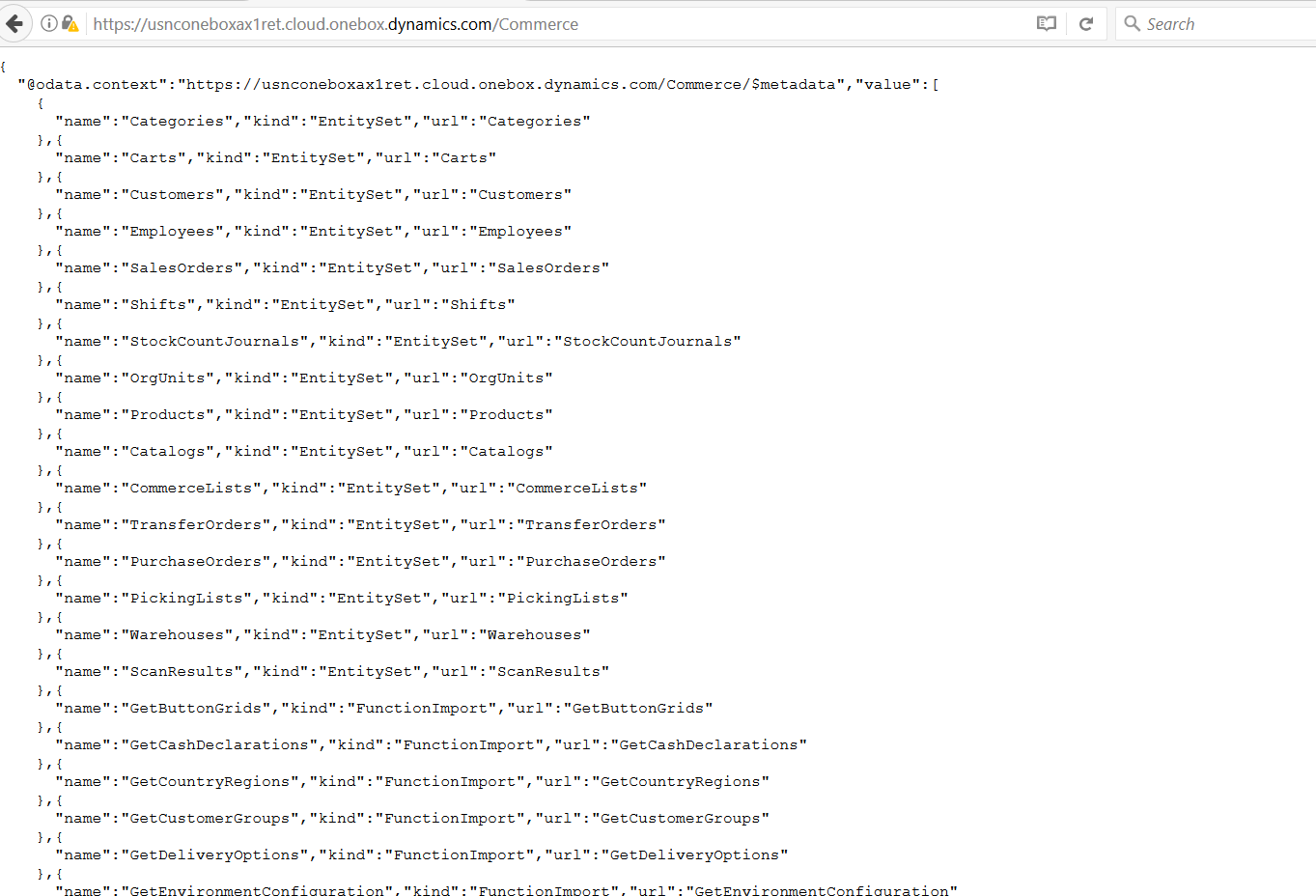
1007.Screenshot_5F00_1.png

*This post is locked for comments

I have the same question (0)
  • Suggested answer
    RM-22040759-0 Profile Picture
    2,014 on at

    Please check below point :

    1. Cross check Real-Time server profile.

    2. Are you able to browse Real-Time URL (https://<server name>:port/<web application name>/Service.svc

    technet.microsoft.com/.../dn876713.aspx

    Best Regards,

    Ravi Theja Madisetty

    https://technoguns.com

  • Ahmed Hesham Profile Picture
    2,227 on at

    I can not fidn real time service in the system it is not exist in retail store screen

  • Ahmed Hesham Profile Picture
    2,227 on at

    I can not find real time service in the system it is not exist in retail store screen

  • Suggested answer
    RM-22040759-0 Profile Picture
    2,014 on at

    Make sure RealTime Server and Channel Profiles configured properly. Please check below locations.

    1.RealTime Server Profile Path :

    Path : Open AXClient >> AX Company >> Retail >> Setup >>Retail scheduler >> Channel integration >>Real-Time service profile

    2. Channel profiles.

    Open AXClient >> AX Company >> Retail >> Setup >>Retail scheduler >> Channel integration >>Channel Profiles

    Best Regards,

    Ravi Theja Madisetty

    https://technoguns.com

  • Suggested answer
    RM-22040759-0 Profile Picture
    2,014 on at

    Adding one more point,

    Please validate Async Client configurations.

    I.e Goto the server where you installed Async Client (Ex : C:\Program Files (x86)\Microsoft Dynamics AX\60\CDX\Async Client\Package) and open Async client configuration utility and Validate.

    And also I recommend you refer below thread/blogs

    community.dynamics.com/.../189145

    https://community.dynamics.com/ax/b/sumitpotbharesaxretailblog/archive/2015/01/30/modern-pos-activation-in-dynamics-ax-for-retail-r3

    Best Regards,

    Ravi Theja Madisetty

    https://technoguns.com

  • RM-22040759-0 Profile Picture
    2,014 on at

    Oops sorry, i didn't notice you are referring D36s.

    Till I didn't check retail setups in D365.

    Blogs which I have attached above related to AX 2012

  • Suggested answer
    Pravasti AK Profile Picture
    2,985 on at

    Hi Yoko,

    MPOS is installed locally on the same instance as the AX instance.

    Go to the Event Viewer and there are no events from a Retail Server source, then for sure you have a simpler issue.

    This is the Retail Server URL you have entered is wrong, for sure. Just copy it and browse it in a web browser. If valid it should let you know that it wants to download a v1 file, but this will not happen. Just correct this and it will work.

  • Verified answer
    Ahmed Hesham Profile Picture
    2,227 on at

    Dears, the issue is solved after installing the right ssl certificate

  • Suggested answer
    Ahmed Hesham Profile Picture
    2,227 on at

    Dears, the issue is solved after installing the right ssl certificate.

  • Community Member Profile Picture
    on at

    Hi,

    Can you please detail out the solution ? I am also facing the similar issue while activation of MPOS for D365.

    Thanks,

    Digvin.

Under review

Thank you for your reply! To ensure a great experience for everyone, your content is awaiting approval by our Community Managers. Please check back later.

Helpful resources

Quick Links

Responsible AI policies

As AI tools become more common, we’re introducing a Responsible AI Use…

Neeraj Kumar – Community Spotlight

We are honored to recognize Neeraj Kumar as our Community Spotlight honoree for…

Leaderboard > 🔒一 Microsoft Dynamics AX (Archived)

#1
Martin Dráb Profile Picture

Martin Dráb 4 Most Valuable Professional

#1
Priya_K Profile Picture

Priya_K 4

#3
MyDynamicsNAV Profile Picture

MyDynamicsNAV 2

Last 30 days Overall leaderboard

Featured topics

Product updates

Dynamics 365 release plans



